Security firm Huntress has documented attacks observed in October 2025 that used fake Windows Update screens to trick users into running commands that delivered the Rhadamanthys information stealer. The attacks used a loader that recovered malicious code hidden within PNG image pixels, Huntress found.
Huntress said it had tracked related ClickFix activity since the beginning of October, initially involving fake human-verification pages. Its investigation covered attacks delivering LummaC2 and Rhadamanthys through a steganographic loader—a component that extracts code hidden inside an image.
Proofpoint said law enforcement disrupted Rhadamanthys infrastructure on November 13, 2025, as part of Operation Endgame. Huntress said the examined fake Windows Update domains stopped delivering their payload after the disruption, although the domains remained online at the time of the report.
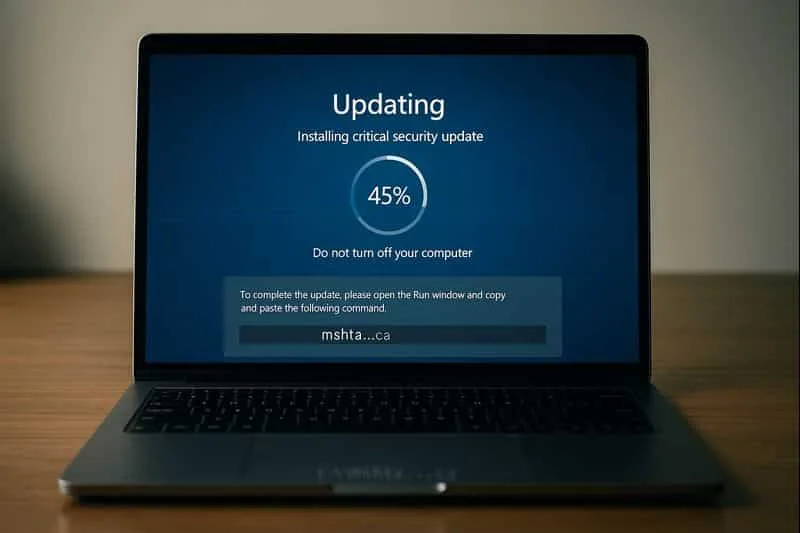
A browser page impersonating Windows Update
ClickFix is a social-engineering technique used by multiple attackers, rather than a single malware family or group. It persuades users to copy, paste and run malicious commands under the pretext of fixing a technical problem or completing a verification step.
Huntress described a lure that imitated the blue Windows Update screen in a full-screen browser page, complete with animated “Working on updates” indicators. The page eventually instructed visitors to open the Windows Run dialog, paste a command and execute it to complete the supposed update.
In a human-verification lure Huntress examined, JavaScript automatically copied the malicious command to the clipboard. The infection chain depended on the user following the instructions to paste and run it.
In its August 21, 2025 analysis of ClickFix, Microsoft said this reliance on human intervention could allow campaigns to get past conventional automated security controls. That assessment concerned the broader technique, which Microsoft had observed delivering information stealers, remote-access tools and other malware.
How the loader recovered code from an image
Huntress traced an execution chain beginning with the Windows utility mshta.exe, which ran a JScript payload that launched PowerShell code. The PowerShell stage decrypted and loaded a .NET component into memory.
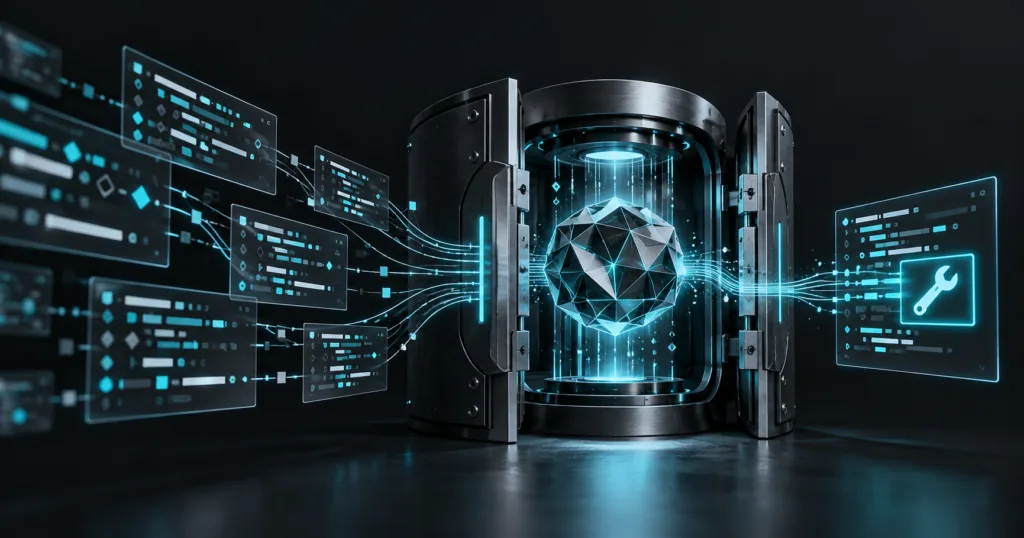
That component contained an encrypted PNG image. After decrypting the image, the loader extracted hidden bytes from its pixel data and decoded them to reconstruct executable code in memory. Huntress emphasized that the malicious data was encoded within the pixels, rather than simply appended to the image file.
The analyzed execution chain included junk code, encrypted configuration strings and a sequence of 10,000 empty function calls before the loader reached its main malicious routine. Huntress found that the code extracted from the image was then injected into explorer.exe, a Windows process.
Huntress recommended disabling the Windows Run dialog and monitoring for suspicious process chains, including explorer.exe launching mshta.exe or PowerShell. Microsoft recommended disabling the Run dialog for users who did not need it for their daily work.