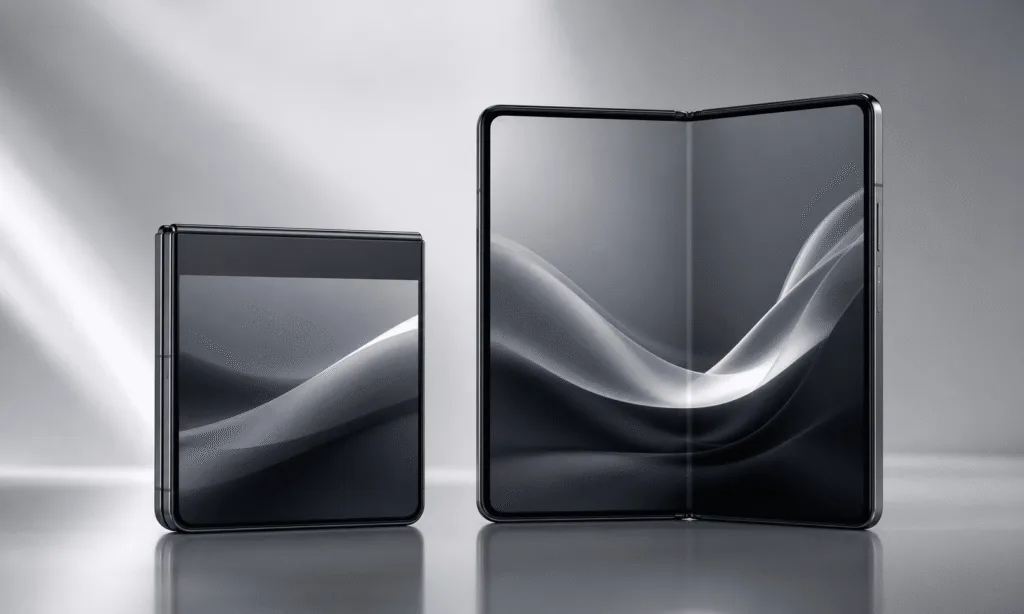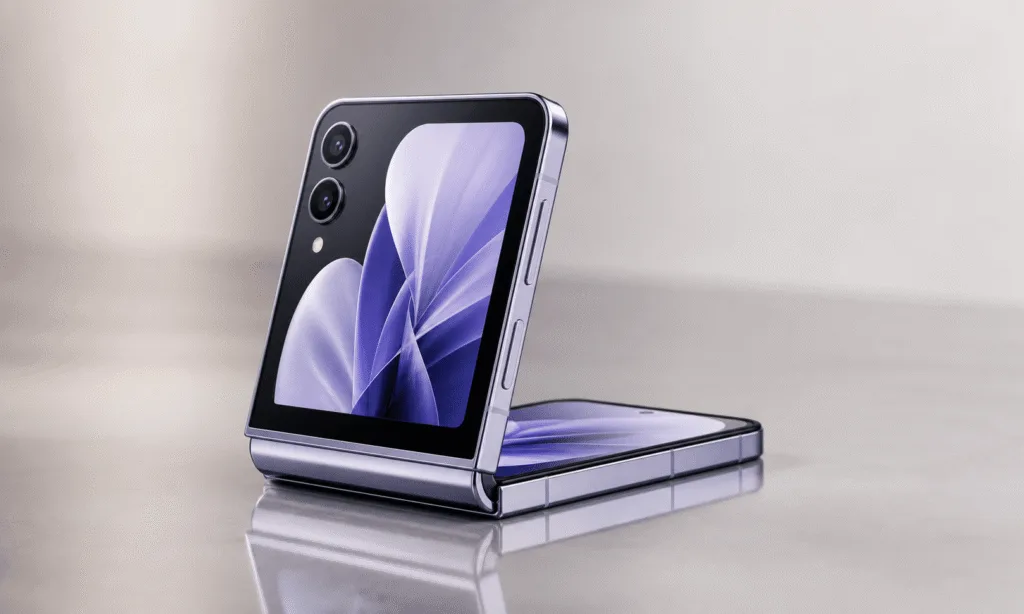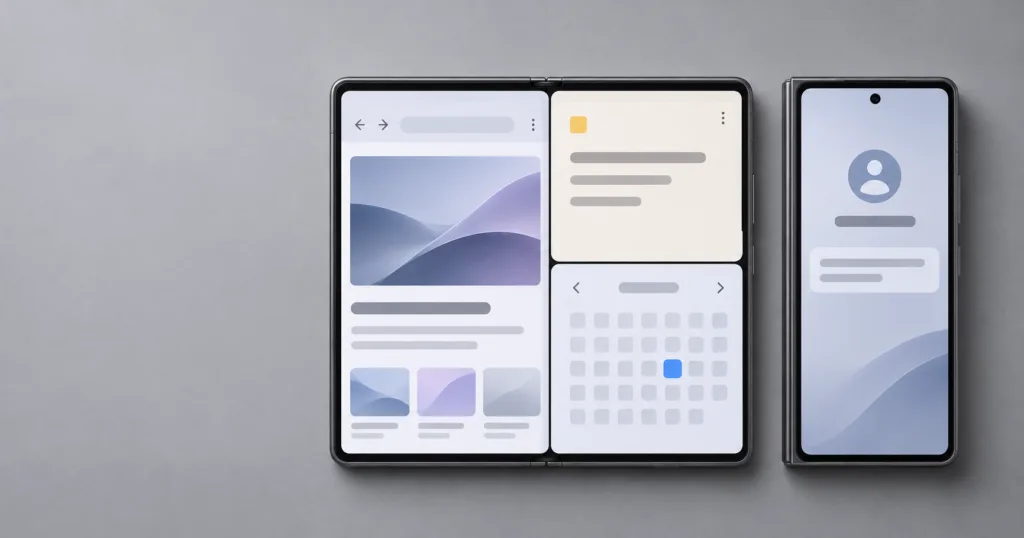
Samsung’s Galaxy Z Fold8 pairs a 5.5-inch cover screen with a 7.6-inch foldable display that can show three supported apps at once in split screen. In November, Samsung updated its support guidance on switching between the displays and using app windows. The phone went on sale in select markets on Aug. 7, 2026.
Samsung unveiled the Fold8 on July 22 alongside the Galaxy Z Fold8 Ultra and Galaxy Z Flip8. The Fold8 shipped with One UI 9, Samsung’s software based on Android 17. Its main screen has an approximately 4:3 aspect ratio in landscape orientation. Samsung designed the hinge around fully open and fully closed positions, a choice that affects how the phone can be used for photos and video.
How apps use the two displays
The outer display has an approximately 10:16 aspect ratio. At 81.9 mm wide and 123.9 mm tall when closed, the Fold8 has a shorter, wider body than the Fold8 Ultra. The Ultra’s cover display measures 6.5 inches diagonally. Both screens on the standard Fold8 use OLED panels with adaptive refresh rates of up to 120 Hz.
The cover screen can handle tasks such as reading and replying to a message while the phone is closed. Unfolding gives the same task more room on the main screen. That extra space also serves a different purpose when the phone is turned sideways to watch a video. In portrait orientation, the main display has an approximately 3:4 aspect ratio that gives a web page or an e-book a wider reading area than the cover screen.
App layouts can differ across the two screens. On the main display, Samsung lets users choose whether a supported app fills the screen or keeps its original aspect ratio. One UI also supports picking up a compatible app on the cover display after folding the phone. Depending on the setting, the app can continue automatically or after a swipe. Another setting locks the cover screen when the device is folded.
The two home screens can be configured independently or set to mirror each other. Mirroring keeps the same home-screen arrangement across the two displays, while separate layouts make it possible to keep a different set of shortcuts on the cover screen.
Split screen and floating app windows
One UI 9 includes Multi Window on the inner display. Two compatible apps can share the screen, and a third can be added by dragging it from the taskbar into the split view. In the default three-app layout, one app takes half the display and the other two share the remaining half. Samsung also documents an option for three equal columns. Moving the dividers changes how much space the apps get, and the apps can swap positions within the layout.
A split-screen layout can put a browser next to a notes app so both remain visible while a user refers to a page. Samsung’s App Pair feature can save that combination, or a three-app layout, as a single shortcut. The taskbar on the inner screen gives users a place to reopen saved combinations alongside their favorite and recently used apps.
Samsung illustrates the three-app view with a video playing in one pane while a chat and the Gallery are open in the other two. In that example, a photo can be dragged from the Gallery directly into the chat while all three apps remain visible.
Samsung says an additional compatible app can open in Pop-up View, a floating window that can be moved or resized over the split-screen layout. A pop-up can also be minimized to an icon and reopened. Samsung says some third-party apps may lack Multi Window support. Its documentation places the taskbar, split-screen layout and floating windows on the main display.
Camera previews and the hinge
Samsung says the Fold8 hinge is designed to make the fold area flatter when the display is open. The standard Fold8 lacks Flex Mode, which adapts supported apps for partially folded use on some Galaxy phones. Samsung lists the feature for the Galaxy Z Fold8 Ultra, whose hinge can hold the phone partially open on a flat surface for a video call or a timed photo.
The standard Fold8 can use both screens during photography. When it is unfolded and the rear cameras are active, Cover Screen Preview shows the subject a live view on the outer display. The person taking the photo can frame it on the inner screen while the subject checks their position on the other side.
Samsung also documents a separate Capture View that divides the main display between the camera controls and a preview of recently taken photos. That lets the photographer check the previous shot and keep the camera open for the next one. The preview also includes controls for opening a photo full screen or sharing it.