

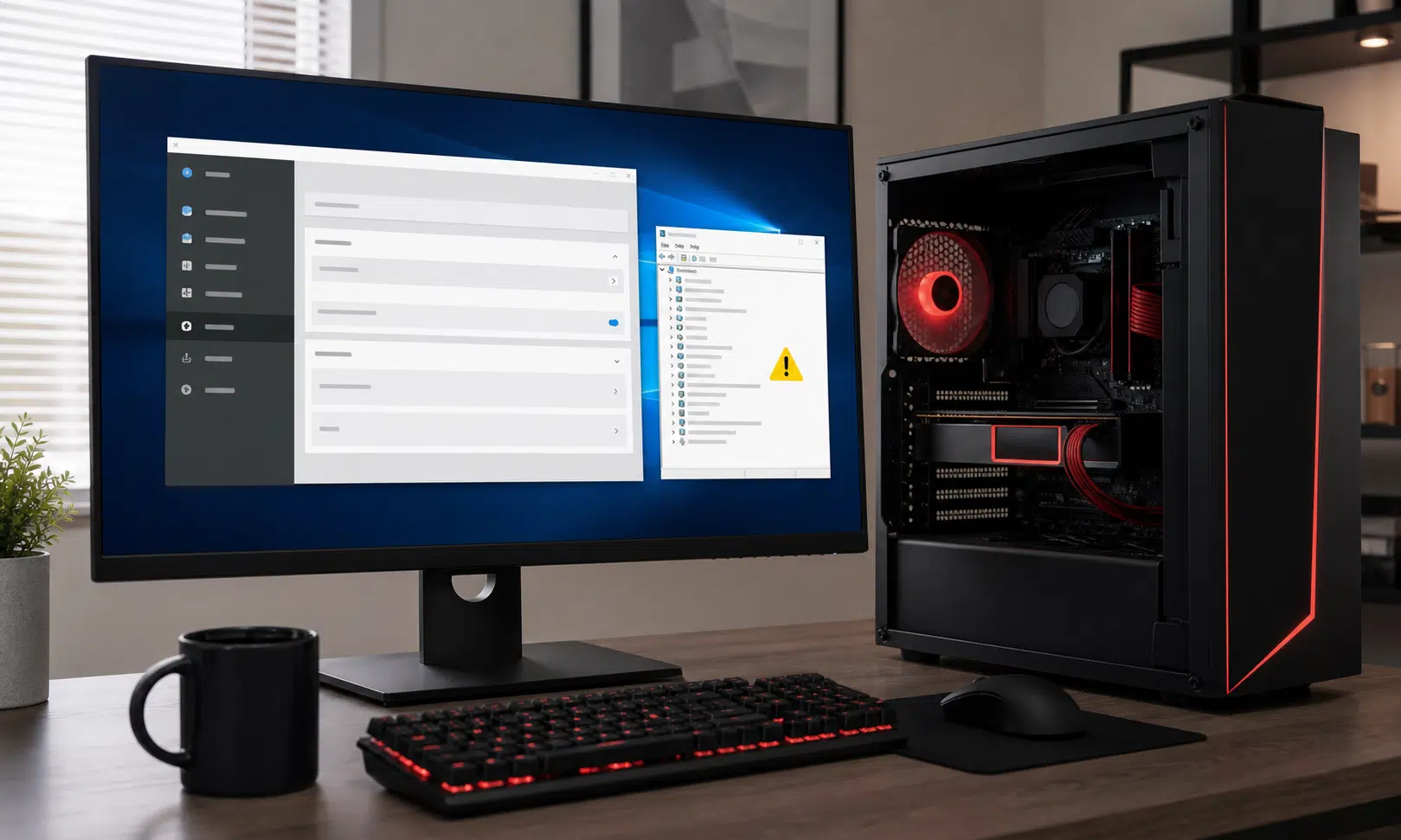

AMD Software: Adrenalin Edition 26.6.2 looks like an update Windows 10 users should approach carefully, especially if their Radeon system is already stable on an earlier driver.
The driver package is tied to newer game and graphics support, including FSR-related improvements for newer Radeon hardware, but the more important issue for many PC owners is basic reliability. Some Windows 10 systems may run into a launch failure after installing the 26.6.2 package, with AMD Software behaving as though the installed driver and the control app are not compatible.
That matters because GPU driver updates are usually routine maintenance for PC gamers, creators, and anyone trying to keep a Radeon system ready for new releases. When the control software fails to open, users lose easy access to tuning, recording, display, update, and graphics settings. In worse cases, Windows may also flag the GPU in Device Manager with a warning icon, which makes the issue look less like a cosmetic app problem and more like a driver-installation failure.
What appears to be going wrong
The main symptom is a mismatch between AMD Software and the installed AMD graphics driver. Users affected by the issue may see AMD Software refuse to launch after updating, leaving the system in an awkward state: the GPU may still be present, but the management software cannot be used normally.
Device Manager may also show a yellow warning icon under Display adapters for the Radeon GPU. That kind of warning is broad by itself, but in this case it points users toward the driver stack rather than the monitor, cable, or game they were trying to run.
The issue appears most relevant to Windows 10 machines. While the driver package is associated with support for Windows 10 version 21H2 and newer, the practical risk is that non-Windows 11 systems may not handle this release cleanly. A firm fix timeline has not been publicly confirmed, so this is not the sort of update Windows 10 users should install casually unless they specifically need something it adds.
Who should avoid the 26.6.2 update for now
If you are running Windows 11 and have already installed the driver without problems, there may be nothing to do. The bigger caution applies to Windows 10 users, particularly those relying on a Radeon RX graphics card for daily work, gaming, or a shared household PC where downtime is more annoying than any single driver feature is useful.
The safest group to stay put is anyone on AMD Software: Adrenalin Edition 26.6.1 with no obvious problems. Unless you need the newer package for a specific game profile or GPU feature, the risk-reward balance is not especially attractive.
Windows 10 users should be especially cautious if they depend on:
- A Radeon PC used for work or school
- A gaming system that needs to stay stable for online play
- A family desktop where driver troubleshooting would be disruptive
- A setup that relies on AMD Software for recording, display controls, fan tuning, or performance settings
The usual advice to keep graphics drivers up to date still applies in general, but this is one of those cases where waiting is the more practical move. Driver updates are supposed to reduce friction, not create a round of uninstalling, reinstalling, and checking Device Manager.
The temporary workaround
For affected users, the practical workaround is to roll back to AMD Software: Adrenalin Edition 26.6.1. That earlier package is the safer fallback if 26.6.2 breaks the AMD Software launch flow or leaves the GPU marked with a warning inside Windows.
A clean rollback is usually better than repeatedly installing the same broken package over itself. Users who hit the issue should uninstall the problematic driver package, reboot, and reinstall the earlier known-working version. If Windows continues to show a Device Manager warning after the rollback, another reboot and a clean driver reinstall may be needed.
What to check before rolling back
Before changing drivers again, it is worth confirming the basics:
- Check whether AMD Software opens normally.
- Open Device Manager and inspect the Radeon GPU under Display adapters.
- Confirm which AMD Software version is installed.
- Note whether the problem began immediately after installing 26.6.2.
If the system is working normally and Device Manager is clean, there is no reason to troubleshoot a problem that is not present. If AMD Software fails to launch or the GPU is flagged, rolling back is the cleaner path than waiting on the same install.
What this means for game support
The tradeoff is that some users may have installed 26.6.2 because they wanted the newest game-specific support. That is the usual tension with GPU drivers: the newest package may improve support for certain games, but the previous one may be the better choice if it keeps the system stable.
For buyers and PC builders, the lesson is straightforward. A Radeon GPU is only as convenient as the driver path around it, and Windows 10 is increasingly becoming the awkward edge case for new PC software. If you are building or maintaining a Radeon gaming PC and still plan to stay on Windows 10, it is worth treating driver releases more conservatively than you might on Windows 11.
That does not mean Windows 10 Radeon systems are suddenly unusable. It does mean that optional GPU updates should be handled like any other system-level change: check what the release adds, wait for early problem reports when possible, and keep a copy of the last stable installer nearby.
Bottom line
AMD Software: Adrenalin Edition 26.6.2 may bring useful support for newer Radeon gaming features, but Windows 10 users have a good reason to wait. If your PC is stable on 26.6.1, staying there is the more sensible choice until AMD provides a fix or a clearer replacement package.
If you already installed 26.6.2 and AMD Software no longer launches properly, the most practical next step is to revert to 26.6.1. New driver features are not worth much if the control software breaks or Windows starts warning that the GPU driver is not behaving correctly.