

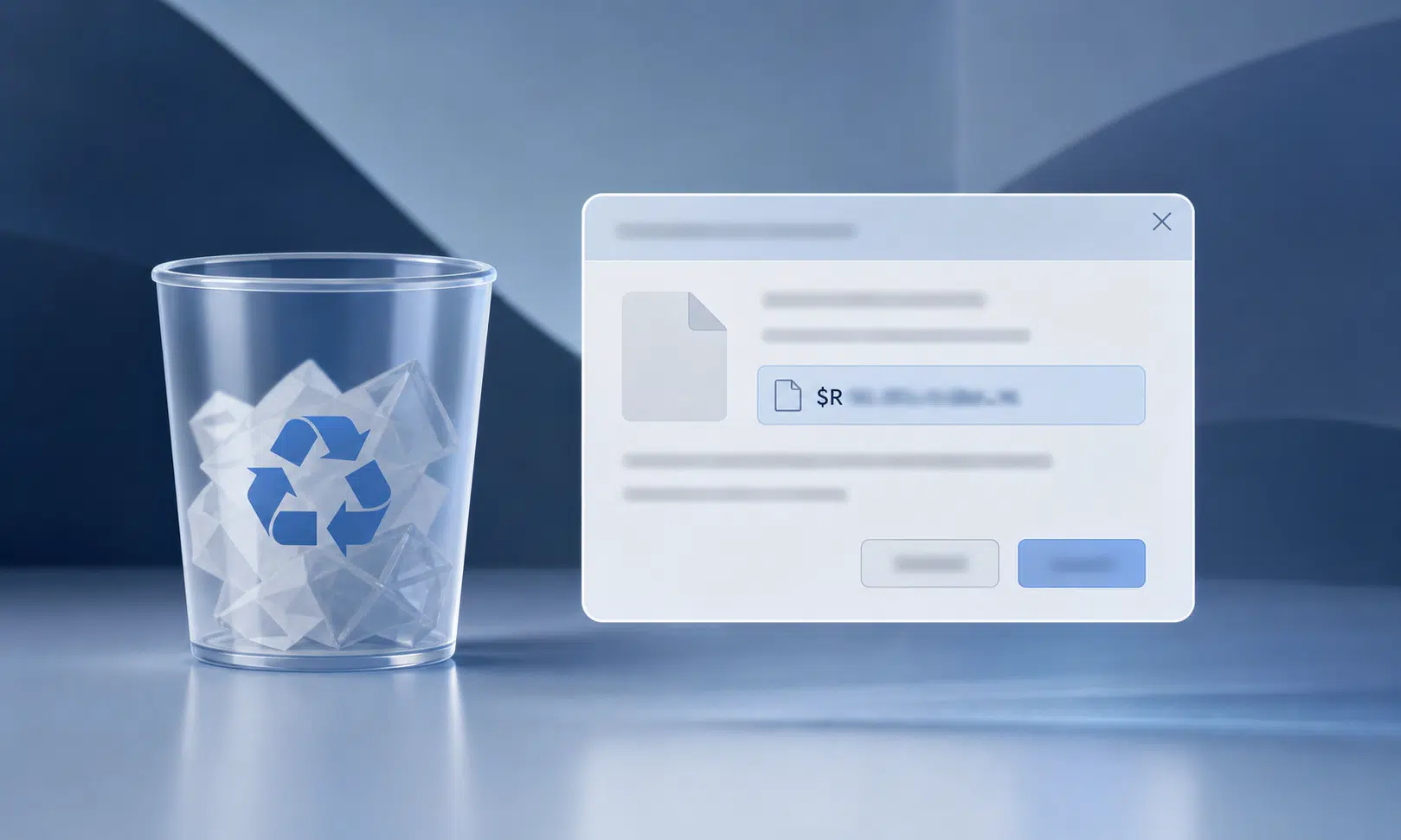

A Windows Recycle Bin bug tied to June’s Patch Tuesday update can make a simple delete prompt look more confusing than it should.
The issue concerns the confirmation dialog that appears when permanently deleting an item from the Recycle Bin. Instead of showing the file’s familiar name, the dialog may show the internal Recycle Bin name Windows uses behind the scenes. A file that appears normally in the Recycle Bin list could therefore show up in the warning prompt with a name beginning with the familiar hidden-style “$R” pattern.
That sounds more alarming than the actual behavior appears to be. The file name shown in the Recycle Bin list remains the expected one, and restoring the file should bring it back with its normal name. The problem is the mismatch in the final confirmation step, which can make it harder to confirm that the correct item is being deleted.
What The Recycle Bin Bug Changes
The bug affects the wording of the permanent deletion confirmation dialog. It does not appear to rename files in the Recycle Bin list, and it does not appear to change the restored file name.
That distinction matters because the Recycle Bin is often used as a last checkpoint before a file is gone for good. If the confirmation dialog shows an internal name instead of the visible file name, users may pause, cancel, or second-guess the deletion. For individual users, that is mostly an annoyance. For IT teams, it is another small support issue that can generate confusion after a monthly update.
The practical advice is simple: check the Recycle Bin list view before confirming permanent deletion. If the prompt shows an unfamiliar internal file name, use the visible item list to verify what you selected. The bug is about the displayed name in the prompt, not an indication that the file itself has changed identity.
Affected Windows Versions
The affected list is broad, covering supported Windows client and server releases. That includes recent Windows 11 releases, Windows 10 22H2, long-term servicing versions of Windows 10, and multiple Windows Server versions.
| Platform | Versions listed as affected |
|---|---|
| Windows client | Windows 11 version 26H1, Windows 11 version 25H2, Windows 11 version 24H2, Windows 11 version 23H2, Windows 10 version 22H2, Windows 10 Enterprise LTSC 2021, Windows 10 Enterprise LTSC 2019, Windows 10 Enterprise LTSB 2016 |
| Windows Server | Windows Server 2025, Windows Server 2022, Windows Server 2019, Windows Server 2016, Windows Server 2012 R2, Windows Server 2012 |
For most home users, the important names in that table are Windows 11 and Windows 10 22H2. For businesses, the wider server and LTSC coverage is the more relevant detail, since the bug can show up across managed fleets rather than being limited to one consumer release.
Why This Is Annoying, Not Catastrophic
This is not the kind of Windows issue that should stop most people from using their PC. It does not appear to block access to files, trigger recovery prompts, or prevent Windows from starting. It is a user-interface problem in a sensitive place: the moment before a file is permanently removed.
That still makes it worth paying attention to. A confirmation dialog is supposed to reduce mistakes. If it shows a cryptic internal name, it does the opposite. Users who regularly clean out old downloads, project folders, screenshots, or shared work files may have to slow down and check the Recycle Bin list before confirming deletion.
For businesses, the risk is less about data loss from the bug itself and more about help desk noise. Employees may report strange file names, assume files were renamed, or worry that a selected item is not the one being deleted. Admins may want to warn users that the behavior is cosmetic before it turns into a larger support thread.
What To Do Until A Fix Arrives
A firm public timeline for a fix has not been confirmed. Microsoft is expected to address the issue in a future Windows update, but users should not assume it will arrive outside the normal update cadence unless a separate release is made available.
Commercial customers may have access to a workaround through Microsoft Support for Business, but the public details are limited. That means most users should treat the issue as something to watch for rather than something they can manually patch today.
For now, the best approach is cautious file handling:
- Review the visible file name in the Recycle Bin list before selecting permanent delete.
- Restore the file first if the confirmation dialog shows a name you do not recognize and you are unsure what is being deleted.
- Delay emptying the entire Recycle Bin if you are dealing with important work files and the prompt looks confusing.
- For managed devices, notify users that the odd file name in the dialog is a known display issue.
The Bottom Line
The Windows Recycle Bin bug is small, but it lands in a place where clarity matters. The Recycle Bin is supposed to be the easy recovery layer between a routine cleanup and a permanent deletion. Showing an internal file name in the final warning dialog makes that step less trustworthy, even if the underlying file remains intact and restores normally.
For individual users, the workaround is mostly patience: check the Recycle Bin list, confirm the file visually, and avoid rushing through permanent deletion prompts. For IT departments, the better move is communication. A short note explaining that the odd name is a display issue may prevent unnecessary support tickets while waiting for the fix to arrive.