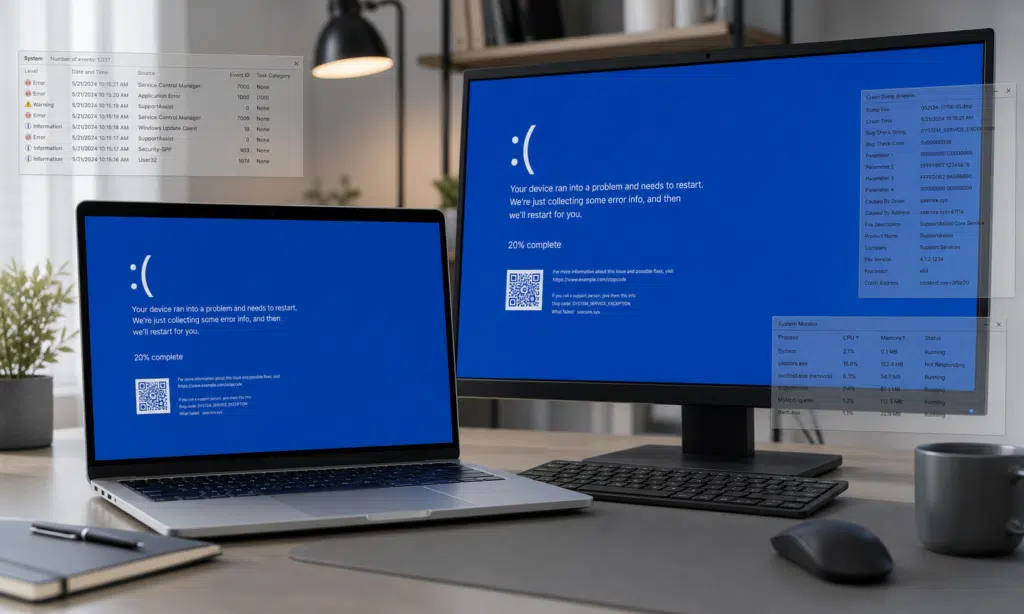
Some Dell PC owners are reporting a frustrating problem: their systems appear to enter repeated blue screen of death reboot loops after recent Dell software activity. The reports describe machines that crash, restart, and then crash again after a short period of use.
The issue is easy to mistake for a Windows 11 problem, especially because Windows updates have a long history of being blamed when PCs suddenly start showing BitLocker prompts, boot problems, or repeated blue screens. In this case, however, the available user reports point more directly at Dell’s own SupportAssist software rather than Windows itself.
That does not make the cause settled. Dell has not publicly confirmed a single root cause for the latest user reports, and forum-based troubleshooting should be treated carefully. Still, multiple affected users have described similar behavior closely after SupportAssist-related updates or activity.
What users are reporting
The pattern being described is fairly specific. Affected Dell systems reportedly run normally for a short time, then hit a BSOD and reboot. One Neowin forum member said their Dell PC was crashing roughly every 30 minutes after a new Dell software update, although that timing should be treated as a user report rather than a confirmed interval across all affected systems.
Event logs shared in the discussion reportedly showed critical errors around the time of the crash, including kernel power events. Those entries can appear after a system shuts down unexpectedly, so they do not, by themselves, prove what caused the crash. They are useful as supporting evidence that the machine is failing abruptly rather than shutting down cleanly.
A user analyzing crash dumps with WinDbg, Microsoft’s Windows debugging tool, said the dumps appeared to implicate Dell SupportAssist components. According to that analysis, removing SupportAssist and related Dell recovery components stopped the crashes on that user’s machine. That is not the same as an official diagnosis, but it is the clearest technical lead described in the reports so far.

WD My Passport portable backup drive
If the PC stays online long enough, copying important files to an external drive is a practical first step before removing utilities or changing recovery settings. A portable hard drive gives users local backup space without depending on a working cloud sync session.
As an Amazon Associate I earn from qualifying purchases.
Why SupportAssist is under scrutiny
SupportAssist is Dell’s bundled maintenance and diagnostics software. It can scan hardware, check for driver updates, and interact with Dell recovery tools. Because it runs close to system maintenance and recovery workflows, problems in SupportAssist or its related services can feel like deeper Windows failures when something goes wrong.
In the current reports, users are focusing on three related pieces of Dell software:
- Dell SupportAssist
- Dell SupportAssist OS Recovery Plugin
- Dell SupportAssist Remediation or recovery-related services
Some affected users say uninstalling SupportAssist and related recovery components reduced or stopped the crashes. Others in older Dell forum threads have described similar BSOD behavior after SupportAssist updates, including reports from December 2024. Those earlier cases are useful context, but they should not be treated as proof that every current crash has the same cause.
One previously reported workaround involved running the SupportAssist hardware scan, after which a user said the blue screens did not return. That workaround has not been independently verified, and it may not apply to every Dell model or SupportAssist version. Anyone dealing with repeated crashes should avoid assuming a single fix will work across all systems.
What affected Dell users can try
If a Dell PC starts crashing repeatedly after SupportAssist activity, the safest first step is to preserve important files before making changes. A machine that is blue-screening every few minutes may not give much warning before another restart.
After that, users can consider a cautious troubleshooting sequence:
- Check whether the crashes began after SupportAssist, Dell Update, or a Dell recovery component changed.
- Review Windows Reliability Monitor and Event Viewer for crash timing and repeated Dell service failures.
- If dump files are available, analyze them with a tool such as WinDbg or ask a qualified support forum to review them.
- Temporarily uninstall Dell SupportAssist and related recovery plugins if the timing strongly points to those components.
- Use Dell’s support site manually for drivers and BIOS updates while SupportAssist is removed.
Users should be careful with BIOS settings and recovery tools unless they know exactly what they are changing. Removing SupportAssist from Windows is not the same as changing firmware-level recovery settings, and unnecessary BIOS changes can make troubleshooting harder.

SanDisk Ultra Flair USB recovery drive
A USB flash drive can be used to create Windows recovery or installation media from another working PC. This is useful if repeated BSOD loops make normal repair steps unreliable.
As an Amazon Associate I earn from qualifying purchases.
What is still unclear
The main uncertainty is whether the latest reports point to one defective SupportAssist build, a conflict with a recovery plugin, or a narrower issue affecting only certain Dell models and configurations. Forum posts can identify patterns quickly, but they do not always show the full system state behind each crash.
It is also not clear whether Dell has issued a broad fix for the newest reports. Older forum discussions show Dell acknowledging SupportAssist problems in the past, but that does not automatically confirm the same explanation here.
For now, the practical takeaway is simple: if a Dell PC suddenly begins BSOD reboot loops after SupportAssist activity, do not assume Windows 11 is the culprit. SupportAssist and its recovery components are worth checking early in the troubleshooting process, especially if crash dumps or reliability logs point in that direction.