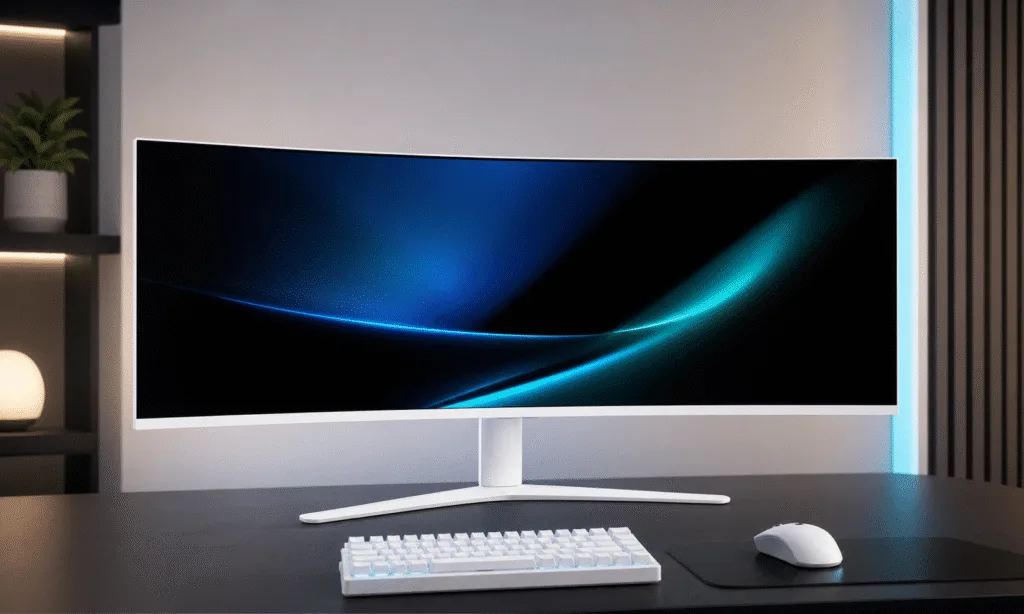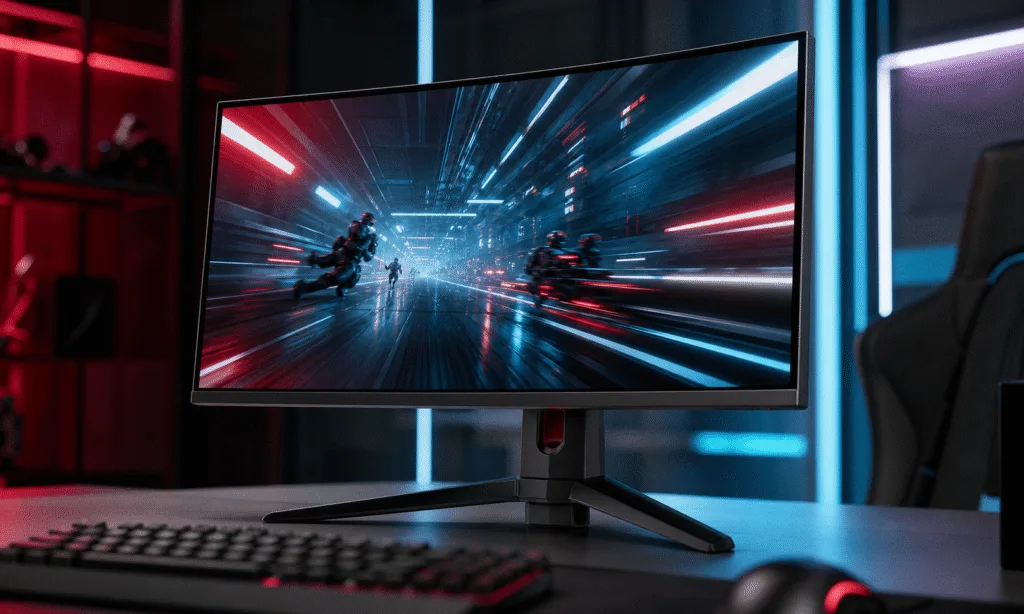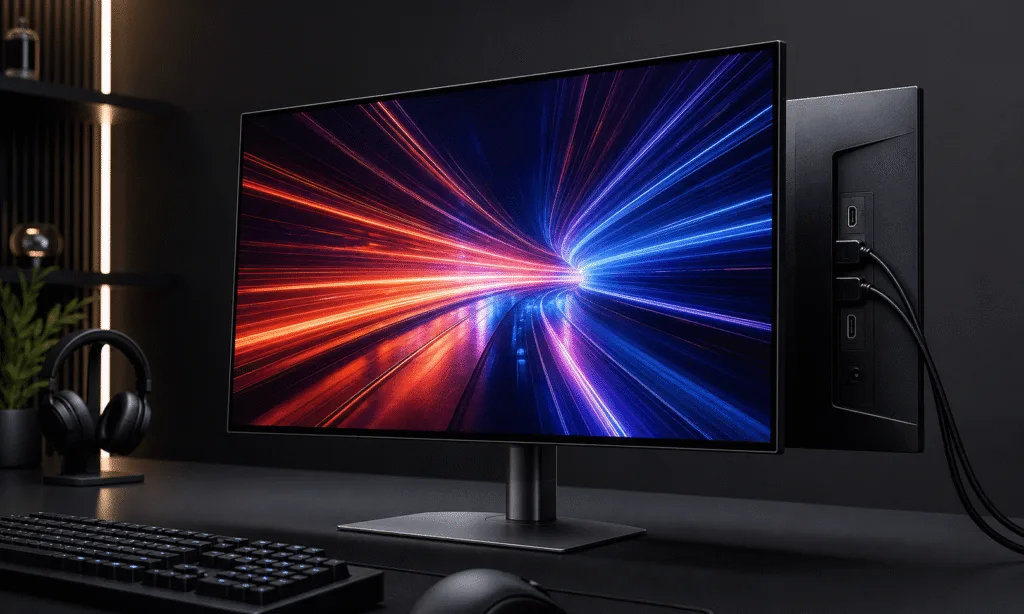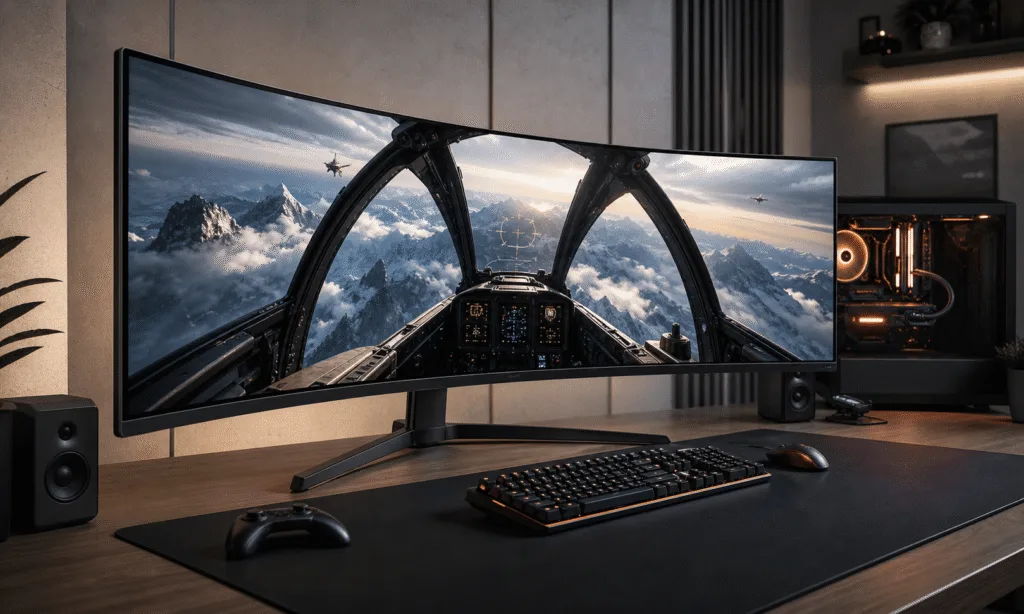
LG’s UltraGear 52G930B combines a 52-inch VA panel with a 5120 x 2160 resolution and a maximum refresh rate of 240Hz. The gaming monitor has a 21:9 aspect ratio, a 1000R curve and more than 11 million pixels across its screen.
LG announced the U.S. rollout on February 24, 2026, with a preorder price of $1,999.99. Christian Eberle listed a $1,700 asking price at the time of his review.
Display specifications and connections
LG specifies a 1ms gray-to-gray response time, up to 95% DCI-P3 color gamut coverage and AMD FreeSync Premium support. The monitor also supports HDR10 and carries VESA DisplayHDR 600 certification.
Eberle reported that DisplayPort 2.1 and HDMI 2.1 support the full resolution at 240Hz, while USB-C video is limited to 120Hz. USB ports provide peripheral connectivity, and a headphone output is included.
Eberle put pixel density at about 108 pixels per inch, comparable to a 27-inch gaming monitor with 1440p resolution.
Reported brightness, contrast and color results
In tests of his review sample, Eberle reported more than 450 nits of SDR brightness and approximately 625 nits in HDR. The HDR brightness test used a 25% window pattern, so that result reflects the specified test condition.
Native contrast measured above 4,000:1. With Deep Black Pro dimming set to High, Eberle reported contrast of around 16,000:1. The higher ratio depended on enabling the dimming feature.
His sample covered 94.4% of DCI-P3. Eberle reported accurate grayscale, gamma and color tracking in the default Gamer 1 mode and said calibration through the on-screen controls did not improve the result. He also found the separate sRGB mode accurate.
HDR testing showed some limitations. Eberle observed a cool tint in grayscale at higher output levels, slight color oversaturation and minor hue errors in yellow and magenta.
Motion response and graphics workload
Using Nvidia LDAT equipment, Eberle reported a 2.6ms pixel response result at 240 frames per second. In a separate input-lag test, he recorded an average of 14.3ms across 25 mouse clicks. These reported measurements are distinct from LG’s listed 1ms gray-to-gray specification.
Eberle said the Fast overdrive setting kept motion blur low without visible ghosting artifacts. The monitor supports Adaptive-Sync but has no backlight strobe mode.
The panel’s maximum refresh rate does not establish the frame rate a computer will deliver. In Doom Eternal, Eberle said his GeForce RTX 4090 could not manage much more than 200 frames per second, below the display’s 240Hz ceiling.
Size, controls and audio
The monitor is nearly four feet wide. LG lists height, tilt and swivel adjustments for the stand, while Eberle identified a 100mm VESA mount for an alternative mounting arrangement.
Eberle described sitting about three feet from the screen for gaming. For spreadsheets and document editing, he moved back to about four feet to reduce the head movement needed to access menus and toolbars. Those distances reflect his experience with the display.
A joystick operates the on-screen menu, which includes picture modes, overdrive settings, crosshairs, a frame-rate counter, picture-in-picture and picture-by-picture controls, rear lighting and programmable shortcuts. No handheld remote is included. LG’s Switch app provides display controls from the Windows desktop, and LG Calibration Studio offers additional calibration functions.
The monitor includes built-in speakers and DTS Headphone:X support through its headphone output. Eberle described loud speaker playback without audible distortion and noted decent bass. He said using DTS Headphone:X required a separately purchased DTS app.