


LG has introduced the UltraGear 25G590B, a 24.5-inch Full HD gaming monitor built around one headline specification: a native 1000Hz refresh rate. LG describes it as the world’s first Full HD gaming monitor to reach 1000Hz natively, without relying on an overclocked mode or a lower-resolution dual-mode trick.
That makes the 25G590B an unusually focused product. It is not trying to be the best all-purpose desktop display, the sharpest monitor for single-player games, or the most cinematic screen for HDR. It is aimed at competitive players who value motion clarity, low latency, and consistent visual updates over resolution and screen size.
For most buyers, the important question is not whether 1000Hz sounds impressive. It does. The useful question is whether this monitor solves a real problem for the way you play, and whether waiting for it makes more sense than buying one of today’s mature 360Hz, 480Hz, or 540Hz esports displays.
What LG Has Announced
The UltraGear 25G590B uses a 24.5-inch IPS panel with a 1920 x 1080 resolution. That size and resolution combination is familiar in esports because it keeps the display compact, frame rates easier to drive, and the whole screen easier to track without excessive head movement.
LG is positioning the monitor primarily for fast-paced competitive games, especially first-person shooters. In that context, the appeal is straightforward: a higher refresh rate lets the screen update more often, which can make motion look smoother and reduce the time between a rendered frame and what appears on the display.
The company also says the display includes Motion Blur Reduction Pro, a feature intended to improve the visibility of moving objects during fast gameplay. As with any blur reduction mode, the real-world value will depend on how LG implements it, how much brightness it costs, and whether it introduces tradeoffs such as flicker or reduced image flexibility.
The monitor uses a low-reflection coating, which should matter for players who compete or practice in bright rooms. A glossy or glare-prone display can make dark targets harder to read, especially in games where small visibility differences affect reaction time.
LG has also mentioned AI-assisted gaming features, including automatic scene optimization and audio-related adjustments for compatible setups. Those features may be convenient, but they should not be the main reason to buy this monitor. The defining feature is the native 1000Hz panel.

BenQ ZOWIE XL2586X+ 600Hz Esports Monitor
The BenQ ZOWIE XL2586X+ is a specialist 24.1-inch 1080p esports monitor with a 600Hz refresh rate and DyAc 2 blur-reduction technology. It makes the most sense for competitive FPS players who want a buy-now alternative while 1000Hz panels are still emerging.
As an Amazon Associate I earn from qualifying purchases.
LG UltraGear 25G590B Specs at a Glance
| Feature | LG UltraGear 25G590B | Buyer takeaway |
|---|---|---|
| Screen size | 24.5 inches | Compact esports size, easier to scan than larger displays |
| Resolution | 1920 x 1080 Full HD | Lower pixel count helps very high frame rates, but is less sharp than 1440p or 4K |
| Refresh rate | Native 1000Hz | Main selling point for elite competitive play |
| Panel type | IPS | Should offer stronger viewing consistency than TN-style esports panels |
| Motion feature | Motion Blur Reduction Pro | Potentially useful for tracking fast-moving targets, pending real-world testing |
| Surface treatment | Low-reflection coating | Useful for reducing glare in bright rooms or tournament-style setups |
| Availability | Expected in select markets in the second half of 2026, according to LG | Not an immediate buy for most shoppers |
| Price | Not announced | Value cannot be judged until pricing is confirmed |
Who This Monitor Is Actually For
The UltraGear 25G590B makes the most sense for a narrow group of buyers: serious competitive players who already tune their systems around frame rate, latency, and consistency. If you mostly play Counter-Strike-style shooters, Valorant, Overwatch, Rainbow Six, or similar fast games at low settings, this kind of monitor is at least relevant to your shopping list.
It is less compelling if you split your time across slower games, single-player releases, creative work, or console gaming. A 24.5-inch 1080p display can feel limiting outside esports, especially if you are used to 27-inch 1440p, ultrawide, OLED, or high-end HDR monitors.
A 1000Hz display also raises the bar for the rest of the PC. The monitor can refresh 1000 times per second, but that does not mean your game will reliably output 1000 frames per second. Many competitive titles can run at extremely high frame rates on strong hardware with reduced settings, but performance varies by game engine, map, CPU, GPU, graphics settings, and background system load.
For buyers, that means the 25G590B is not just a monitor purchase. It is part of a full performance setup. You need a PC, game settings, input devices, and network environment that make the extra refresh headroom meaningful.
Best-fit buyers
- Competitive FPS players who already prioritize frame rate over visual quality.
- Players using high-end CPUs and GPUs tuned for esports performance.
- People who prefer smaller 24- to 25-inch monitors for focus and speed.
- Buyers willing to pay for marginal performance gains once price is announced.
- Esports teams, training rooms, or players who need standardized tournament-style setups.
Buyers who should probably wait or skip it
- Players who mainly want better image quality, HDR, contrast, or immersion.
- Console users, since current consoles will not make practical use of a 1000Hz monitor.
- Casual PC gamers who are already satisfied with 144Hz, 240Hz, or 360Hz.
- People who want a single display for gaming, work, media, and content creation.
- Anyone shopping on value before LG confirms pricing.
The Main Tradeoff: Speed Over Sharpness
The 25G590B is a reminder that esports monitors and general gaming monitors are moving in different directions. Premium gaming displays often emphasize OLED contrast, 1440p or 4K resolution, wider screens, better HDR, or richer color. This LG monitor goes the other way: smaller screen, Full HD resolution, and an extreme refresh rate.
That is not a flaw. It is the point. At 24.5 inches, 1080p remains usable, and many competitive players intentionally choose 1080p because it is easier to drive at very high frame rates. The lower resolution also keeps the image scale familiar for people who have spent years on esports-standard monitors.
But buyers should be honest about what they are giving up. If you play visually dense games, work with text all day, edit media, or want one monitor for everything, 1080p at 24.5 inches may feel dated next to a good 27-inch 1440p panel. If you care about black levels and contrast, an IPS esports monitor may not deliver the same visual punch as OLED.
The reason to consider the 25G590B is not image luxury. It is the pursuit of motion performance.
How 1000Hz Compares With Today’s Fast Monitors
High-refresh gaming monitors are already far beyond the old 60Hz baseline. For many players, the jump from 60Hz to 144Hz is obvious. The move from 144Hz to 240Hz is still noticeable for competitive play. Beyond that, the differences become more specialized, but they can still matter to players who are trained to see and feel them.
A 1000Hz panel updates every 1 millisecond. That is a clean technical milestone, and it gives the display more opportunities to show fresh frames than 240Hz, 360Hz, 480Hz, or 540Hz monitors. The catch is that the gains are not equally valuable for every user. The closer refresh rates get to the limits of human perception, system latency, and game engine output, the more the benefit depends on the entire chain.
| Refresh rate | Frame interval | Typical buyer fit |
|---|---|---|
| 144Hz | About 6.94 ms | Mainstream gaming and a major upgrade from 60Hz |
| 240Hz | About 4.17 ms | Competitive players who want smoother motion without extreme cost |
| 360Hz | About 2.78 ms | Serious esports players with strong PCs |
| 480Hz | About 2.08 ms | High-end competitive gaming, often with premium panel tradeoffs |
| 1000Hz | 1 ms | Specialist esports use where every latency reduction matters |
This table does not mean a 1000Hz monitor will make a 240Hz player instantly better. It means the display removes more delay from one part of the system. Whether that matters depends on the player, game, PC, settings, mouse, keyboard, and consistency of frame delivery.
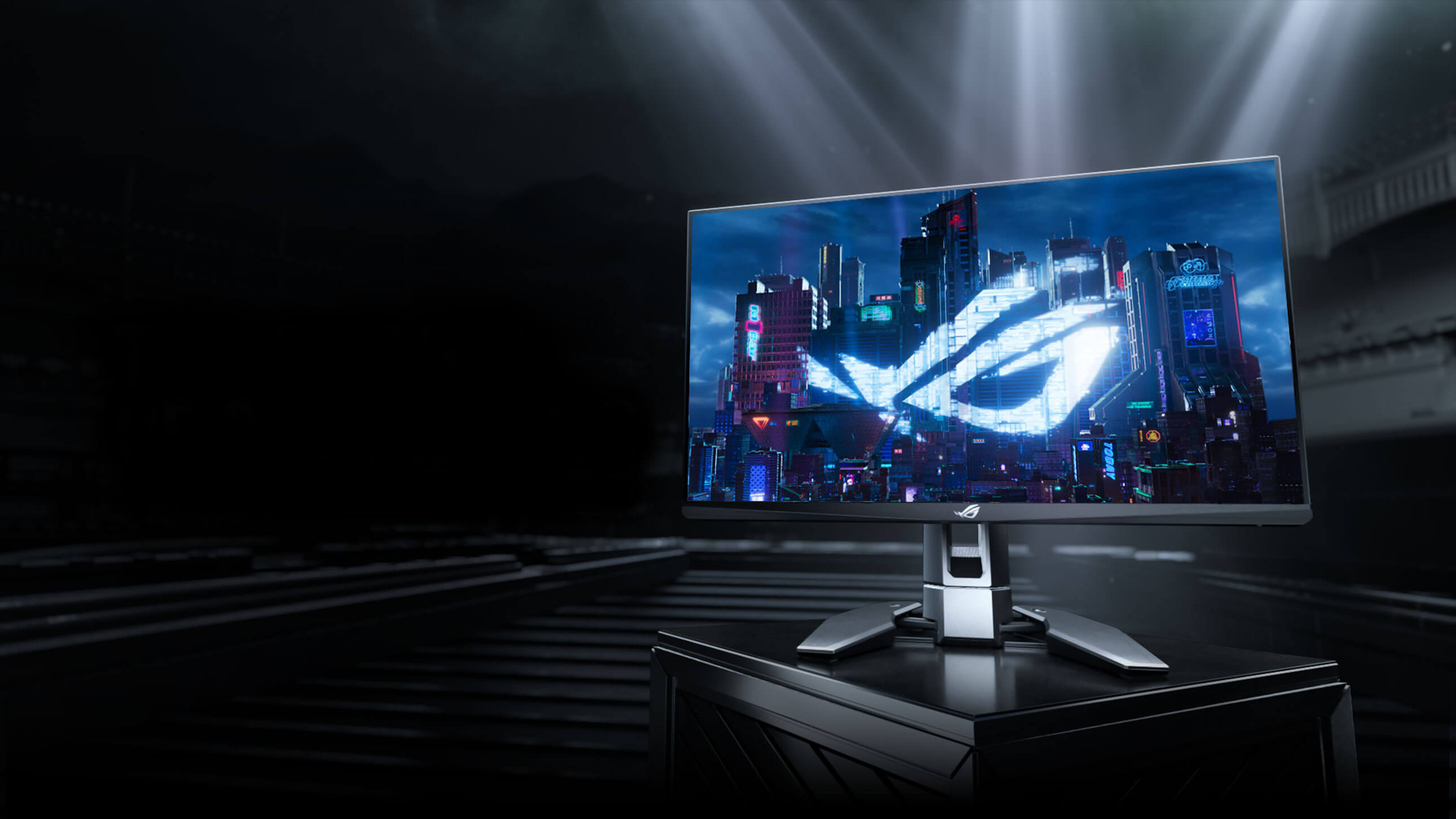
ASUS ROG Swift Pro PG248QP 540Hz Esports Monitor
The ASUS ROG Swift Pro PG248QP is a 24.1-inch 1080p esports monitor built around a 540Hz overclocked refresh rate, NVIDIA G-SYNC, and ULMB 2. It is a practical comparison point for buyers weighing today’s fastest esports displays against waiting for LG’s native 1000Hz monitor.
As an Amazon Associate I earn from qualifying purchases.
Why Native 1000Hz Matters
The word “native” is important here. Some displays use overclocked refresh modes, dual-mode operation, or resolution compromises to reach their highest advertised speeds. LG’s claim is that the 25G590B reaches 1000Hz at its native Full HD resolution.
For buyers, native operation should be cleaner than a headline mode that only works under narrow conditions. It suggests the monitor’s main performance claim is part of its core design rather than an optional edge case. Still, independent testing will be needed before buyers can judge response times, overshoot, input latency, strobe behavior, brightness, and color performance.
Refresh rate is only one part of motion clarity. Pixel response time matters too. A monitor can refresh extremely quickly, but if pixels cannot transition cleanly between frames, motion can still smear or show artifacts. That is why reviews of the 25G590B should be read carefully when the monitor becomes available.
The right questions will be practical:
- Can the panel keep up with 1000Hz without visible smearing?
- How much overshoot appears at different refresh rates?
- Does Motion Blur Reduction Pro improve clarity without making the image uncomfortable?
- How bright is the screen with blur reduction enabled?
- Does the monitor support the connections needed for full 1000Hz operation?
- How stable is performance outside the ideal esports use case?
Desk Setup and Ergonomics
LG says the 25G590B uses a compact stand with height, swivel, and tilt adjustment. That is the right direction for an esports monitor, where desk space matters. Competitive players often use large mouse pads, low sensitivity, and wide arm movement, so a bulky stand can become a real annoyance.
The smaller footprint should help players position the keyboard and mouse more freely. LG has also described positioning aids meant to help users recreate a preferred setup between sessions or tournament environments. That is a useful idea, though buyers should wait for hands-on coverage before treating those markers as a major feature.
For a monitor this specialized, ergonomics are not a side note. If the stand gets in the way, if the display cannot sit low enough, or if the base forces an awkward keyboard angle, the headline refresh rate matters less. A fast esports monitor still has to fit the way competitive players actually sit and aim.
Should You Wait for the LG UltraGear 25G590B?
If you are building a competitive FPS setup and already own a high-end PC, the 25G590B is worth watching. It is one of the clearest signs yet that monitor makers are pushing esports displays beyond today’s already-fast options.
But it is not a universal recommendation yet. LG has not announced pricing, and availability is expected to begin in select markets before broader rollout. Until price, connection details, measured latency, response behavior, and real-world clarity are known, the 25G590B is more of a watchlist product than a buy-now recommendation.
For most gamers, a good 240Hz or 360Hz display will remain the smarter purchase. For serious competitive players, 480Hz and higher models are already more realistic options today. The LG 25G590B becomes interesting if its price lands within reach of that high-end esports market and if testing confirms that the panel can actually make 1000Hz useful rather than merely impressive on a spec sheet.
Early verdict
The LG UltraGear 25G590B is for players who know exactly why they want a 24.5-inch 1080p monitor instead of a sharper or larger display. Its native 1000Hz refresh rate is the headline, but the buying decision should come down to measured motion clarity, total latency, price, and whether your PC can feed it enough frames to matter.
If you are chasing every possible competitive advantage, keep it on your shortlist. If you want the best overall gaming monitor for a mix of genres, this is probably too specialized.
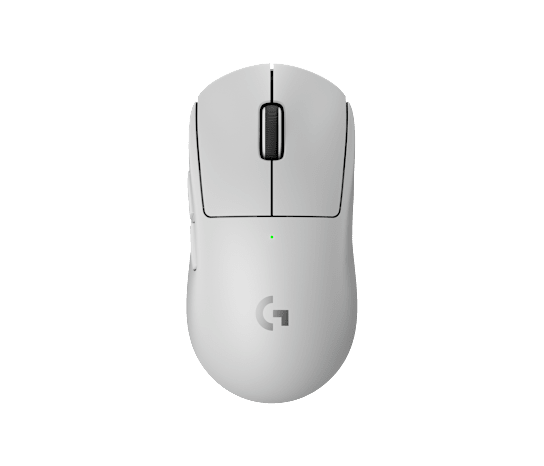
Logitech G PRO X Superlight 2 Wireless Gaming Mouse
A high-refresh monitor is only one part of a competitive setup. The Logitech G PRO X Superlight 2 keeps the focus on low weight, wireless performance, and a shape familiar to many FPS players.
As an Amazon Associate I earn from qualifying purchases.