HomeTechnologyWhat Seagate’s Capacity Warning Means for Storage Buyers

What Seagate’s Capacity Warning Means for Storage Buyers

Seagate’s latest stock drop was framed as a market story, but storage buyers should read it as a planning story.

Shares of Seagate fell on Monday, May 18, 2026, after CEO Dave Mosley discussed why simply adding new factories or machines is not a quick answer to rising AI-driven storage demand. Other storage and memory names, including Micron, SanDisk and Western Digital, were also reported to have traded lower, though the exact market reaction should be treated as report-based rather than independently verified here.

The practical takeaway is simple: if your company needs large volumes of storage for AI, cloud, backup, media, analytics or enterprise infrastructure, waiting for the market to quickly add capacity may be the wrong assumption. The supply chain for drives, memory and data center hardware does not move at the speed of a purchase order.

This buying guide looks at what Seagate’s comments mean for storage decisions, where buyers may feel pressure first, and how to compare HDDs, SSDs and broader storage commitments when lead times are getting more attention.

Why Seagate’s Comment Matters to Buyers

At a JPMorgan conference, Mosley was asked what it would take to add unit or floor capacity in Seagate’s production system. His answer, as reported, was that pulling teams away to build factories or bring up new machines would take too long and could slow the pace of technology improvement.

That matters because buyers often think of supply as a pricing issue. If demand rises, prices go up. If enough suppliers invest, more supply comes online. In storage, the middle part is the problem. Manufacturing capacity, qualification cycles, customer commitments and product transitions can stretch across many quarters.

Mosley also discussed long lead times and customer visibility. The source report said he described a planning window of roughly four or five quarters with customers, while also saying demand was above that level. That specific framing has not been independently verified here, so buyers should treat it as a reported management signal rather than a confirmed procurement rule.

Still, the broader message is useful: the largest storage customers are not buying capacity one server refresh at a time. They are trying to reserve supply, forecast deployment schedules and reduce surprise in data center buildouts.

For smaller buyers, that creates a second-order problem. Hyperscalers and large AI infrastructure operators tend to have earlier access to allocation conversations. Mid-market IT teams, workstation builders, managed service providers and smaller cloud operators may see the pressure later through longer delivery windows, fewer discounts or narrower product availability.

The Buyer’s Question: HDD, SSD or Wait?

The Seagate story sits at the intersection of three different markets that buyers often blur together: nearline hard drives, NAND flash storage and DRAM. They are not interchangeable, but they are connected by the same AI infrastructure boom.

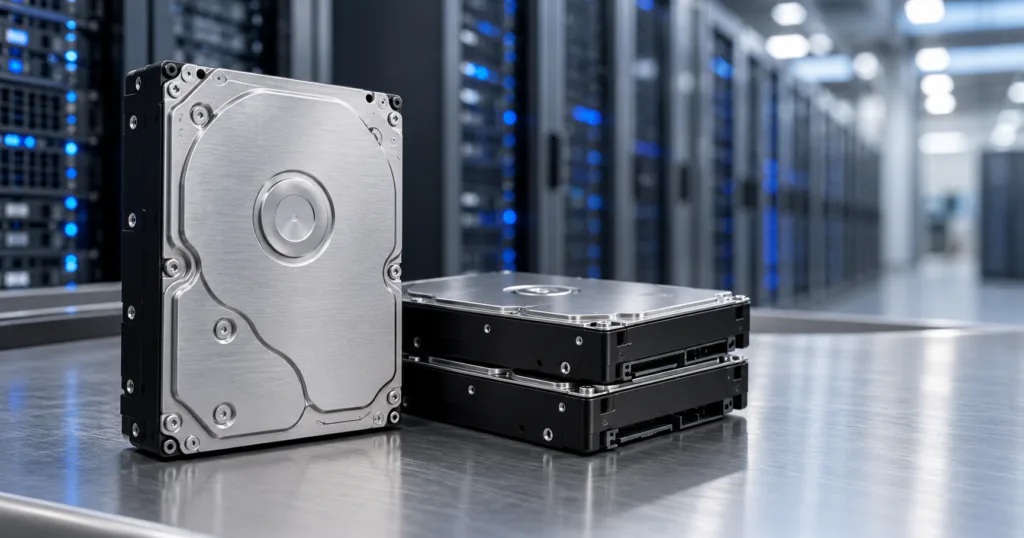
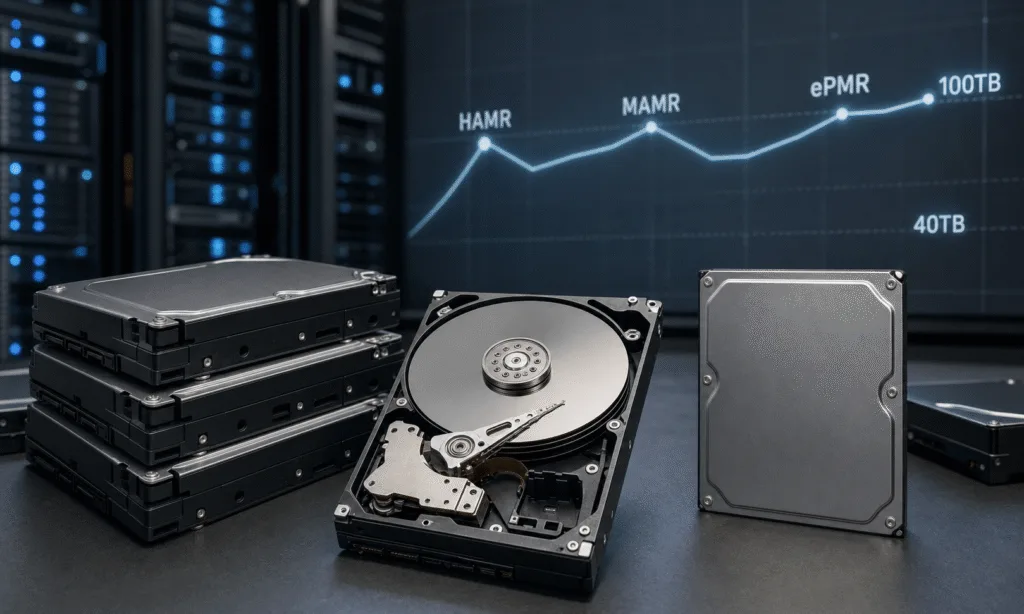
Hard drives remain important for large-scale data storage where cost per terabyte matters. SSDs are essential when latency, throughput and IOPS matter more than raw capacity cost. DRAM is a separate memory category, but tightness there can affect servers, accelerators and systems that storage arrays depend on.

If you are buying storage in 2026, the best choice is less about picking one winning technology and more about matching the workload to the right tier.

Buyer need Likely fit Why it matters now
Lowest cost per terabyte for bulk data Enterprise HDDs AI data retention, backup and object storage can consume large capacity quickly.
Fast model training data access NVMe SSDs Throughput and latency can become bottlenecks before total capacity does.
Mixed enterprise workloads Hybrid storage architecture Many teams need SSD performance tiers plus HDD capacity tiers.
Small business backup and NAS expansion NAS-rated HDDs or SATA SSDs Availability and replacement consistency may matter more than peak specs.
Server refreshes tied to AI projects Validated vendor configurations Memory, storage and accelerator availability should be planned together.

Storage Options for Capacity-Constrained Buyers

Image Product Best fit Link
Seagate IronWolf Pro 20TB NAS hard drive front label Seagate IronWolf Pro 20TB NAS HDD A NAS-rated hard drive is a practical fit when usable terabytes matter more than low latency. Check enclosure compatibility, firmware expectations, and replacement availability before standardizing on a drive family. Check Price on Amazon
WD Red Pro 22TB 3.5-inch NAS hard drive WD Red Pro 22TB NAS HDD For teams comparing supply and replacement paths, a second NAS-rated HDD family gives buyers another capacity option to evaluate. Confirm the exact model against the NAS vendor’s compatibility list before purchasing in volume. Check Price on Amazon
Samsung 990 PRO 4TB M.2 NVMe SSD Samsung 990 PRO 4TB NVMe SSD An NVMe SSD is a better fit for active datasets, scratch space, and workstation pipelines than cold archive storage. Match capacity and endurance to the workload instead of using it as a bulk HDD substitute. Check Price on Amazon
Synology DiskStation DS923+ four-bay NAS enclosure Synology DiskStation DS923+ 4-Bay NAS A NAS enclosure can make more sense than buying loose drives when the real need is shared storage, backup, and expansion planning. Budget for drives, redundancy, networking, and future capacity before choosing the bay count. Check Price on Amazon

As an Amazon Associate I earn from qualifying purchases.

What to Check Before Buying Storage in a Tight Market

When supply is predictable, buyers can focus mostly on specs and price. When supply is less predictable, the buying process needs more discipline. The cheapest drive on a spreadsheet may not be the best choice if it is unavailable in the quantity you need, difficult to replace later or not qualified for your environment.

Use these criteria before committing to a large storage purchase:

  • Lead time: Ask vendors what is actually available now, what is committed, and what depends on future allocation.
  • Platform consistency: Avoid mixing too many drive models in the same fleet unless your storage software and support process can handle it.
  • Workload fit: Do not buy SSDs for cold capacity just because HDDs are delayed, and do not buy HDDs for latency-sensitive pipelines just because they are cheaper.
  • Replacement path: Confirm whether the same model, firmware family or validated substitute will be available for repairs and expansion.
  • Total system cost: Include trays, controllers, networking, power, cooling, licensing and support, not only drive price.
  • Contract terms: For larger buys, ask whether price protection, staged delivery or reserved allocation is available.

For AI Teams

AI teams should separate training, inference, checkpointing and archival data needs. These workloads do not all need the same storage tier.

Training pipelines may need high-throughput SSD storage close to compute. Checkpoints and intermediate datasets may need a mix of speed and capacity. Long-term retention, compliance copies and raw data archives may be better suited to high-capacity hard drives or object storage systems.

The mistake is buying one storage class for every stage of the workflow. That can waste budget when prices are rising and create performance gaps when teams scale.

For IT and Infrastructure Teams

IT teams should revisit refresh schedules earlier than usual. If your replacement cycle assumes drives can be ordered close to deployment, Seagate’s comments are a reminder that the largest buyers may already be planning several quarters ahead.

This does not mean every business should rush into a panic purchase. It does mean capacity planning should be tied to budget approval, vendor availability and real deployment timelines. A storage plan that exists only as a future line item is not the same as secured supply.

For Investors and Finance Teams

For finance teams, the stock reaction is less important than what it says about margin, capital spending and customer commitments. If suppliers cannot quickly add capacity, tight supply may support pricing. But it may also limit how much revenue they can capture if demand is above what they can ship.

That tension helps explain why investors can react negatively to a company that is seeing strong demand. Demand is good, but constrained supply can cap upside, complicate customer relationships and raise questions about how long the cycle can last.

How to Compare Storage Options Now

A normal storage comparison starts with capacity, speed and price. In the current environment, buyers should add availability and roadmap confidence to the top of the list.

Decision factor Ask this Why it helps
Capacity How many usable terabytes do we need after redundancy? Raw drive capacity can overstate what the application can actually use.
Performance Are we constrained by throughput, latency or IOPS? Different bottlenecks point to different storage tiers.
Availability Can the vendor deliver the full quantity on schedule? Partial delivery can delay deployments even when pricing looks attractive.
Expandability Can we add matching capacity later? Future expansion is harder when specific models become constrained.
Support Who owns firmware, failure replacement and compatibility issues? Support clarity matters more when substitutes enter the system.
Contract structure Can we stage purchases without losing allocation? Staged commitments may reduce both supply risk and cash-flow strain.

Where Affiliate Product Blocks Would Fit Naturally

For a buyer-focused version of this story, product recommendations should not be random consumer gadgets. They should match the storage decision the reader is likely making.

Good product blocks would include enterprise or prosumer storage categories where readers are comparing real alternatives:

  • NAS hard drives for small business backup and media storage
  • High-endurance SATA SSDs for server boot and cache use
  • NVMe SSDs for workstations and local AI development
  • External backup drives for teams that need short-term capacity quickly
  • NAS enclosures or direct-attached storage systems for small infrastructure teams

The article should avoid implying that a consumer drive solves a hyperscale supply problem. A useful affiliate block should instead help smaller buyers make a grounded decision inside their own environment.

Buy Now or Wait?

The right move depends on how soon the storage is needed and how painful a delay would be.

Buy sooner if the storage supports a funded deployment, an AI infrastructure project, a backup requirement, a compliance deadline or a server refresh already in motion. In those cases, the risk of waiting may be higher than the chance of saving money later.

Wait or stage the purchase if the project is speculative, the workload is not yet sized, or the team has not decided between cloud storage, on-premises storage and hybrid architecture. Buying too early can leave you with the wrong tier of capacity.

Use a staged approach if demand is real but uncertain. Secure enough capacity for the first deployment phase, then negotiate visibility into future availability. This is especially useful for teams that expect data growth but do not yet know whether performance or capacity will become the limiting factor.

Bottom Line

Seagate’s reported message was not that storage demand is weak. It was that new capacity is not quick or simple to bring online. That is a meaningful distinction for buyers.

For investors, the story is about whether storage and memory companies can turn AI demand into sustained growth without overbuilding. For buyers, it is about something more immediate: whether the drives, memory and systems they need will be available when projects move from forecast to purchase order.

The best response is not panic buying. It is better planning. Match storage to the workload, ask vendors harder questions about lead times, and treat availability as a core buying criterion alongside speed, capacity and price.

RELATED ARTICLES

LEAVE A REPLY

Please enter your comment!
Please enter your name here

- Advertisment -

Most Popular

POPULAR TAGS

- Advertisment -