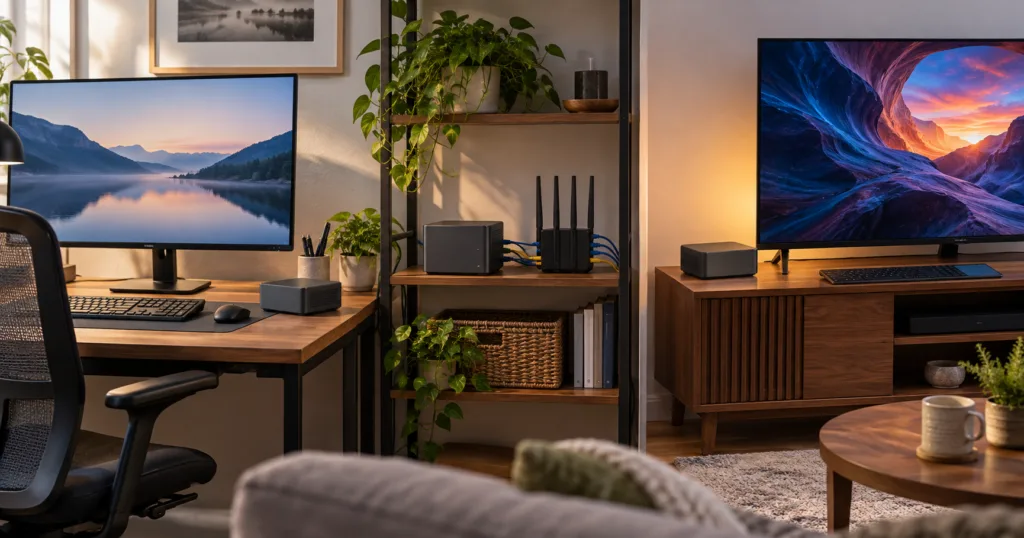
A three-mini-PC home setup can separate desk work, continuously running services and television use across different machines. Software such as Home Assistant and Steam Remote Play supports parts of that arrangement, although using three compact computers does not by itself establish lower costs or performance equivalent to a desktop tower.
The configuration assigns a different role to each device: a primary workstation, a home-service host and a TV-connected computer. Its practical distinction is that some jobs can continue on their own hardware when another system is shut down. That independence depends on where applications and files actually reside.
The workstation remains responsible for demanding work
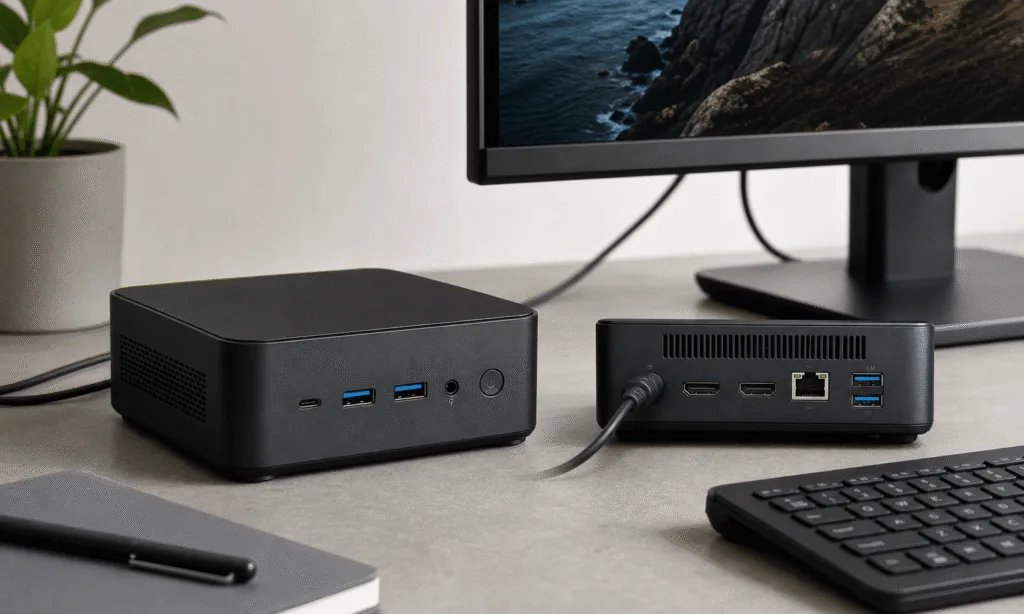
The main mini PC would handle daily work. Whether it can replace a particular tower depends on the applications involved and the configuration of both machines. A small enclosure alone says little about whether a computer has sufficient processing power or memory for a given task.
In this arrangement, moving background services elsewhere changes which computer runs those services. It does not increase the workstation’s own hardware capacity. An application running locally still relies on that system’s processor, memory and storage, unless the application specifically supports work distributed across other machines.
The distinction matters for programming and creative software, where requirements vary between projects. Separating a home server from a workstation can change how the machines are used, but it does not establish that a particular mini PC matches a more powerful desktop. That remains a question about specific hardware and workloads.
A separate host for home services
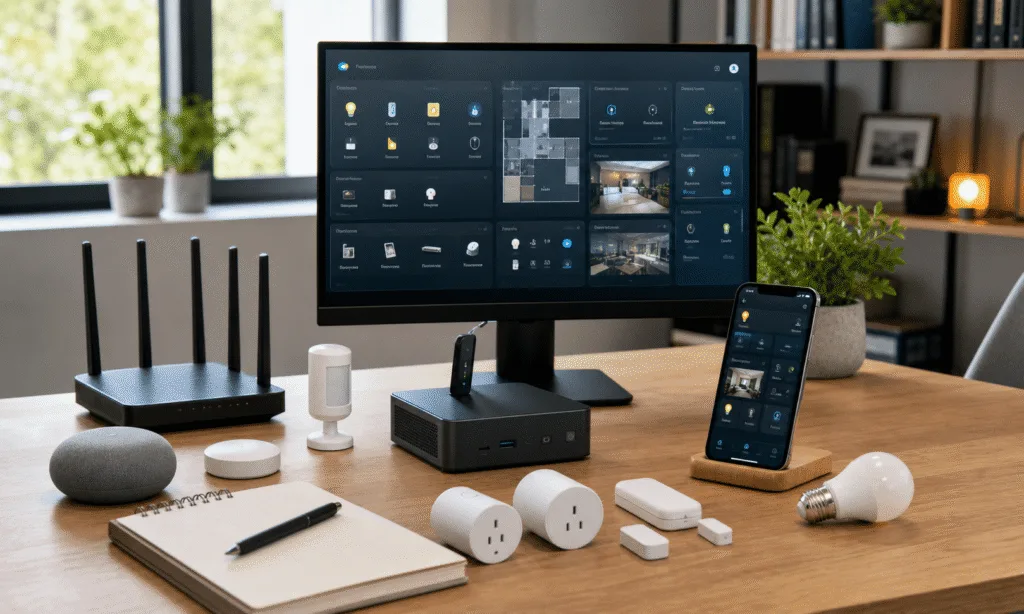
A second computer can take on services intended to remain available while the workstation is off. Pi-hole provides one example with modest documented requirements. Its prerequisites specify 512MB of RAM and at least 2GB of free storage, with 4GB of storage recommended.
Pi-hole’s documentation also makes clear that the software is not restricted to Raspberry Pi hardware. It can run on hardware capable of hosting a supported operating system. Those requirements support the use of a separate, relatively modest system for this particular service; they do not describe the needs of every application that might share it.
Home Assistant supports installation on compatible generic x86-64 computers. Its dedicated operating-system installation assumes a machine assigned to that role, while its container installation provides a different way to deploy the software. For the dedicated installation, Home Assistant specifies a 64-bit system that can boot using UEFI. The installation method therefore affects how other services can share the hardware.
Docker containers offer another way to organize applications on a service host. They isolate application processes, but multiple containers still depend on the underlying computer. Containerization does not make services independent of a failure or shutdown of that host.
A Jellyfin media server introduces different demands. Jellyfin’s hardware guidance warns that video transcoding on a CPU can require substantial processing power and discusses hardware acceleration. A media server cannot automatically be treated as a lightweight task simply because it runs in the background.
A television-connected computer and remote gaming
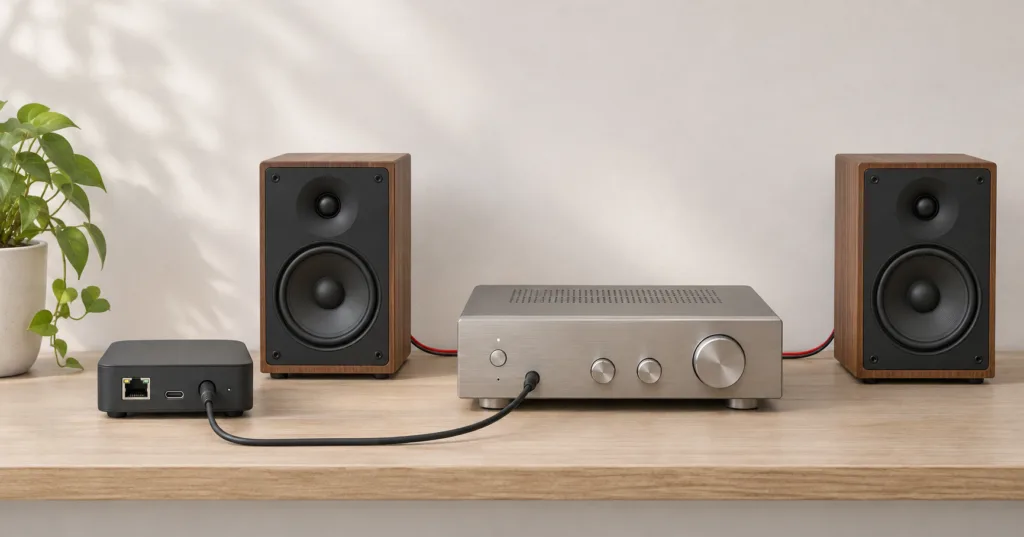
The third machine would serve as a computer connected to a television. In that role, it can provide access to compatible media software and a web browser, with a wireless keyboard and mouse supplying desktop-style control.
Local playback and access to a home media server involve different dependencies. Files stored on the TV-connected computer remain on that machine; media accessed from another computer depends on that server being available. Separating the devices does not remove the relationship between a media client and the system hosting its files.
Steam Remote Play provides a separate route for gaming. Valve describes it as streaming a game from the computer running it to another device, including another PC. The receiving machine sends input back to the host rather than taking over the game’s processing.
That makes a TV-connected mini PC a possible streaming client, provided the setup meets the software’s requirements. The host still needs to run the game, and shutting down that host ends access to its streamed session. Streaming extends access to a gaming computer without demonstrating that the client can run the same game locally.
Separate hardware limits some interruptions
A workstation restart need not stop software running independently on a second computer. This is the central operational difference between assigning services to separate devices and keeping them on the workstation itself.
The qualification is independence. A service that relies on files or applications hosted by the workstation remains affected when that workstation becomes unavailable. Likewise, a television client accessing Jellyfin still depends on the media server, even though the client has its own hardware.
Separate computers can also run different operating systems suited to their assigned roles. Each remains a distinct system, with its own software environment. Spreading tasks across devices changes the scope of an individual machine’s interruption; it does not guarantee that every household computing service remains available.
Graphics, upgrades and electricity remain separate questions
Demanding games and GPU-heavy applications still depend on the graphics hardware available to the computer running them. Three separate machines do not automatically combine their graphics resources into a replacement for one system equipped for that workload.
Expansion also varies by model. Some compact computers support replacement memory and storage, while others have soldered memory that cannot be changed. Tower expansion is constrained too, including by component compatibility and available space. Neither form factor provides unlimited upgrades.
Electricity use requires a comparison of the actual systems and their operating schedules. Keeping a separate service host running allows the workstation to be switched off without stopping independent services, but three devices do not automatically produce a lower electricity bill. Purchase cost likewise depends on the machines involved, rather than their number alone.
A Proxmox cluster is a different arrangement
Compatible mini PCs can also serve as nodes in a Proxmox VE cluster. Proxmox documents centralized management and migration of virtual machines and containers between physical hosts as cluster capabilities.
That configuration involves different requirements from three independently assigned household computers. Proxmox’s guidance identifies at least three nodes for reliable quorum in a high-availability setup, alongside additional requirements for service recovery.
A cluster therefore needs deliberate configuration. Merely owning three computers does not provide automatic failover or combine their processors and memory into one larger workstation. The separate-device arrangement and a managed virtualization cluster represent different ways to distribute computing tasks.