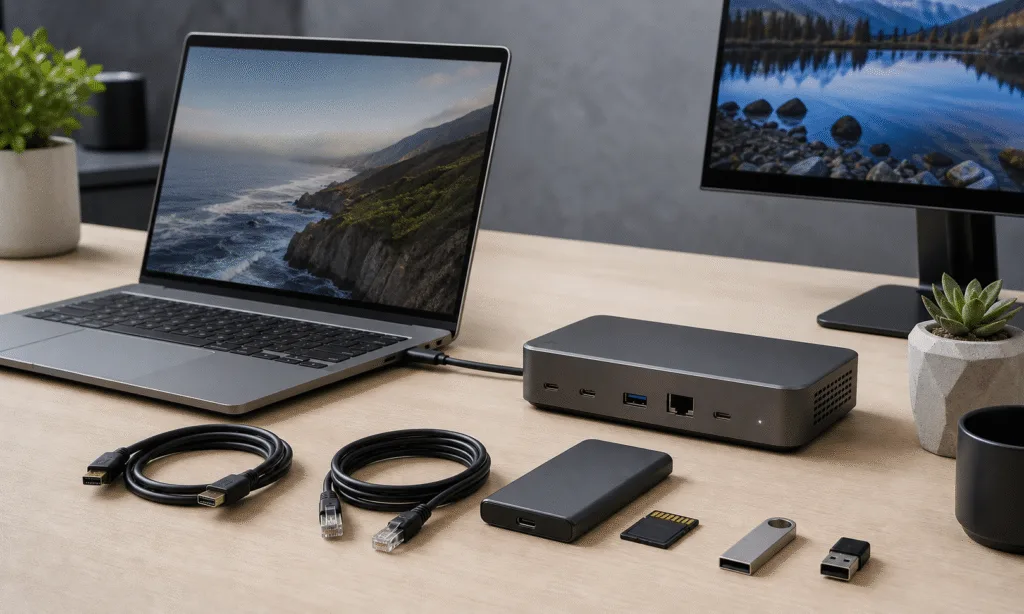
Six Thunderbolt 5 docks from CalDigit, Razer, Hyper, Ivanky and WAVLINK offer different combinations of storage expansion, display connections and wired networking. Ethernet speeds range from 1 GbE to 10 GbE, while three models include internal M.2 SSD slots. Ivanky’s FusionDock Ultra uses two host connections for its 26-port configuration.
The comparison covers the CalDigit TS5 and TS5 Plus, Razer Thunderbolt 5 Dock Chroma, Hyper HyperDrive Next, Ivanky FusionDock Ultra and SSD-equipped WAVLINK WL-UTD58-M. Reported storage measurements place the Razer and CalDigit configurations above 5,000 MBps, although the results describe particular drives, hosts and connection arrangements.
The manufacturers describe Thunderbolt 5 connections supporting up to 80 Gbps bidirectionally, with Bandwidth Boost allowing up to 120 Gbps in the display-heavy direction. CalDigit, Razer, Hyper, WAVLINK and Ivanky advertise laptop charging of up to 140W for these models. Available charging power, bandwidth and display support depend on the connected computer.
Ports, storage and quoted prices
Prices quoted in the comparison were approximately $399 for the CalDigit TS5, Razer dock and Hyper dock, $499 for the TS5 Plus, and $650 for the FusionDock Ultra. A roughly $299 WAVLINK price appeared under the WL-UTD58 name; the SSD-equipped model described in the hardware comparison is the WL-UTD58-M.
CalDigit TS5 and TS5 Plus
CalDigit lists 15 ports on the TS5 and 20 on the TS5 Plus. The TS5 provides three downstream Thunderbolt 5 ports and 2.5 GbE. The Plus has two downstream Thunderbolt 5 ports, a DisplayPort 2.1 output and 10 GbE, alongside additional USB connections.
The TS5 uses an aluminum enclosure with passive cooling and can sit horizontally or vertically. The TS5 Plus has a similar design but is slightly taller. CalDigit specifies up to 140W host charging for both models.
Razer Thunderbolt 5 Dock Chroma
Razer’s dock combines three downstream Thunderbolt 5 ports with a PCIe Gen4 x4 M.2 slot, a cooling fan and RGB lighting around its base. Razer specifies a 2280-format SSD slot. The hardware description identifies a removable bottom cover and tool-free SSD retention mechanism, with thermal pads contacting both sides of the drive.
The dock has 1 GbE, USB-A and USB-C connections, an audio connector and a UHS-II SD reader. The SD slot is on the side, while the USB connections are at the rear; there are no front-mounted peripheral ports.
Hyper HyperDrive Next
Hyper’s dock provides three downstream Thunderbolt 5 ports, 2.5 GbE, USB-A connections and a front power button. Its internal PCIe Gen4 x4 M.2 slot accommodates 2230, 2242, 2260 and 2280 drives. The enclosure combines aluminum with plastic front and rear panels and has no SD or microSD reader.
Hyper announced the model on April 7, 2026, at a suggested US price of $399.99. The company says full 140W charging requires a host supporting USB Power Delivery 3.1 Extended Power Range; compatible Power Delivery 3.0 hosts receive up to 100W.
WAVLINK WL-UTD58-M
The SSD-equipped WAVLINK model is the WL-UTD58-M. Its described connections include three downstream Thunderbolt 5 ports, four USB-A ports, SD and microSD readers, and 2.5 GbE. The comparison describes an internal PCIe Gen4 x4 M.2 slot accommodating a 2280 SSD, accessed through a screw-secured bottom panel.
The aluminum enclosure sits horizontally, with the host Thunderbolt connection at the front and power input at the rear. WAVLINK specifies a temperature-controlled cooling fan.
The model suffix distinguishes this dock from the similarly named WL-UTD58, which lacks an internal M.2 SSD slot.
Ivanky FusionDock Ultra
Ivanky specifies Apple Silicon Mac compatibility for the FusionDock Ultra, excluding Windows PCs, Chromebooks and Intel-based Macs. Its dual-controller design uses two connections to the host Mac for full functionality.
The 26-port configuration includes four downstream Thunderbolt 5 connections, seven front-facing USB-C ports, HDMI and DisplayPort outputs, card readers, optical audio and 10 GbE. The dock has adaptive twin-fan cooling. The comparison describes no internal M.2 SSD slot.
Reported storage measurements
The comparison describes storage tests using a PNY CS2150 PCIe 5.0 SSD. The baseline placed the drive directly in the PCIe 5.0 M.2 slot of an Asus Z890 Creator WiFi motherboard. Further configurations installed it in the Razer dock’s internal slot or an Orico Thunderbolt 5 enclosure connected through the CalDigit docks.
The reported sequential read and write figures were:
| Storage configuration | Reported read speed | Reported write speed |
|---|---|---|
| PNY CS2150 in Asus motherboard PCIe 5.0 M.2 slot | 10,381.26 MBps | 8,645.4 MBps |
| PNY CS2150 in Razer dock internal M.2 slot | 5,627.29 MBps | 5,620.6 MBps |
| PNY CS2150 through CalDigit TS5 and Orico enclosure | Just over 5,300 MBps | About 5,520 MBps |
| PNY CS2150 through CalDigit TS5 Plus and Orico enclosure | Just over 5,300 MBps | About 5,520 MBps |
| PNY CS2150 through FusionDock Ultra and Orico enclosure on MacBook Air | Just over 3,000 MBps | Over 2,500 MBps |
The direct motherboard baseline used a PCIe 5.0 connection, while the Razer slot and Orico enclosure have PCIe Gen4 x4 interfaces. The Ivanky measurement was reported from a MacBook Air configuration limited to Thunderbolt 4 speeds, so it does not establish the dock’s Thunderbolt 5 performance ceiling.
Display support and host compatibility
CalDigit says its TS5 and TS5 Plus support up to four external displays through a single dock connection on M5 Max computers and up to three on M5 Pro computers. A four-display TS5 arrangement requires a compatible daisy chain because the dock has three downstream Thunderbolt ports.
Razer advertises support for up to three 4K displays. Hyper lists up to three extended displays on compatible Windows systems and M5 Pro or M5 Max MacBook Pros, with up to two on other supported Macs. Ivanky advertises up to four native displays on compatible Macs and says the FusionDock Ultra does not override Apple’s built-in display limits.
Display counts, resolutions and refresh rates depend on the host computer, monitors, cables and connection arrangement. Advertised maximum configurations are separate from the two-monitor operation described in the comparison.
The reported compatibility checks included a Windows 11 Home desktop, an M5 MacBook Air and an M4 Mac mini, with the FusionDock Ultra excluded from Windows testing. The comparison describes the two Macs as Thunderbolt 4 hosts and reports successful two-monitor operation, including use of a 49-inch 240 Hz DQHD display.
Reported networking and operating observations
The comparison characterizes iPerf3 networking results as reaching the theoretical maximums of the available 1 GbE, 2.5 GbE and 10 GbE connections.
Its operating observations describe the docks as warm to the touch, including while the host was idle, but none as too hot to handle. The Razer and Ivanky units were described as somewhat cooler, with their fans quiet during normal use. These were qualitative observations rather than measured temperature or acoustic results.