

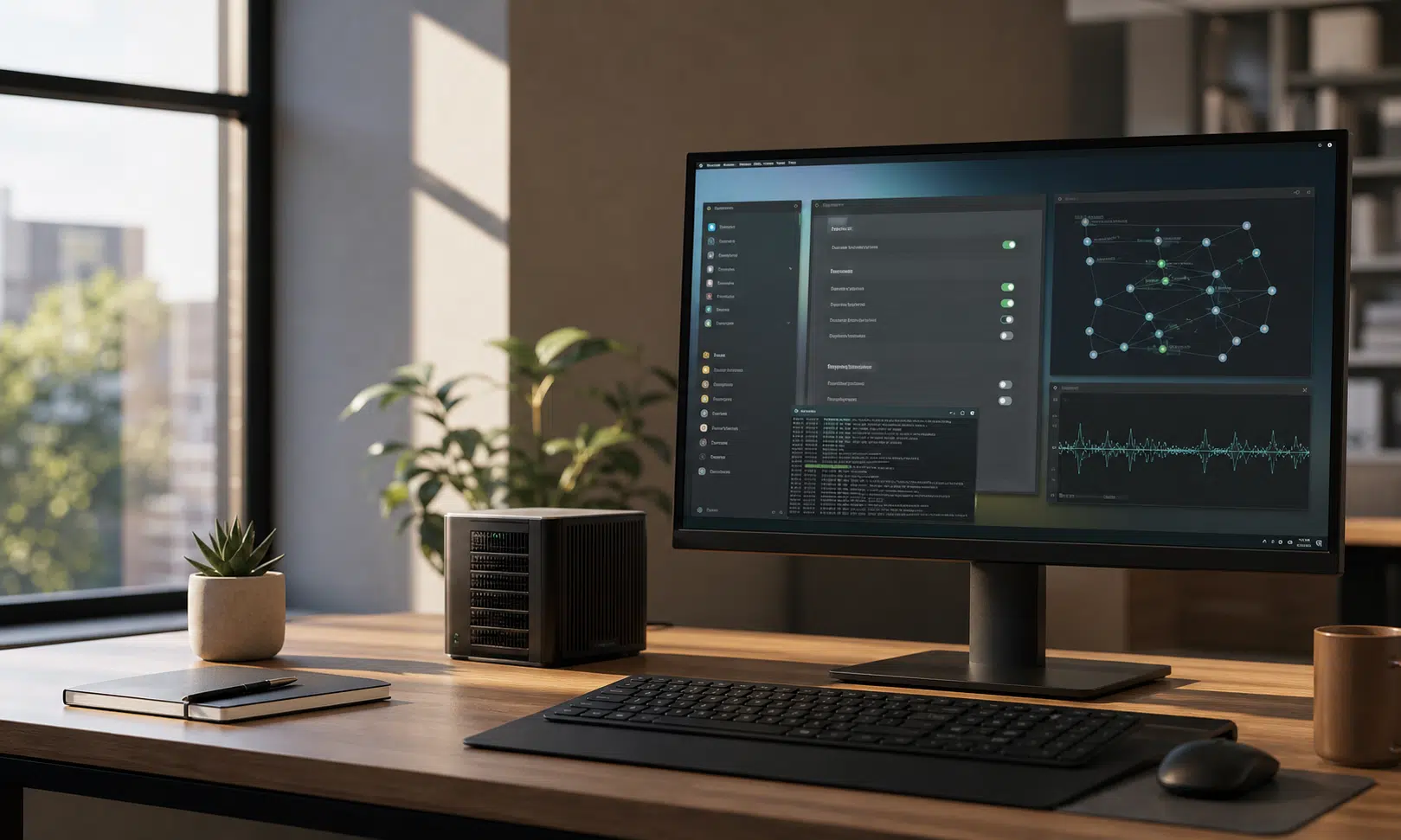

Canonical is preparing to bring more AI-assisted features into Ubuntu, but the company is trying to frame the move differently from the cloud-heavy, deeply integrated AI strategy many users associate with Windows. The emphasis, at least for now, is on local processing, open-source alignment, and user choice rather than turning the desktop into a single AI-branded product.
That distinction matters because Ubuntu occupies an unusual place in the Linux world. It is a mainstream desktop distribution, a server platform, a cloud image, an enterprise base, and a frequent recommendation for people leaving Windows. If Canonical makes local AI tooling feel normal on Ubuntu, other Linux projects may eventually study the approach, borrow pieces of it, or decide they need a clearer answer of their own.
The company’s public messaging describes AI in two broad categories: background improvements and user-facing workflows. The first category is the quieter one. These are features that could improve existing parts of the system without asking users to learn a new way of working. A practical example would be better accessibility tooling, such as locally processed speech-to-text, where AI improves a familiar function rather than becoming the center of the experience.
The second category is more visible. Canonical has discussed the idea of opt-in, agent-style features that could help users complete tasks, diagnose problems, or generate content. In that model, a user might ask the computer for help with a networking issue or request assistance setting up a development service. Those examples should be treated as direction-setting rather than a confirmed final product list, but they show the kind of operating-system assistance Canonical is exploring.
For buyers, IT teams, developers, and privacy-conscious desktop users, the key question is not whether Ubuntu will contain the word AI somewhere in its feature list. The question is how much control users will have, where the processing happens, which models are used, how large those downloads are, and whether the features can be removed cleanly.
Canonical’s answer appears to lean on snaps. The company has described containerized inference packages as a way to deliver local model capabilities while keeping them separated from the base system. In principle, that could make AI features more modular than a deeply embedded assistant that cannot be separated from the operating system. It also fits Canonical’s existing packaging strategy, even though snaps remain controversial among some Linux users.
That packaging choice is important. If AI functions arrive as separate snap packages, users and administrators may be able to remove specific pieces they do not want. That is different from a single universal switch in Settings, and it may frustrate users who want one obvious system-wide AI control. At the same time, a package-based approach could give technical users a more concrete way to audit, block, remove, or manage individual components.
The tradeoff is clarity. A normal desktop user may not want to inspect installed packages just to understand which AI features are present. If Ubuntu moves forward with this plan, Canonical will need to make the setup experience and privacy controls plain enough for people who are not already comfortable managing snaps from the terminal.
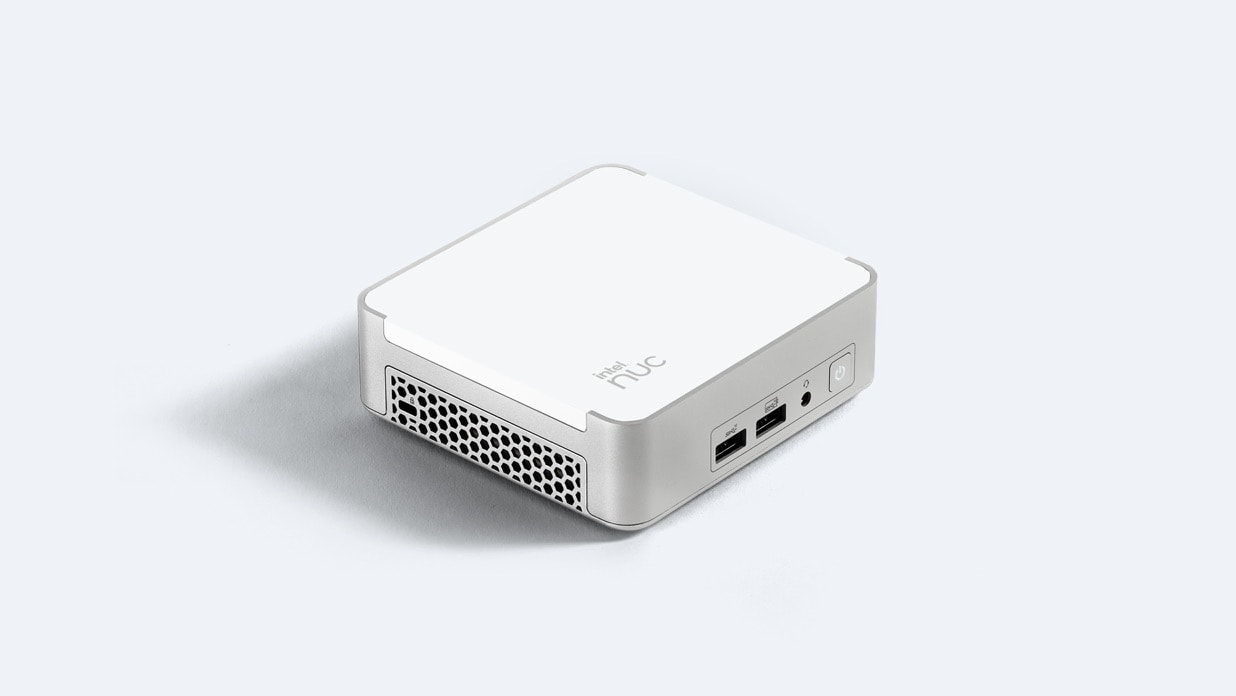
ASUS NUC 13 Pro Desk Edition Mini PC
A small-form-factor PC gives developers and IT teams a separate machine for testing Ubuntu AI previews, local inference packages, and policy controls without changing a primary workstation.
The current expectation is that Ubuntu’s first AI-related desktop features will appear gradually and as opt-in previews rather than as a forced overnight change. Public discussion has pointed toward Ubuntu 26.10 as an early preview window, with a later setup flow asking users whether they want to enable AI capabilities. The exact implementation, timing, and default behavior should still be treated cautiously until Canonical ships the final builds.
The local-processing angle is the most commercially relevant part of the plan. Many organizations are interested in AI assistance but wary of sending prompts, documents, logs, source code, or support data to external services. If Ubuntu can provide useful local inference with clear isolation and predictable administration, it could appeal to developers, regulated teams, and companies that already prefer Linux for control reasons.
There are practical limits. Local models can be large, hardware demands vary, and performance may differ widely across laptops, desktops, workstations, and small form-factor systems. A high-end developer machine with a modern GPU is a very different target from an older business laptop running Ubuntu because it remains reliable and lightweight. Canonical will need to balance ambition with hardware reality.
That may be why the snap-based model is attractive. Different model packages could theoretically be optimized for different devices or use cases. Users who do not need a feature would not have to carry the same storage, memory, or update burden as users who choose to enable it. For enterprise deployments, that also creates a possible policy surface: allow this model, block that one, pin versions, or restrict downloads.
The open-source angle is just as sensitive. Linux users tend to care not only about whether a feature works, but also about whether it can be inspected, replaced, disabled, or avoided. A local AI feature that depends on opaque models, unclear telemetry, or vague consent language would be received very differently from one built around transparent packaging and clear documentation.
Canonical also has to manage the developer side of AI adoption. AI-assisted coding is now common across the software industry, but open-source maintainers have seen the downside: low-quality automated pull requests, shallow fixes, fabricated explanations, and extra review burden. Canonical has indicated that it wants AI to assist engineers where it is genuinely useful rather than replace careful technical judgment. That is the right posture, but the real test will be how it affects code review, maintenance, security work, and community contributions over time.
For many Ubuntu users, the comparison to Microsoft will be unavoidable. Windows 11 has pushed AI into more visible parts of the operating system, and some users dislike the feeling that AI features are being added faster than they can be understood, trusted, or disabled. Ubuntu’s opportunity is to show a more restrained model: local where possible, opt-in where appropriate, and removable where users object.
That does not mean every Linux user will welcome the shift. Some people moved to Linux specifically to avoid platform-level AI assistants, account-driven services, and opaque background behavior. Even if Canonical’s implementation is more privacy-conscious than Microsoft’s, the presence of AI in the operating system may still be a dealbreaker for users who want a traditional desktop with minimal automation.
The wider Linux ecosystem will be watching. Ubuntu has influenced packaging, desktop defaults, installer expectations, server workflows, and derivative distributions for years. Linux Mint, Pop!_OS, elementary OS, Zorin OS, and many other desktop-focused projects either build on Ubuntu directly or respond to its choices in some way. That does not mean they will copy Canonical’s AI strategy, but Ubuntu’s choices often become part of the broader conversation.

Crucial X9 Pro Portable SSD
Local AI experiments can consume storage quickly. A USB-C portable SSD can keep model files, Ubuntu images, and backups separate from the main system drive.
Other distributions may take very different paths. Fedora may prefer integration through upstream GNOME, open model tooling, or developer-focused workflows. Debian may move more slowly and emphasize software freedom, packaging policy, and long-term maintainability. Arch users may assemble their own tools from the ecosystem rather than wait for distribution-level defaults. Privacy-focused distributions may reject built-in AI features unless they are fully transparent and easy to remove.
The most likely outcome is not that every Linux distribution suddenly becomes an AI operating system. A more realistic scenario is that AI support becomes another optional layer, much like container tools, gaming stacks, virtualization features, or cloud CLIs. Some users will install it immediately. Some organizations will standardize it. Others will remove it from their images and never look back.
For commercial users, the evaluation should be practical. Does the feature run locally by default? What data does it access? Can administrators control it? Are models updated independently from the OS? Can the packages be removed without breaking unrelated desktop functions? Are logs, prompts, generated files, and troubleshooting data handled clearly? Those questions matter more than whether the feature is marketed as generative AI, an assistant, automation, or inference.
Ubuntu’s planned direction could also make Linux more attractive in some environments. A local assistant that helps with system troubleshooting, accessibility, documentation, or developer setup could save time without forcing users into a cloud account. For small businesses and technical teams, that might be useful if it is reliable and predictable. For individual users, the value will depend on whether the features solve real problems rather than simply adding another layer of software to manage.
There is also a risk of overreach. Operating-system AI is easy to demonstrate and hard to get right. A troubleshooting assistant that misunderstands logs, changes the wrong configuration file, or suggests unsafe commands would quickly lose trust. A document assistant that feels bolted on would be ignored. A voice or accessibility feature that works only on powerful hardware would disappoint the users who need it most.
That is why Canonical’s cautious language matters. The company appears to be positioning AI as augmentation rather than replacement, and as local capability rather than a cloud-first identity layer. Those are sensible principles. Still, principles only become meaningful when users can see the defaults, inspect the packages, read the documentation, and decide whether the feature belongs on their machines.
Ubuntu’s AI push is not automatically a betrayal of Linux values, and it is not automatically a breakthrough. It is a test. If Canonical can deliver useful local features with clear consent, limited data exposure, clean removal paths, and honest performance expectations, Ubuntu could provide a more acceptable model for AI on the desktop. If the features feel vague, intrusive, or difficult to disable, the backlash will be predictable.
For now, the safest reading is that Ubuntu is moving toward optional, locally oriented AI capabilities, with snaps likely playing a central role in delivery. That is enough to make the development worth watching, especially for users who are weighing Ubuntu against Windows, macOS, or other Linux distributions.
The bigger question is whether Canonical can make AI feel like a tool rather than a takeover. Linux users tend to tolerate experimentation when control remains in their hands. Ubuntu’s challenge will be proving that this new layer serves that expectation instead of weakening it.