Home Assistant can use supported robot vacuum maps and room controls to connect cleaning tasks with a home’s wider automation system. Compatible integrations can display a vacuum’s map or target individual rooms, but those capabilities depend on the model and the connection available to Home Assistant.
The distinction matters because basic vacuum support does not guarantee access to a floor plan. A device may expose cleaning controls without supplying map images or room geometry. Occupancy-based lighting and climate routines also require their own sensor inputs; a cleaning map alone does not establish where people are.
Map access depends on the integration
Home Assistant’s SwitchBot Bluetooth integration lists the K11+ among its supported vacuums. It provides basic vacuum control and status information through a local connection. However, its documented vacuum features do not include exporting map images or raw room boundaries.
The separate SwitchBot Cloud integration also supports the K11+. Its vacuum feature list likewise does not document map export. Support for the appliance therefore does not establish that either integration can retrieve its underlying spatial data.
Home Assistant’s general vacuum integration is a shared building block used by device integrations. It supplies common functionality for automations and dashboards, rather than acting as a universal map extractor. The brand-specific integration determines which capabilities reach Home Assistant.
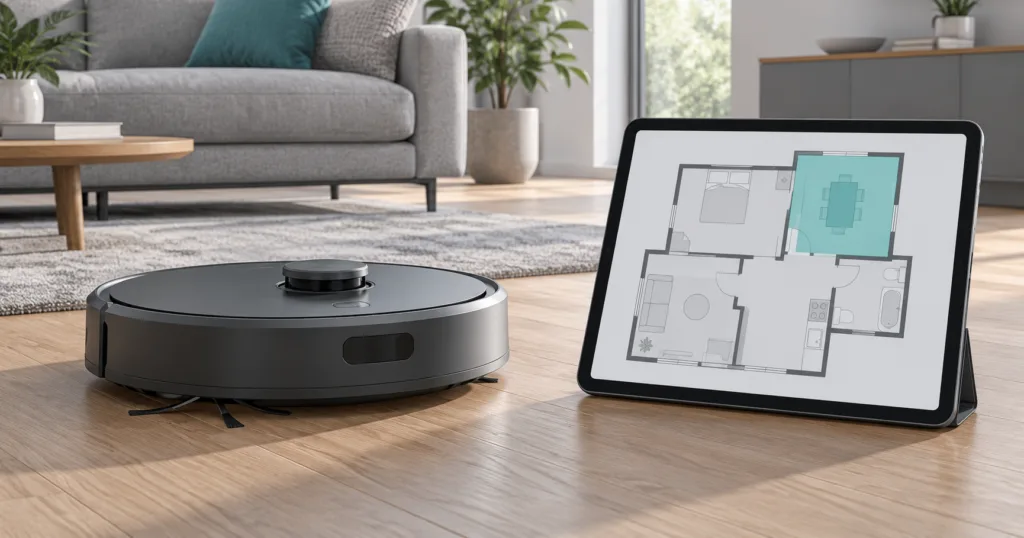
Map access is available through the Roborock integration. It can expose an image entity showing the vacuum’s cleaning map. A separate get-maps action returns map information and named rooms with their identifiers. The image supplies a visual layout, while room identifiers let automations address a particular cleaning destination.
Room cleaning and occupancy use different inputs
For vacuums that support area cleaning, Home Assistant allows the rooms defined by the vacuum to be linked with existing Home Assistant areas. An automation can then send the vacuum to a selected area. This connects the appliance’s cleaning destinations with the room names used elsewhere in the home automation system.
Home Assistant areas are logical groups of devices and entities associated with physical rooms. Assigning a vacuum segment to an area establishes that relationship; it does not turn the area into a measured geometric boundary or automatically locate other devices within it.
That room association can support cleaning routines tied to household activity. Home Assistant’s Roborock documentation includes an away-mode cleaning example triggered by an alarm entering its armed-away state. For compatible vacuums, a household-state trigger can also be paired with a selected cleaning destination, allowing a routine to respond to activity rather than solely to a fixed schedule.
The occupancy information remains separate from the vacuum map. A room identifier describes a cleaning destination, while a presence detector supplies information about whether someone is there. Linking the two requires configured automation logic and compatible devices.
The same separation applies to lighting and climate control. Home Assistant supports automations triggered by motion or changes in sensor readings. A configured routine can act on devices associated with a room, but displaying the room on a vacuum map does not create the sensor signal or the ability to control its heating.
A door or window contact similarly supplies its own state. Placing that state on a floor-plan dashboard can add visual context, but the image itself does not provide intrusion detection or precise occupant tracking.
Floor-plan dashboards can retain cloud dependencies
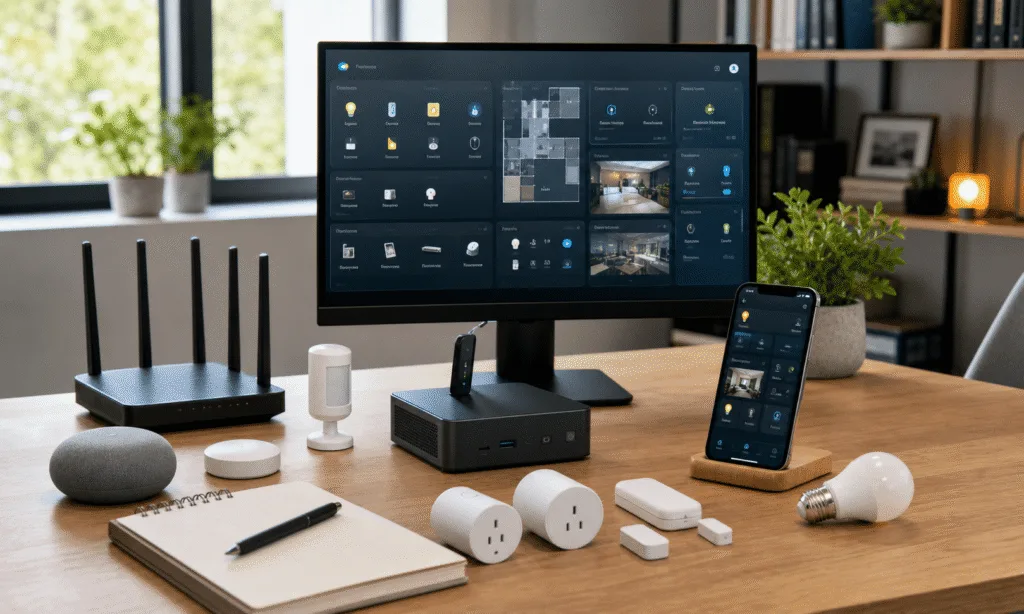
Home Assistant’s picture elements card supports placing controls and state information over an image. With a suitable floor-plan background, this can present readings from connected sensors in the rooms they represent. The dashboard combines the visual layout with separately integrated devices.
Interactive vacuum map cards can also provide room selection on supported platforms. The community-developed Xiaomi Vacuum Map Card documents platform-specific configuration and calibration requirements. Its availability does not establish compatibility with the SwitchBot K11+ or remove the need for an accessible map source.
Local dashboard operation also does not mean all underlying data stays inside the home. Home Assistant’s Roborock documentation states that map data and routines are fetched through the cloud, even though local communication is preferred for supported device operations.
The SwitchBot Bluetooth connection operates locally, while SwitchBot Cloud uses a separate cloud integration. Those connection types must be distinguished from the availability of map data. A locally controlled vacuum does not necessarily supply a locally accessible map, and a map displayed in Home Assistant can still depend on a vendor service.