

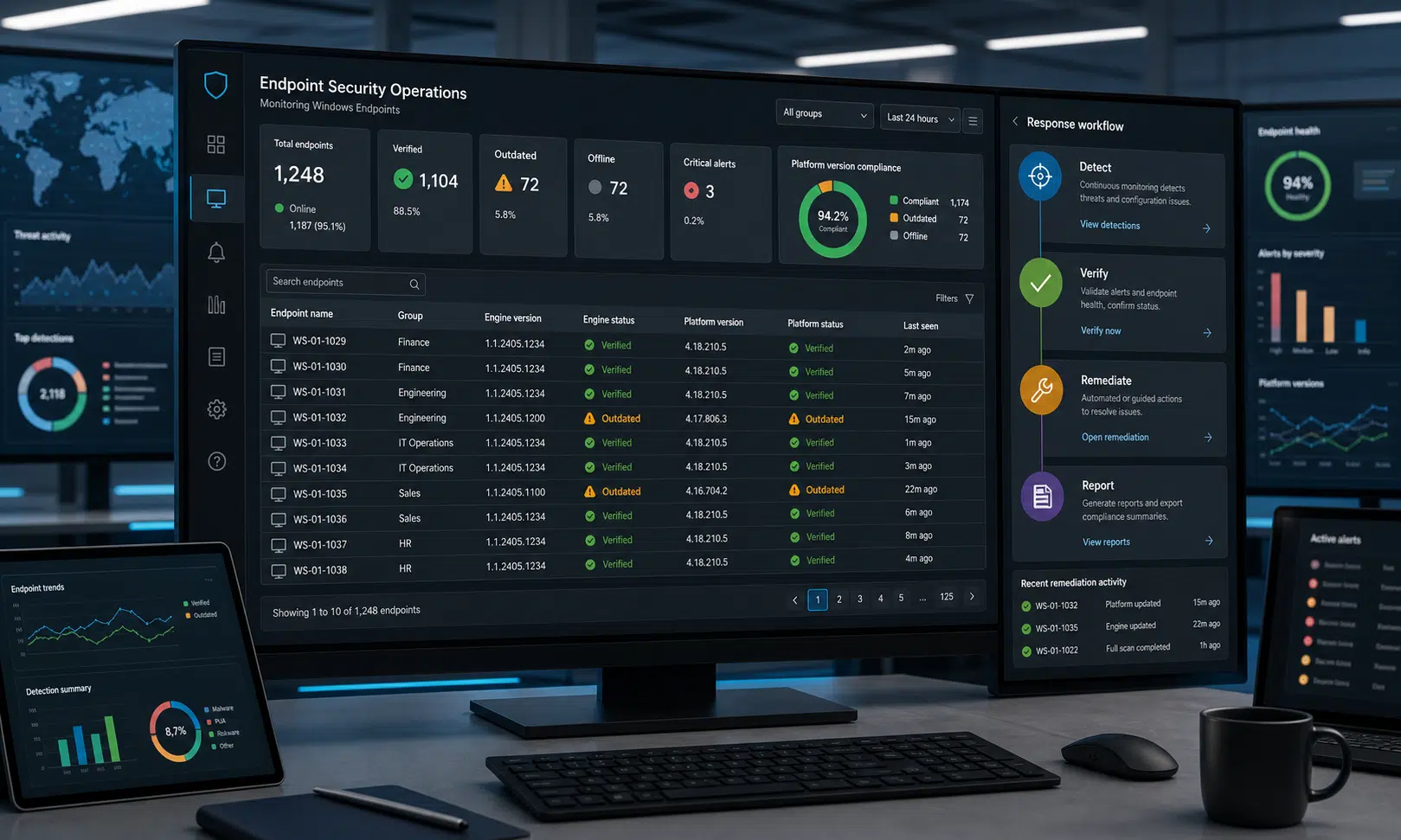

Microsoft has started rolling out fixes for two Microsoft Defender vulnerabilities that have been reported as exploited in attacks, putting Windows endpoint and server update hygiene back under pressure.
The two issues are tracked as CVE-2026-41091 and CVE-2026-45498. Microsoft’s advisory information identifies one as a Malware Protection Engine issue that can lead to privilege escalation and the other as a Defender Antimalware Platform issue that can lead to denial of service on affected systems.
For most home users and many managed environments, Defender should receive the required updates automatically. For IT teams, that is not a reason to assume the exposure is gone. The practical question is whether the right Defender engine and platform versions have actually reached every Windows device that depends on Microsoft’s built-in antimalware stack.
What Microsoft patched
The first vulnerability, CVE-2026-41091, is described by Microsoft as a privilege escalation flaw in the Microsoft Malware Protection Engine. That engine is the component behind scanning, detection, and cleaning in Microsoft antivirus and antispyware products.
The reporting around the issue says affected systems include Microsoft Malware Protection Engine version 1.1.26030.3008 and earlier. Because that version information should be treated as advisory-specific rather than assumed from inventory alone, administrators should verify it directly on endpoints instead of relying only on asset records.
Microsoft’s fix for the Malware Protection Engine issue is listed as version 1.1.26040.8 or later.
The second vulnerability, CVE-2026-45498, affects the Microsoft Defender Antimalware Platform. Microsoft describes the impact as denial of service, meaning successful exploitation could disrupt Defender-related protection or stability on unpatched systems rather than directly giving an attacker code execution.
The affected platform version has been reported as Microsoft Defender Antimalware Platform 4.18.26030.3011 and earlier. The fixed platform version is listed as 4.18.26040.7 or later.
| Vulnerability | Affected component | Reported impact | Version to verify |
|---|---|---|---|
| CVE-2026-41091 | Microsoft Malware Protection Engine | Privilege escalation | 1.1.26040.8 or later |
| CVE-2026-45498 | Microsoft Defender Antimalware Platform | Denial of service | 4.18.26040.7 or later |
Microsoft says the default configuration for its antimalware products is designed to keep malware definitions and the Defender Antimalware Platform current. That matters, but it does not remove the need for verification in environments where update rings, endpoint management policies, firewall rules, offline systems, or broken update channels can delay security content.
Why admins should verify instead of assuming
The U.S. Cybersecurity and Infrastructure Security Agency added both Defender vulnerabilities to its Known Exploited Vulnerabilities catalog after warning that they were being exploited in the wild. Federal Civilian Executive Branch agencies were directed to apply vendor guidance or remove exposure by June 3, 2026.
That deadline applies to federal agencies under the binding operational directive, but it is still a useful risk signal for private-sector security teams. When a Defender flaw reaches the KEV catalog, the concern is not theoretical patch scoring. It means defenders should treat missing updates as an active exposure management issue.
The most important operational wrinkle is that Defender updates are not always handled the same way as monthly Windows cumulative updates. Engine, platform, and security intelligence updates can follow different channels and cadences depending on the device, management stack, and policy configuration.
That distinction matters for buyers and operators of endpoint management tools. A dashboard that says Windows is patched may not prove that Defender’s antimalware engine and platform are current. Security teams should make sure their vulnerability management, endpoint detection, or patch management products can see Defender component versions clearly, not just operating system build numbers.
How to check the Defender versions in Windows Security
On individual Windows devices, Microsoft’s user-facing check is straightforward. The exact labels can vary slightly across Windows versions, but the path is generally through the Windows Security app.
- Open Windows Security from the Start menu or search bar.
- Select Virus & threat protection.
- Open Protection updates under the Virus & threat protection area.
- Return to Settings, then open About.
- Review the Antimalware Client Version, engine version, platform version, and security intelligence version shown on the page.
For this issue, administrators should confirm that the Malware Protection Engine is at 1.1.26040.8 or later and that the Defender Antimalware Platform is at 4.18.26040.7 or later.
If the numbers are lower, the device should be treated as not yet remediated. That does not automatically mean compromise occurred, but it does mean the update process needs attention.
What managed environments should review
For business environments, the work is less about clicking through one machine and more about proving coverage across all Windows endpoints and servers.
Security and IT teams should check:
- Whether Defender platform updates are enabled and allowed through endpoint management policy.
- Whether security intelligence and engine updates are reaching all devices, including remote laptops and intermittently connected systems.
- Whether servers using Microsoft Defender Antivirus are on the expected update channel.
- Whether older System Center Endpoint Protection or Security Essentials deployments still exist in inventory.
- Whether network controls allow required Microsoft update endpoints.
- Whether update compliance reports show Defender component versions, not only Windows patch status.
Organizations using Microsoft Intune, Configuration Manager, Group Policy, or third-party endpoint tools should also confirm that their policies do not accidentally defer Defender platform updates beyond the acceptable risk window. Deferrals that are reasonable for feature updates can become a problem when the affected component is already being targeted.
What to do if devices are behind
If a Windows device is still showing an older Defender engine or platform version, start with the update channel before moving to broader troubleshooting.
- Trigger Microsoft Defender updates manually through Windows Security or the management tool used in your environment.
- Confirm the device can reach Microsoft update services or the internal update source configured for Defender content.
- Check whether a policy is pinning the device to a delayed channel or blocking platform updates.
- Review endpoint health signals for update failures, stale security intelligence, or broken Defender services.
- For high-risk systems, consider temporary isolation or additional monitoring until the fixed versions are confirmed.
In larger environments, this is also a good moment to test whether your reporting can answer a simple question quickly: which machines are still below the fixed Defender versions? If that answer requires manual sampling or several disconnected exports, the tooling gap is worth addressing before the next active-exploitation advisory arrives.
The buyer-aware takeaway
This incident is not mainly a reminder to buy another security product. It is a reminder that endpoint security depends on update visibility as much as update availability.
Microsoft has made fixed Defender versions available, and many systems should receive them automatically. The risk sits with devices where automatic updating is delayed, misconfigured, blocked, or not measured closely enough.
For security teams, the useful response is specific: verify the Defender engine and platform versions, confirm management policies allow the updates, and make sure reporting can identify any stragglers. For technology buyers, the same incident is a practical test of patch management and endpoint visibility claims. If a tool cannot show Defender component version coverage during an actively exploited advisory, it may not be giving the operational detail defenders need.