

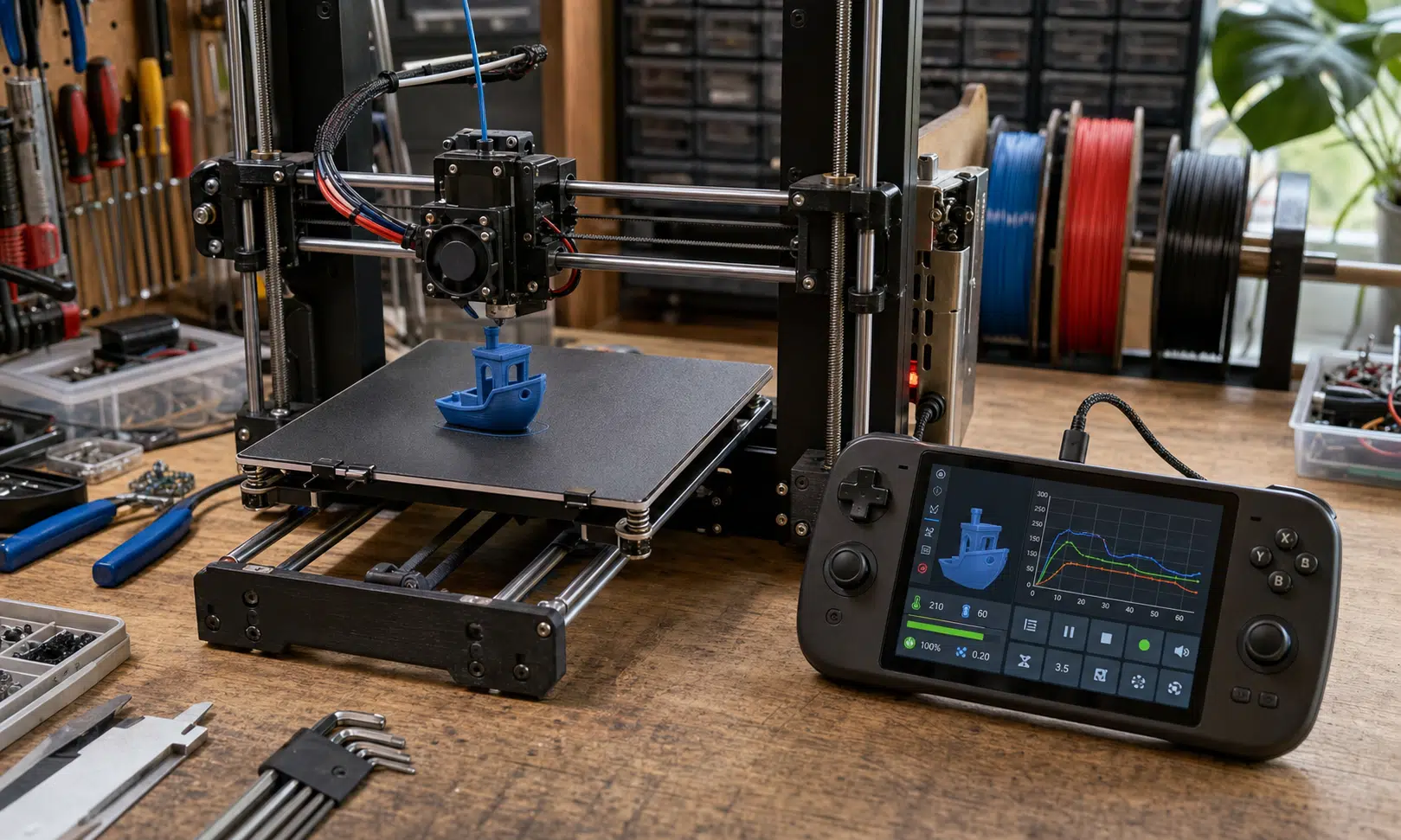

A 3D printing enthusiast has shown an unusual way to modernize an aging printer: use a jailbroken Nintendo Switch as the Klipper host for a Prusa MK3S.
The project, shared by Cocoanix 3D Printing, centers on moving the heavier planning and control work away from the printer’s older electronics and onto the Switch, which runs Ubuntu Linux in this setup. The headline result is eye-catching: Cocoanix says the modified MK3S printed a 3DBenchy in 8 minutes and 41 seconds under SpeedBenchy-style rules, compared with a typical 90-minute print cited for the older setup. That exact result has not been independently verified here, so it is best treated as the creator’s reported benchmark rather than a guaranteed outcome.
Still, the mod points to a real buyer-relevant issue with older 3D printers. A mechanically capable machine can feel dated when its firmware and control hardware limit motion planning, tuning, and print-speed features. Klipper is one of the common upgrade paths because it uses a host computer alongside the printer’s controller board, opening the door to features that are harder to manage on older stock firmware.
What the Nintendo Switch is doing in the setup
In this project, the Switch is not magically making plastic melt faster. It is acting as the host computer for Klipper, a role more often handled by a Raspberry Pi, mini PC, old laptop, or similar single-board computer. The printer’s control board still handles low-level motion control, while the external host takes on more demanding planning and coordination tasks.
Cocoanix says the Switch setup uses Ubuntu Linux and then walks through installing and configuring Klipper, Mainsail or Fluidd-style web control, and the printer-side firmware changes needed for the MK3S. That process should be considered an advanced modification. It involves a jailbroken game console, Linux setup, firmware flashing, and printer configuration work, so it is not a casual afternoon upgrade for most owners.
The practical appeal is clear, though. The Switch has a built-in screen, battery, controls, and a capable Nvidia-based system-on-chip. For someone who already owns a spare or modded Switch, it can function as an all-in-one Klipper control terminal with more personality than a bare single-board computer.
Quick Comparison
| Image | Product | Best fit | Link |
|---|---|---|---|
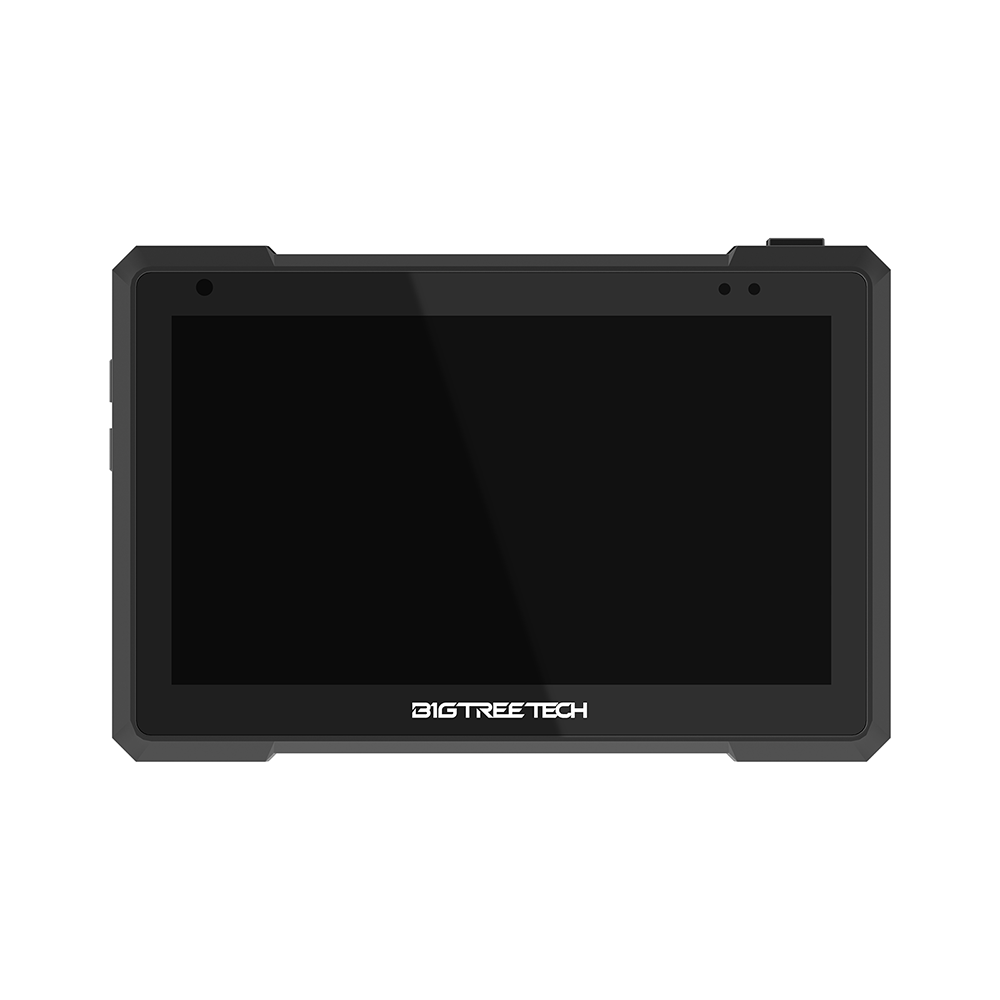 |
BIGTREETECH Pad 7 Klipper Touchscreen | A dedicated Klipper pad gives a printer a touchscreen host without tying up a game console. Check printer compatibility and firmware instructions before buying, especially for older machines. | Check Price on Amazon |
 |
Raspberry Pi 5 for Klipper Hosting | A Raspberry Pi remains one of the most common ways to run Klipper, Mainsail, or Fluidd on an older printer. Budget for the board, power supply, microSD or SSD storage, and cooling rather than the board alone. | Check Price on Amazon |
 |
Beelink Mini S12 Pro Mini PC | A compact mini PC can run Linux-based printer control software while leaving room for extra services or multiple web interfaces. It is less tidy than a printer-specific pad, but easier to repurpose later. | Check Price on Amazon |
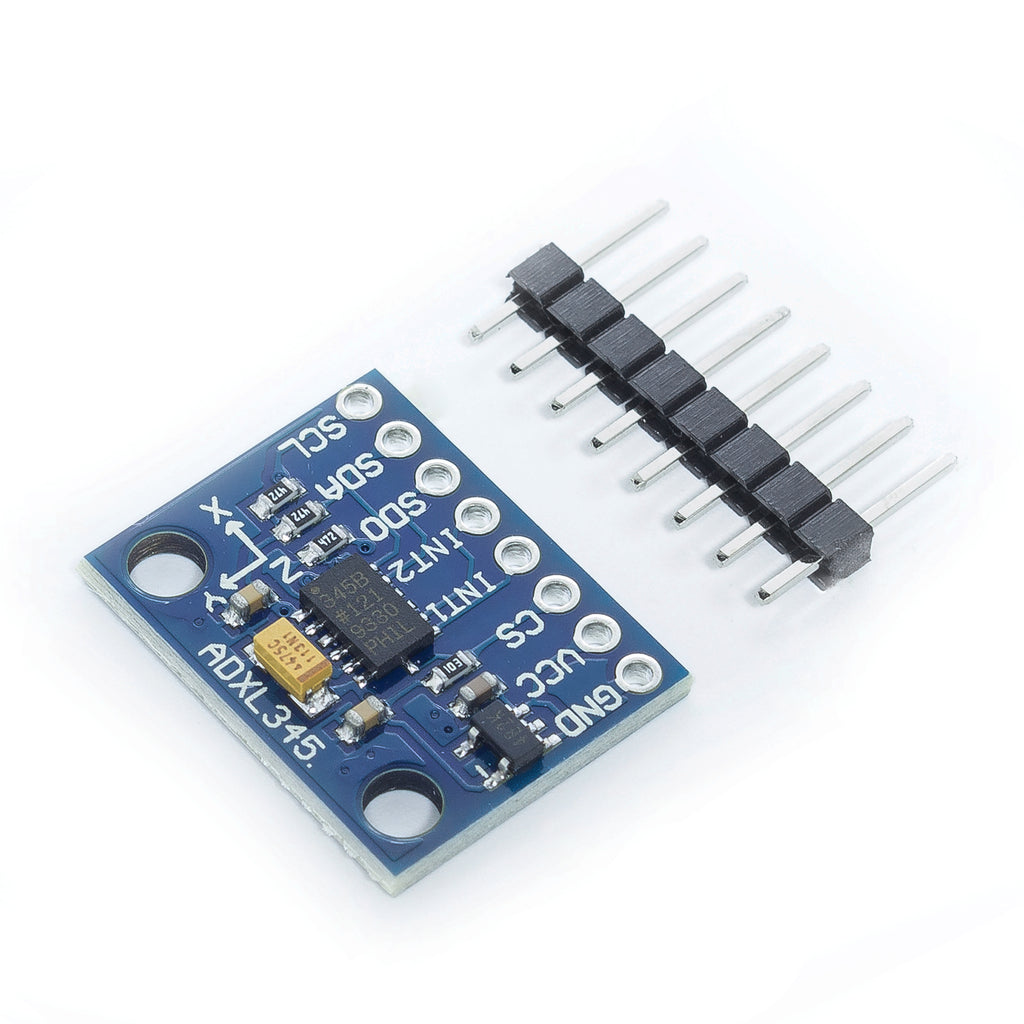 |
ADXL345 Accelerometer Module | An ADXL345 accelerometer helps measure printer vibration for Klipper input shaping. Match the module and wiring method to your controller board or host before ordering. | Check Price on Amazon |
As an Amazon Associate I earn from qualifying purchases.
Why Klipper can matter on older printers
Klipper is attractive because it makes printer tuning more accessible through editable configuration files instead of requiring traditional firmware recompilation for every low-level change. It can also support modern motion features such as input shaping, which is designed to reduce ringing and ghosting caused by printer vibration.
Cocoanix claims the MK3S was pushed as high as 400mm/s with 17,000mm/s² acceleration during the experiment. That figure should be read as a reported tuning target from the creator’s demo, not a normal recommendation for every MK3S owner. At that point, the limiting factors are likely to move away from computation and toward the printer’s physical hardware: hotend flow, extruder grip, cooling, frame dynamics, and the bed-slinger motion system.
That distinction matters for anyone considering a similar upgrade. Faster motion commands do not automatically produce better parts. If the hotend cannot melt enough filament, if cooling cannot keep up, or if the motion system shakes the print, the result may be fast but rough.
Should you use a Switch instead of buying a newer printer?
For most people, no. The Nintendo Switch angle is clever, but it is not the most practical route into Klipper. A Raspberry Pi, used mini PC, or purpose-built Klipper pad is usually easier to justify, easier to replace, and less awkward to dedicate permanently to a printer.
The mod makes more sense if you already have the right hardware and enjoy experimentation. It is especially relevant to owners of older but still mechanically sound printers, including machines like the Prusa MK3S, where the frame and motion system remain useful but the electronics and firmware experience feel dated.
A buyer thinking about this kind of upgrade should separate three questions:
- Do you want a project, or do you want reliable faster printing with minimal setup?
- Is your printer mechanically capable enough to benefit from Klipper tuning?
- Would a newer printer cost less in time, risk, and replacement parts?
If the answer is mainly speed and convenience, a modern Klipper-based or high-speed consumer printer may be the cleaner purchase. If the answer is experimentation, tuning, and squeezing more life from older hardware, the Switch-powered MK3S is a memorable proof of concept.
The bottom line
Cocoanix’s Nintendo Switch Klipper build shows how far an older 3D printer can be pushed when its control system is modernized. The reported sub-nine-minute Benchy is impressive, but the broader lesson is more useful than the number itself: once software and processing stop being the bottleneck, the printer’s hotend, extruder, cooling, and motion system decide how usable that extra speed really is.
For buyers and hobbyists, this is less a reason to sacrifice a working Switch and more a reminder to evaluate upgrade paths carefully. Klipper can be a serious improvement for the right older printer, but the host device should fit the job, the budget, and the owner’s tolerance for tinkering.