

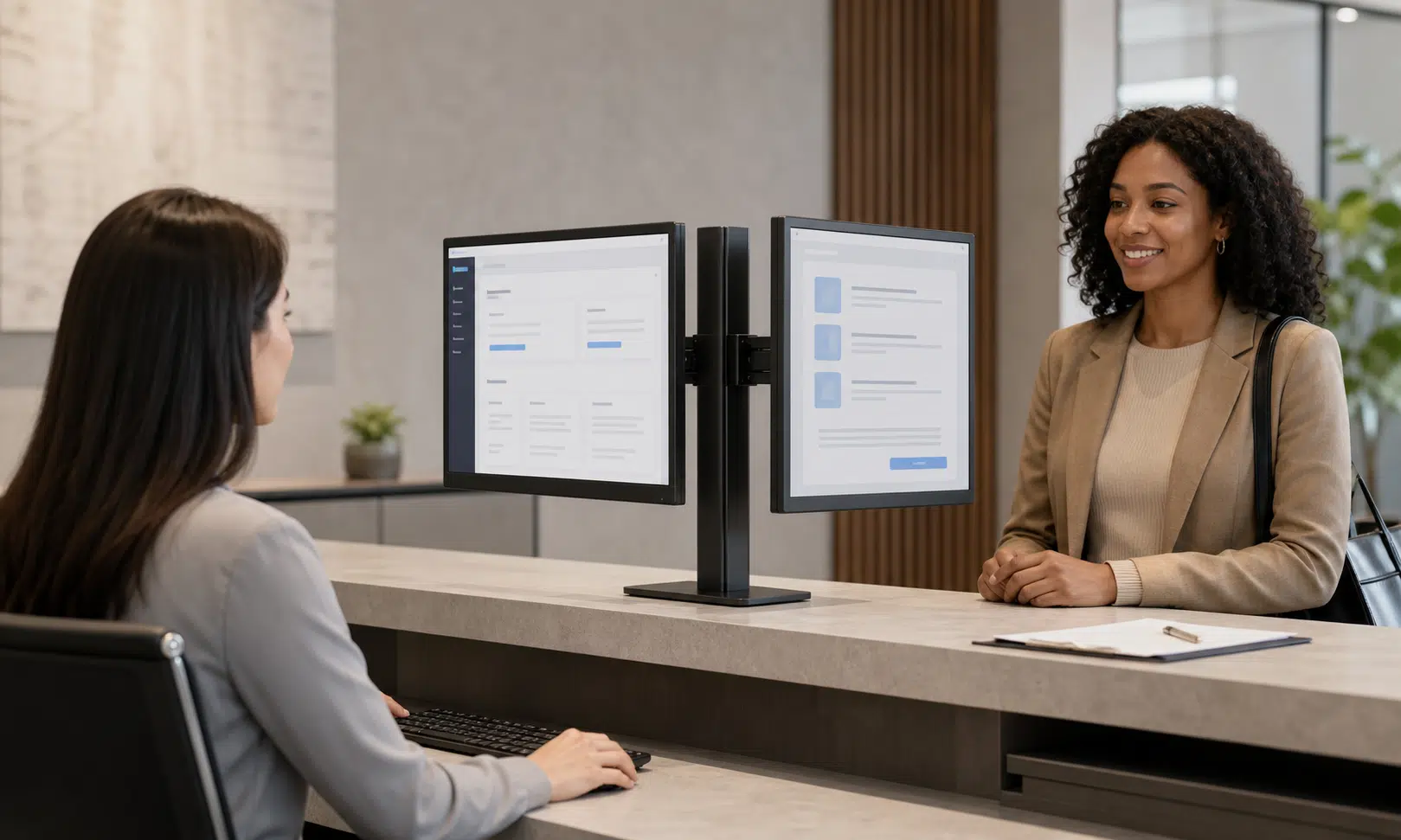

Philips is positioning the 24B2D5300 as a business monitor for places where one screen often has to serve two people. Instead of turning a conventional display around, duplicating information on a second monitor, or relying on a tablet at the counter, the concept puts a display surface on both sides of the same standalone unit.
That makes the 24B2D5300 more interesting for front desks and service counters than for ordinary office desks. The practical question is not whether two screens sound unusual, but whether a shared physical setup can make customer-facing work cleaner, faster, or less awkward.
What Philips Is Trying To Solve
The most obvious use case is a counter where staff and customers both need to see information. Reception desks, bank counters, medical check-in points, hotel lobbies, and repair/service desks all run into this problem. A staff member may need the full workflow on their side, while the customer only needs a form, appointment detail, payment prompt, queue status, or confirmation screen.
Philips describes the 24B2D5300 as a dual-sided business monitor rather than a portable dual-screen accessory. The idea is to keep the installation more permanent and desk-friendly, while giving each side a screen that can be used for either shared or separate content. Specific mirroring, extending, and split-workflow behavior should still be confirmed against the final product documentation and the computer or device it is connected to.

Dell Pro 24 Plus USB-C Hub Monitor
A 24-inch USB-C hub monitor can still be useful where a full dual-sided display is not required. Look for USB-C power delivery, HDMI or DisplayPort fallback, and a stand that fits the counter depth.
As an Amazon Associate I earn from qualifying purchases.
Reported Specs And Buyer-Relevant Details
Early product information points to a 24-inch display on each side, with Full HD-class resolution, IPS panel technology, and refresh support listed up to 120Hz. Those details make sense for reception and service workflows, where wide viewing angles and readable text matter more than high-end creative color work or gaming-grade resolution.
The reported connectivity is also aimed at mixed workplace setups. USB-C and HDMI support are the key items to check, especially if the monitor is expected to work with a laptop dock, a compact PC, or a counter system that already has limited ports. Buyers should also verify whether their software can send the right information to each side, because the monitor hardware alone will not solve a poorly designed check-in or customer display workflow.
| Area | What to check before buying |
|---|---|
| Display layout | Whether both sides can show the same content or separate views in your setup |
| Screen size | Whether 24 inches per side fits the desk depth and customer distance |
| Inputs | USB-C and HDMI compatibility with the PCs, docks, or terminals in use |
| Workflow fit | Whether your front-desk software supports customer-facing screens cleanly |
| Deployment | Regional pricing, warranty, stock timing, and mounting/security needs |
Verdict: Useful For The Right Desk, Not A General Monitor Upgrade
The Philips 24B2D5300 is not aimed at the usual monitor shopper. It is a niche business display for environments where staff and customers regularly need to view related information from opposite sides of a counter. In that setting, the value is less about raw panel specs and more about removing friction: fewer screen turns, fewer duplicated devices, and a cleaner way to present customer-specific information.
For a standard office, a normal monitor or a traditional dual-monitor setup will still make more sense. For a reception area, healthcare intake desk, retail service point, or bank counter, this kind of dual-sided design could be worth a closer look if the software workflow supports it.
Early launch coverage has pointed to a UK price around £359.99, with availability expected around June 2026, but buyers should confirm final regional pricing, stock, and configuration details before treating that as a procurement-ready figure.
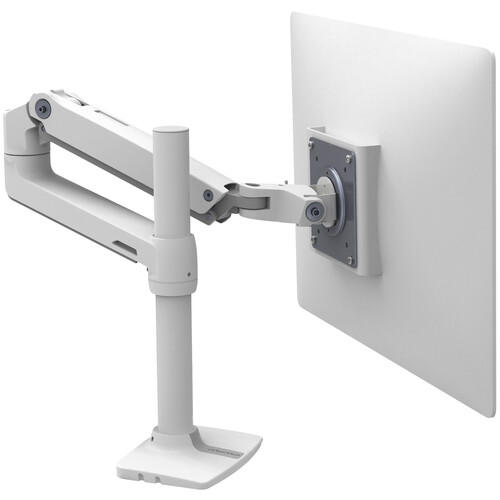
Ergotron LX Desk Monitor Arm
A quality monitor arm can help position a display cleanly on a reception or service counter. Check VESA compatibility, desk-clamp clearance, and whether the mount leaves enough room for customer interaction.
As an Amazon Associate I earn from qualifying purchases.