



Nvidia’s RTX Mega Geometry is one of those rendering technologies that sounds abstract until you see what problem it is trying to solve. Path tracing already asks a lot from a GPU. Dense game worlds, highly detailed foliage, Nanite-style assets, and animated geometry make the workload even harder. Mega Geometry is Nvidia’s attempt to make that kind of scene more practical for real-time ray tracing without relying as heavily on simplified stand-in geometry.
The short version is straightforward: RTX Mega Geometry is meant to help ray tracing deal with far more geometric detail than older approaches were designed around. In some cases, that can mean lower VRAM use and better performance. In others, it can mean higher-quality shadows and reflections because the renderer can trace against more complete geometry instead of simplified proxy meshes.
That second use case is the more visually interesting one, but it also comes with a cost. The RTX Bonsai Diorama Demo shows why the technology matters, while also showing why path tracing full-quality geometry remains a premium workload.
Why Geometry Is Becoming a Ray Tracing Problem
Real-time ray tracing arrived on consumer GPUs with Nvidia’s first GeForce RTX cards in 2018. Early implementations were narrow. Battlefield V, for example, used ray tracing for reflections rather than attempting fully path-traced lighting across the entire scene.
Since then, games have moved much further. Control added several ray-traced effects, while titles and demos such as Quake II RTX and Cyberpunk 2077 helped bring full ray tracing, or path tracing, into the PC gaming conversation. Path tracing is more ambitious than hybrid ray tracing because it simulates many possible light paths through a scene. That is also why it can produce more convincing lighting, reflections, and shadowing when the implementation and hardware budget allow it.
Lighting is only half the pressure, though. Game geometry has also become far denser. Unreal Engine 5’s Nanite is the most familiar example: it allows artists to use highly detailed assets with very high object counts and fine surface detail. Other engines have moved in a similar direction, even if the exact systems differ.
That matters because ray tracing needs an acceleration structure to understand what rays can hit. In Microsoft’s DirectX Raytracing model, geometry is organized through a bounding volume hierarchy, usually shortened to BVH. In dynamic scenes with dense, animated, or frequently changing geometry, rebuilding or updating that structure can become expensive. The broader point is not controversial: tracing a visually rich scene against full-detail geometry is much harder than tracing against a simplified approximation.
For that reason, developers often use proxy meshes for ray-traced effects. Those simplified versions are easier to handle, but they can introduce visible compromises. Shadows may miss small details. Reflections may lose foliage or surface complexity. Self-occlusion can look wrong when the traced version of an object does not match what the camera sees.
What RTX Mega Geometry Is Trying To Do
RTX Mega Geometry is designed to let ray tracing work with much denser geometry than traditional approaches could comfortably manage. Nvidia’s explanation of the technology centers on a Cluster Acceleration Structure, or CLAS, which groups geometry into small triangle clusters and is intended to be driven efficiently on the GPU. Public descriptions commonly frame those clusters as batches of up to 256 triangles, though the exact benefit depends on the engine, content, and hardware.
The practical goal is easier to understand than the implementation detail. Mega Geometry is meant to reduce the cost of maintaining acceleration structures for very dense scenes. That can help in two different ways:
- Developers can use it on existing assets to reduce VRAM pressure or improve performance.
- Developers can use it to trace higher-fidelity geometry, reducing the artifacts caused by proxy meshes.
Those two outcomes are not identical. If a game uses Mega Geometry mainly as an optimization layer, the player may see higher frame rates or lower memory use without a dramatic change in image quality. If a demo uses it to expose far more real geometry to the path tracer, the image can improve noticeably, but the frame-rate cost can rise.
Nvidia says Mega Geometry is supported on RTX GPUs going back to the RTX 20-series. The RTX 50-series, however, is positioned as the hardware family with dedicated support for the feature through newer RT Core capabilities, including engines aimed at triangle cluster intersection and compression. In buyer terms, that means older RTX cards may support the feature, but Blackwell-era cards are better aligned with its most demanding use cases.
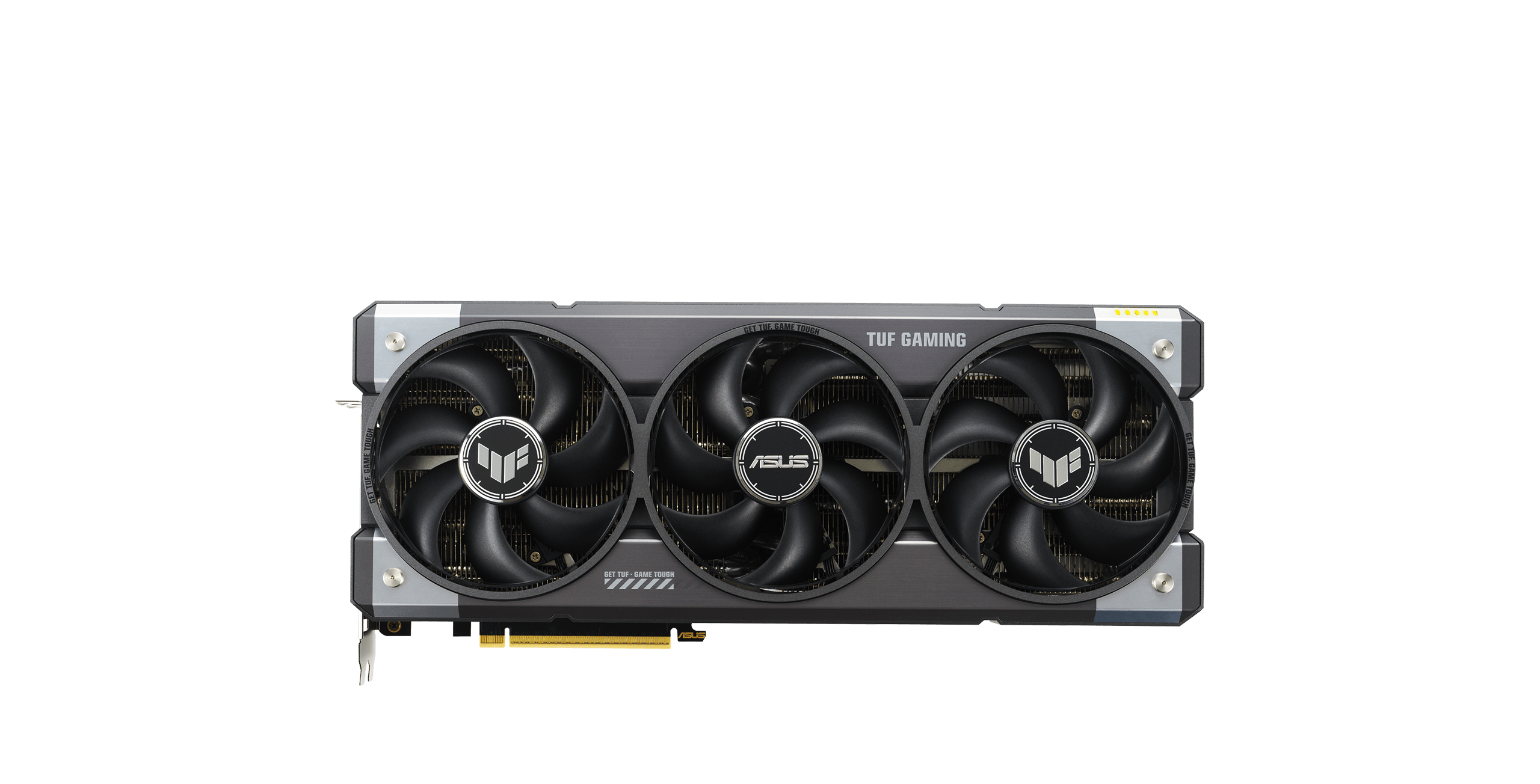
ASUS TUF Gaming GeForce RTX 5090 OC
This is the sensible tier to consider if the goal is high-fidelity path tracing with Mega Geometry enabled. It still depends on DLSS settings and game support, but it best matches the article’s flagship workload discussion.
As an Amazon Associate I earn from qualifying purchases.
Alan Wake 2 Shows the Optimization Side
Alan Wake 2 is a useful reference point because it already represents a heavy modern PC rendering workload. The game is known for its demanding lighting options and path-tracing support on PC, and it has been discussed frequently in the context of high-end RTX features.
Mega Geometry support has been associated with Alan Wake 2 title update 1.2.8, but independent confirmation of every implementation detail is limited. The safer read is that Remedy appears to have used the technology as an optimization for existing content rather than as an excuse to substantially increase the game’s geometric complexity.
That distinction matters. In this kind of deployment, Mega Geometry is less about making the game look radically different and more about making the existing ray-traced workload easier to run. Reports around the update point to meaningful VRAM savings and a performance uplift in path-traced scenarios, but exact results should be treated as test-system dependent rather than universal.
For buyers, this is the quieter but arguably more useful version of the technology. A game that already looks good but needs less VRAM or runs a little faster is easier to appreciate than a demo that looks spectacular but only runs well on a flagship GPU. It also hints at why Mega Geometry could become valuable even in games that do not loudly advertise it as a visual showcase.
The Bonsai Diorama Demo Shows the Image Quality Side
The RTX Bonsai Diorama Demo is the more aggressive demonstration. Built on Nvidia’s RTX branch of Unreal Engine 5.6, the demo combines path tracing, Nanite meshes, RTX Dynamic Illumination, DLSS Super Resolution, DLSS Ray Reconstruction, and DLSS Frame Generation. Its main purpose is to show what happens when full-quality Nanite geometry is made available to the path tracer.
That makes it a better visual proof point than a typical game patch. The demo lets Mega Geometry be toggled on and off, so the comparison is not just theoretical. With the feature disabled, the renderer falls back to lower-fidelity representations in key areas. With it enabled, the traced version of the scene better matches the visible geometry.
The effect is easiest to see in shadows and reflections. When the traced geometry is incomplete, small objects or fine shapes can cast missing or incorrect shadows. Reflections can also lose details because the reflected version of the scene is based on a simplified mesh rather than the full Nanite asset.
In the Bonsai demo, enabling Mega Geometry improves those problem areas. Leaves and fine details that can disappear from reflections with the feature off are restored when the full mesh is traced. Incorrect self-occlusion on complex objects is also reduced. These are not the sort of differences that always show up in a quick benchmark chart, but they matter for path tracing because they close the gap between the rasterized scene and the ray-traced result.
Performance Still Depends on the GPU
The visual case for Mega Geometry is strong in the Bonsai demo, but it is not free. In that scene, enabling the feature means the path tracer has more real geometry to evaluate, so the GPU workload increases.
The reported performance cost on an RTX 5090 was roughly consistent across common test resolutions, landing in the low-to-mid 20 percent range. At 1080p and 1440p, the demo remained above 60 FPS with Mega Geometry enabled. At that base frame rate, DLSS Frame Generation becomes more practical because latency remains easier to manage than it would at a much lower native frame rate.
On an RTX 5070, the cost was similar in percentage terms but more limiting in practice. The card could not reach 60 FPS with Mega Geometry enabled in the demo unless DLSS settings or frame generation were used more aggressively. That is not surprising: standard path tracing is already demanding at this tier, and tracing higher-quality geometry adds more pressure.
The RTX 5060 result is the clearest reminder that “recommended GPU” language needs context. The demo’s guide reportedly lists the RTX 5060 as recommended, but that appears to assume DLSS Super Resolution and Frame Generation. Without those tools, the GPU averaged below 30 FPS with Mega Geometry enabled. With DLSS and frame generation at 1080p, frame rates can exceed 100 FPS, but the experience may come with image-quality compromises and higher perceived latency.
| GPU | Observed takeaway | Buyer-aware read |
|---|---|---|
| RTX 5090 | Mega Geometry remained playable in the Bonsai demo, with a roughly 21% to 24% performance cost depending on resolution. | Best fit for high-fidelity path tracing and heavy demo-class workloads. |
| RTX 5070 | The performance hit was similar by percentage, but 60 FPS was harder to reach without DLSS or frame generation. | Usable, but settings and upscaling matter much more. |
| RTX 5060 | Below 30 FPS without DLSS and frame generation in this demanding demo scenario. | Feature support does not mean an ideal native path-tracing experience. |
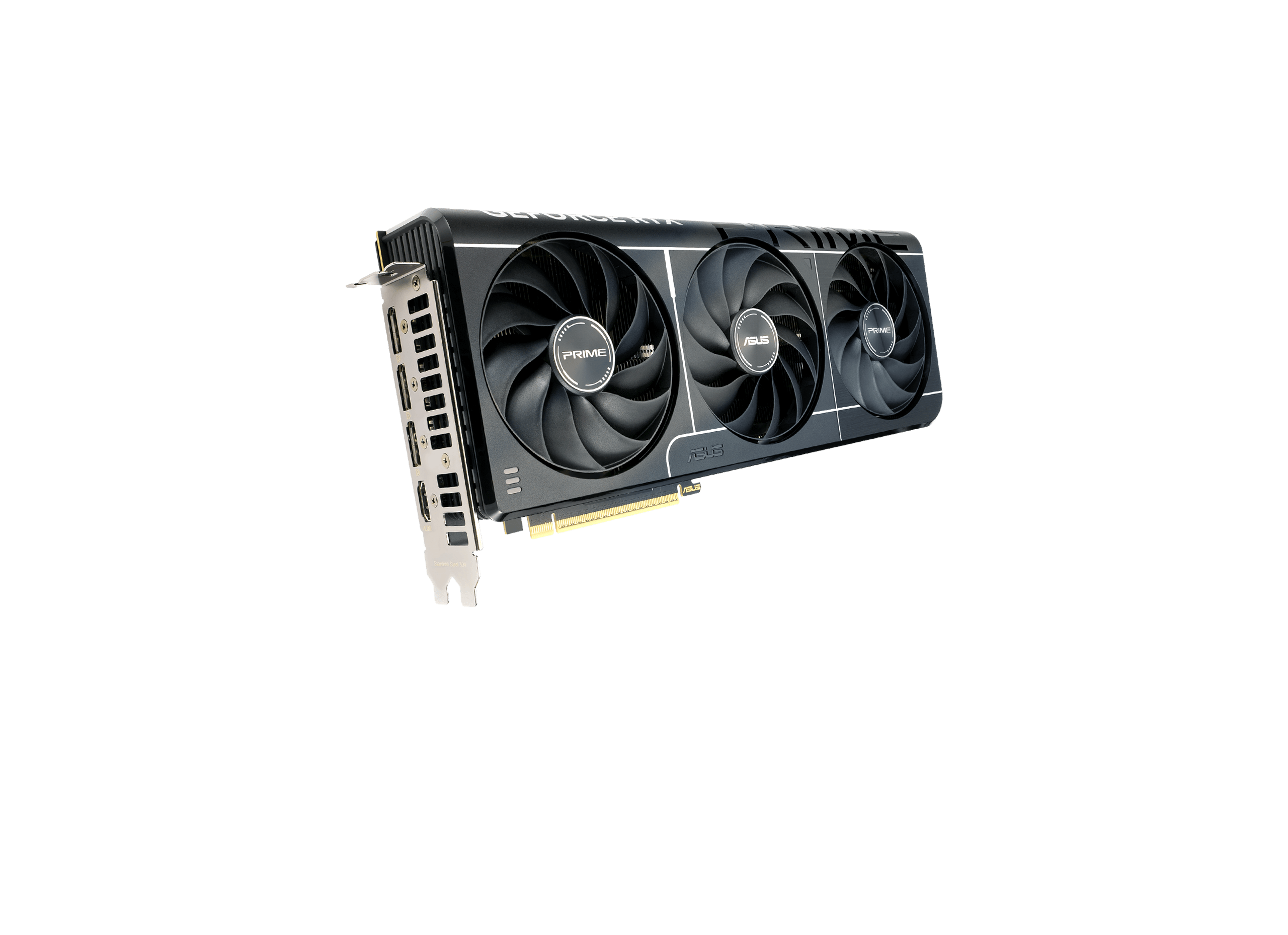
ASUS Prime GeForce RTX 5070 OC
This tier is a better fit for buyers who want RTX 50-series features without aiming for flagship 4K path tracing. Settings, upscaling, and VRAM limits matter more here than they do on the RTX 5090.
As an Amazon Associate I earn from qualifying purchases.
What The Witcher 4 Demo Suggests
Nvidia has also connected Mega Geometry to future path-traced games and demos, including Control Resonant and The Witcher 4. The Witcher 4 example is especially relevant because foliage is one of the hardest geometry problems in real-time rendering. Forests contain huge numbers of leaves, needles, branches, shrubs, and plants, and those shapes are exactly the kind of detail that can break down when simplified too aggressively.
During Nvidia’s GDC 2026 path tracing presentation, the company showed a foliage system built around Mega Geometry concepts. The system was described as a way to update only relevant parts of the scene as the camera moves while representing level of detail in a form that remains efficient for ray tracing. Nvidia also discussed using Opacity Micromaps for distant levels of detail, giving faraway foliage a lighter memory footprint while still preserving a useful approximation for ray traversal.
The larger forest demo was striking on paper: a 5 km by 5 km scene, roughly 60 million plants, more than 200 species, around 1 million trees, and fully dynamic path-traced lighting. Nvidia also described the scene as resident in memory rather than streamed, with full geometry down to fine foliage details.
Those numbers should be read as a technology demonstration, not a shipping-game guarantee. Still, the reported performance was notable. On an RTX 5090 at 4K with DLSS Quality, the demo ran at about 80 FPS. On an RTX 4070 at 1440p with DLSS Quality, it ran at about 58 FPS. If results like that translate into real games, Mega Geometry could matter well beyond carefully staged demos.
What This Means for PC Buyers
RTX Mega Geometry is not a magic switch that makes path tracing easy. It does not remove the need for fast RT cores, enough VRAM, smart engine integration, and sensible upscaling. It also does not guarantee that every supported GPU will deliver a good experience in every path-traced scene.
What it does offer is more targeted. It gives developers another way to reduce the mismatch between the geometry players see and the geometry ray tracing uses. That can reduce artifacts in shadows, reflections, and self-occlusion. It can also help with memory pressure when used as an optimization on existing assets.
For high-end GPU owners, especially RTX 50-series buyers, the technology is worth watching because it points toward richer path-traced worlds with fewer visual shortcuts. For midrange buyers, the lesson is more cautious. Feature support is useful, but frame rate, VRAM, DLSS settings, and latency still decide whether the experience feels good.
That is the real story here. RTX Mega Geometry is a meaningful step toward path-traced games with denser, more accurate geometry, but it remains part of a larger stack. The best results will come when engines, artists, upscalers, denoisers, and hardware are all tuned around the same goal: making high-detail scenes look correct without pushing performance beyond what players can reasonably use.
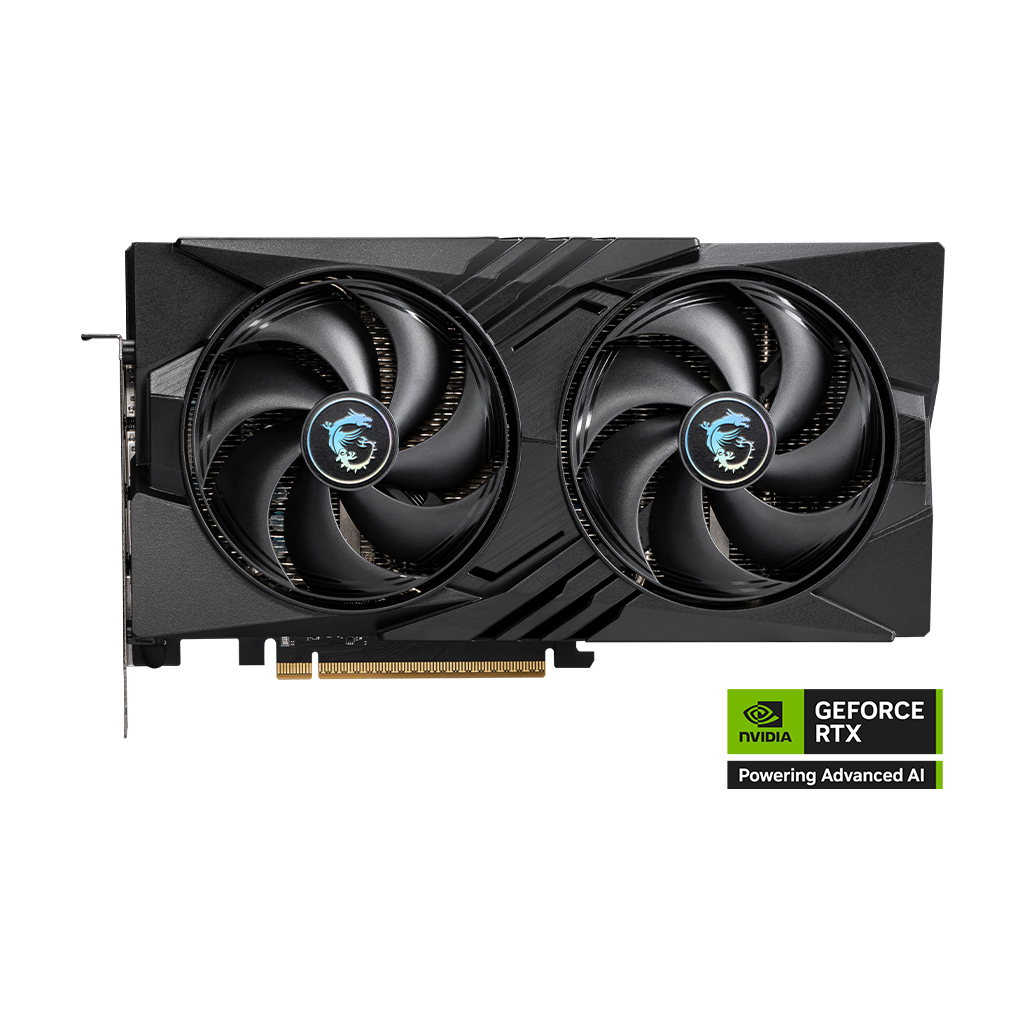
MSI GeForce RTX 5060 Gaming OC
This is the entry-level RTX 50-series angle for readers who mainly want feature support and are comfortable leaning on DLSS. It is not the best choice for native high-quality path tracing in demanding demos.
As an Amazon Associate I earn from qualifying purchases.