

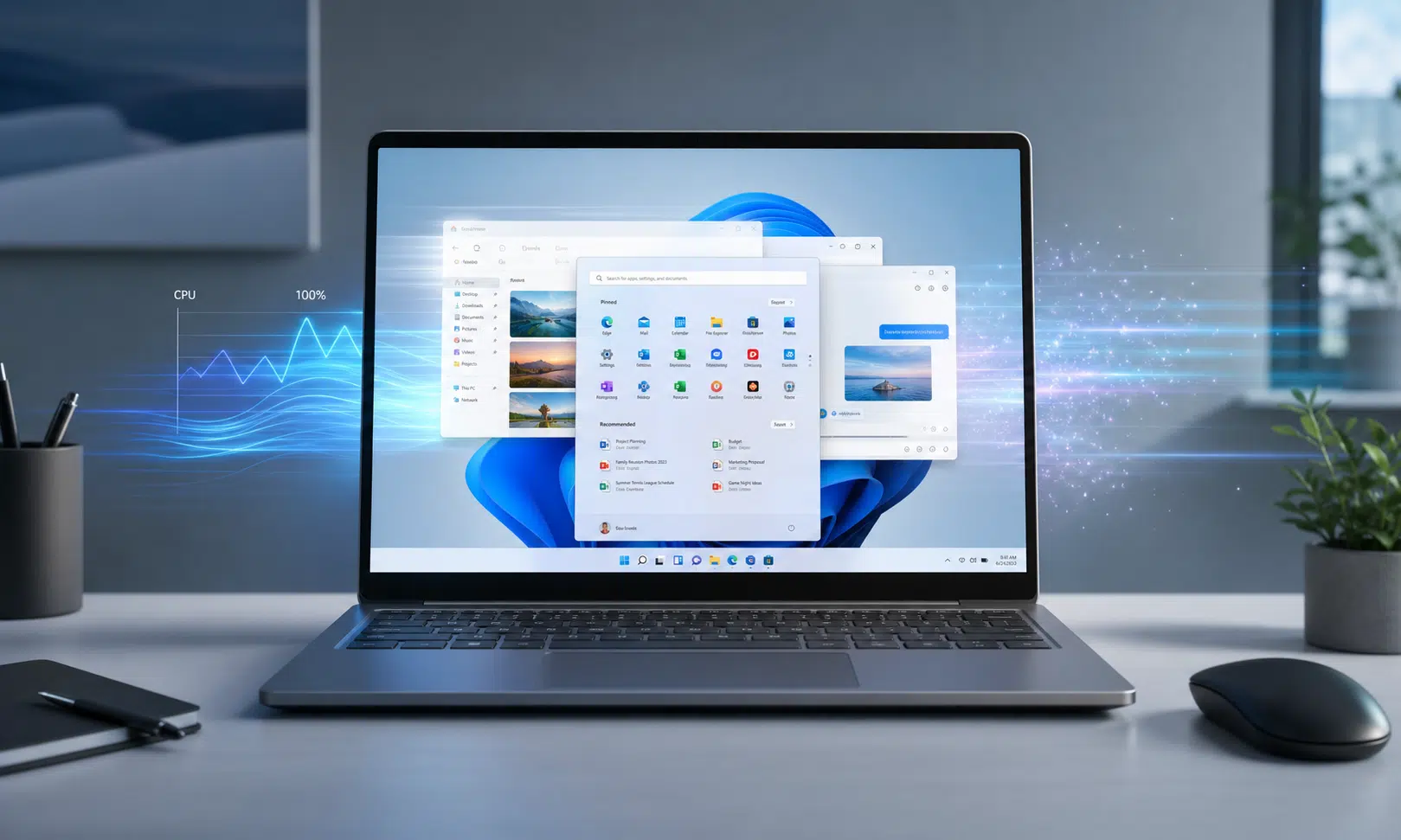

Microsoft is reportedly testing a Windows 11 performance feature that could make the operating system feel quicker during everyday tasks, especially when opening apps or interacting with common interface elements.
The feature is being referred to as Low Latency Profile. Instead of keeping the processor running harder all the time, the idea appears to be more targeted: briefly raise CPU clocks when Windows needs to respond quickly, then let the system settle back down.
That could matter for the parts of Windows 11 that users notice most. App launches, the Start menu, system flyouts, and right-click context menus are small actions, but they shape how fast a PC feels in normal use. Windows 11 has taken criticism for feeling less immediate than Windows 10 in some of those areas, even on capable hardware.
How Low Latency Profile Is Reportedly Supposed to Work
The reported approach is simple in concept. When a high-priority action happens, Windows would temporarily push the CPU to a higher frequency for a very short window. The boost is said to last around one to three seconds, long enough to help with a launch or menu render without acting like a permanent high-performance power mode.
Reported examples of actions that could trigger the behavior include:
- Opening built-in Windows apps
- Launching common desktop applications
- Opening the Start menu
- Rendering context menus
- Displaying system flyouts and other interface elements
The most eye-catching numbers being circulated are performance gains of up to 40% for some inbox app launches and up to 70% for certain interface actions such as the Start menu and context menus. Those figures should be treated carefully, because Microsoft has not publicly announced the feature in detail and the reported gains have not been independently verified across a broad range of PCs.
Still, the direction makes sense. Many PC interactions are limited less by sustained processor power and more by how quickly the system can respond in the first moment after a click. A short CPU burst could make those moments feel cleaner without asking users to manually tune power plans.

ASUS Zenbook 14 OLED
A modern ultraportable such as the ASUS Zenbook 14 OLED fits the kind of PC this Windows 11 feature is meant to help: quick app launches, smooth menus, and good unplugged usability. It is most relevant for readers considering a new laptop rather than trying preview-build tweaks.
As an Amazon Associate I earn from qualifying purchases.
Battery Life and Heat Are the Obvious Questions
Any feature that raises CPU clocks comes with a practical tradeoff. More frequency usually means more power draw and more heat, which is especially relevant for laptop buyers comparing thin-and-light Windows machines.
The reported design tries to limit that concern by keeping the boost brief and automatic. If the CPU only spikes for a second or two while an app opens, the effect on battery life may be far smaller than running in a constant performance mode. That said, the real-world impact will depend on hardware, cooling, firmware behavior, battery size, and how often the boost is triggered.
For desktop users, the tradeoff may be less concerning. For laptop users, especially those who work unplugged, the key question is whether the responsiveness gain is noticeable without adding fan noise or shaving meaningful time off a charge.
Part of Microsoft’s Broader Windows 11 Cleanup
Low Latency Profile is reportedly tied to Microsoft’s wider Windows K2 effort, a push focused on improving Windows 11 performance, reliability, and everyday polish. That broader context is important because this feature alone would not solve every complaint about Windows 11 responsiveness.
A CPU burst can help with short, high-priority actions, but sluggishness can also come from legacy code, inefficient UI paths, background tasks, driver behavior, or app design. If Microsoft pairs this kind of targeted CPU boost with deeper operating system cleanup, the result could feel more substantial than a single performance switch.
The feature also appears to be designed as an automatic background behavior rather than a user-facing setting, at least in its current reported form. That would fit the problem Microsoft is trying to solve: most people do not want to manage processor states just to make the Start menu open faster.
Should You Try to Enable It Early?
Some Windows enthusiasts may be able to experiment with the hidden feature in recent Windows 11 preview builds using ViVeTool and the reported feature IDs 60716524 and 61391826. The command being shared is vivetool /enable /id:60716524,61391826, run from an elevated command prompt.
Most users should wait. The feature has not been formally announced, may not behave consistently, and could change before Microsoft ships it broadly. Preview builds also carry the usual risks: bugs, instability, and changes that may be removed or revised without warning.
For buyers deciding whether to upgrade a PC or choose between Windows laptops, this is worth watching rather than acting on immediately. If Microsoft ships Low Latency Profile widely and the reported gains hold up, Windows 11 could feel noticeably faster on existing hardware. Until then, it remains an early performance experiment with promising numbers but limited public validation.

Samsung 990 EVO Plus NVMe SSD
For a compatible desktop or laptop, an NVMe SSD upgrade can help with storage-bound tasks such as booting, loading apps, and moving large files. It is a separate upgrade from Microsoft’s reported CPU burst feature, so readers should check M.2 compatibility before buying.
As an Amazon Associate I earn from qualifying purchases.