

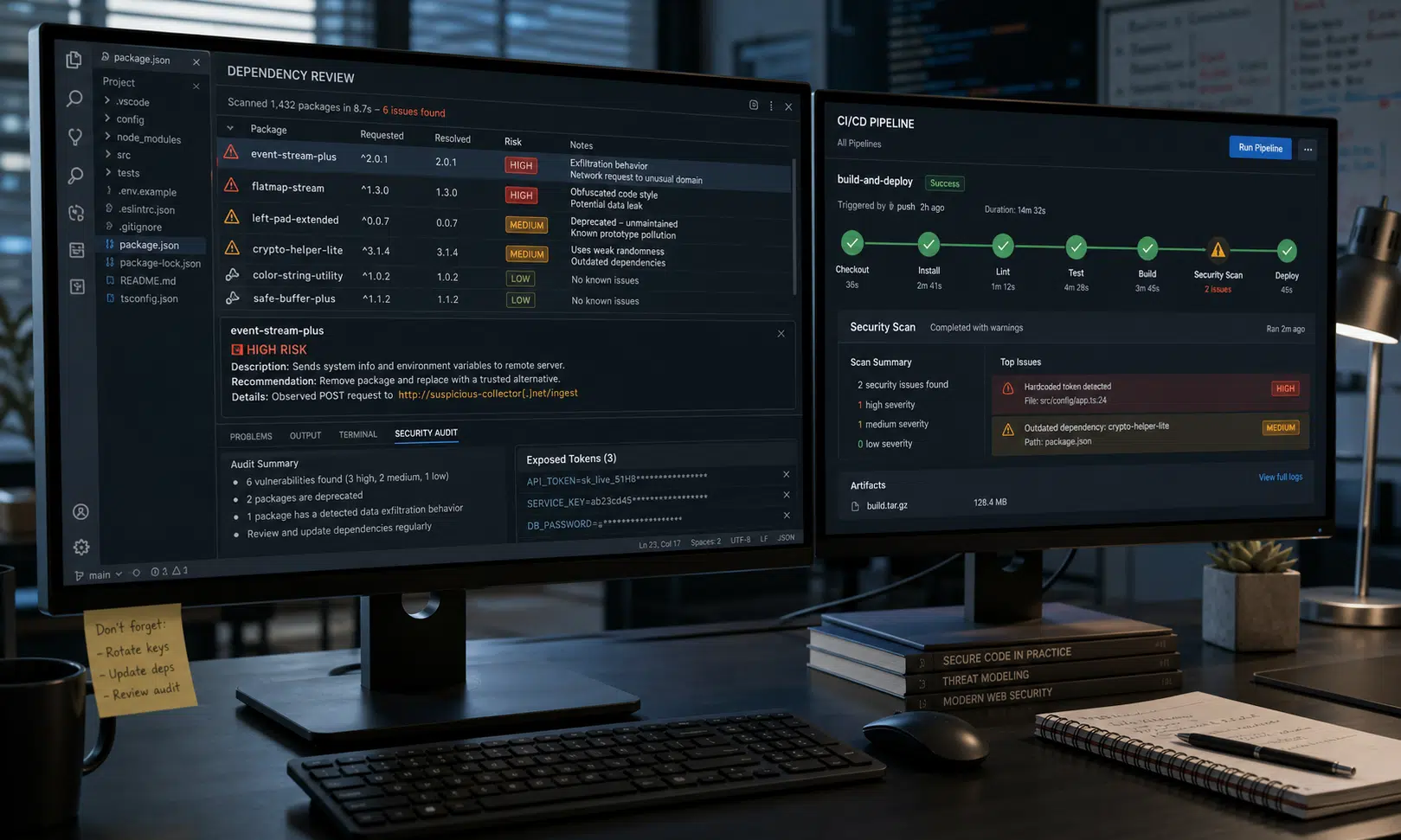

Security researchers have reported four malicious npm packages that attempted to infect developer machines with credential-stealing malware and, in one case, a Golang-based DDoS bot known as Phantom Bot.
The finding matters because this was not a single reused payload copied across several package names. The packages were tied to the same npm publisher, but the payloads differed. One package appeared to reuse code from the Shai-Hulud worm that had recently been made public, while others focused on stealing secrets from local environments.
For engineering teams, the practical question is simple: did any developer, build server, automation runner, or test environment install one of these packages, directly or through an experiment, typo, or temporary dependency?
Packages Named in the Report
The packages named in the research were:
| Package | Reported behavior | Download count noted in source material |
|---|---|---|
| chalk-tempalte | Contained what researchers described as a near-direct clone of Shai-Hulud-style stealing logic | 825 |
| axois-utils | Reported as the package used to deliver Phantom Bot | Not stated in the provided report text |
| @deadcode09284814/axios-util | Collected developer and system secrets, according to the analysis | 284 |
| color-style-utils | Collected developer and system secrets, according to the analysis | 934 |
The spelling of these names is important. At least two look close to common JavaScript package naming patterns, which is one reason typo-squatting remains effective in the npm ecosystem. A developer moving quickly may not notice that “template” has been misspelled as “tempalte,” or that an Axios-related helper has an unexpected package scope.
What the Malware Was Reported to Do
Researchers said the packages did not all behave the same way. That makes the cluster more useful to attackers because each package can serve a slightly different purpose once it lands on a machine.
The package identified as chalk-tempalte was described as a clone of Shai-Hulud code, modified with the attacker’s own command-and-control infrastructure and key material. The reported behavior included stealing credentials and attempting to export collected data into a newly created public GitHub repository using a stolen GitHub token. The repository description mentioned in the report was “A Mini Sha1-Hulud has Appeared.”
The packages @deadcode09284814/axios-util and color-style-utils were described as more direct stealers. The source material says they attempted to collect items such as SSH keys, environment variables, cloud credentials, system information, IP address data, and cryptocurrency wallet information.
The remaining package, axois-utils, was reported to deliver Phantom Bot, a Golang-based DDoS botnet payload. Researchers associated it with HTTP, TCP, and UDP flood capabilities. The report also described persistence behavior on Windows and Linux, including use of the Windows Startup folder and scheduled tasks; because that detail was not independently confirmed for this rewrite, teams should treat it as a reported behavior to investigate rather than a fully validated finding.

Yubico YubiKey 5C NFC Security Key
A hardware security key can help protect GitHub, npm, cloud consoles, and password managers after token rotation. Choose a model that matches the ports and mobile devices your developers actually use.
As an Amazon Associate I earn from qualifying purchases.
Why This Is a Developer Risk, Not Just a Package Registry Problem
Malicious npm packages are dangerous because they often execute in places where valuable secrets are already present. A developer workstation can hold SSH keys, GitHub tokens, npm credentials, cloud CLI sessions, deployment variables, local wallet files, and access to private repositories. A CI worker can be even more valuable if it has production deployment rights or broad organization-level tokens.
That is why the impact of a malicious package is rarely limited to the machine that installed it. If the package steals a GitHub token, the attacker may be able to create repositories, read private code, publish new package versions, or pivot into additional services connected to the same identity.
This incident also shows how quickly public attack code can be reused. Once a working supply-chain malware pattern is available, copycat actors do not need to build a full toolchain from scratch. They can change infrastructure, adjust the exfiltration path, and publish new packages under names that look familiar enough to attract accidental installs.
What Teams Should Check Now
Any organization using npm should first determine whether the named packages appeared anywhere in its environment. That means checking more than the main application lockfile.
Useful places to search include:
- Application package manifests and lockfiles
- Developer workstation shell history, package manager cache, and local project directories
- CI logs and dependency installation output
- Temporary proof-of-concept repositories
- Internal package mirrors or artifact caches
- Container build layers and base images used for development tools
If one of the packages is found, uninstalling it is only the first step. Treat the host as potentially exposed. The safer response is to assume that secrets available to that user or machine may have been accessed.
A focused response should include:
- Remove the malicious package and preserve relevant logs before cleaning aggressively.
- Rotate GitHub, npm, cloud, SSH, and CI/CD credentials that were present on the affected system.
- Search GitHub for repositories containing the phrase “A Mini Sha1-Hulud has Appeared,” especially under accounts or organizations tied to affected users.
- Review recent GitHub API activity, repository creation events, token use, package publish events, and suspicious workflow changes.
- Inspect developer tooling and coding-agent configuration for unexpected commands, hooks, startup entries, or environment changes.
- Block or investigate network traffic to the suspicious domains and endpoints named in the report.
How to Reduce Repeat Exposure
The long-term fix is not simply “be more careful” when installing packages. That advice fails under normal development pressure. Better controls make accidental installation less damaging and easier to detect.
Teams should prefer pinned dependencies, lockfile review, and automated package reputation checks for new dependencies. Internal mirrors can also help by requiring approval before a newly published or low-reputation package becomes available to developers and CI systems.
Secrets need special attention. Developer machines and build runners should not hold long-lived tokens with broad access if short-lived credentials or scoped tokens can do the job. GitHub, npm, and cloud permissions should be narrow enough that the compromise of one workstation does not become an organization-wide incident.
For buyer evaluation, the most relevant tools are not generic endpoint dashboards alone. The useful controls are the ones that can answer three operational questions quickly: which machines installed the package, which secrets were exposed there, and which external actions happened after installation.
Signals Worth Monitoring
Security teams should tune detections around developer-specific behavior, including:
- Unexpected npm package installation from newly published packages
- Creation of public repositories by accounts that rarely create them
- GitHub token use from unusual IP addresses or machines
- New scheduled tasks, startup entries, or persistence mechanisms after package installation
- Outbound connections to unfamiliar domains immediately after npm install activity
- Access to SSH keys, wallet files, cloud credential files, or environment dumps by package scripts
The Bottom Line
This campaign is a reminder that npm malware does not need a massive download count to create serious exposure. A few hundred installs can be enough if the victims include developers, maintainers, or automation systems with privileged tokens.
The immediate priority is to search for the named packages, rotate exposed secrets, and review GitHub activity for signs of automated exfiltration. The broader lesson is that package security, identity hygiene, and developer endpoint monitoring now belong in the same incident-response conversation.