

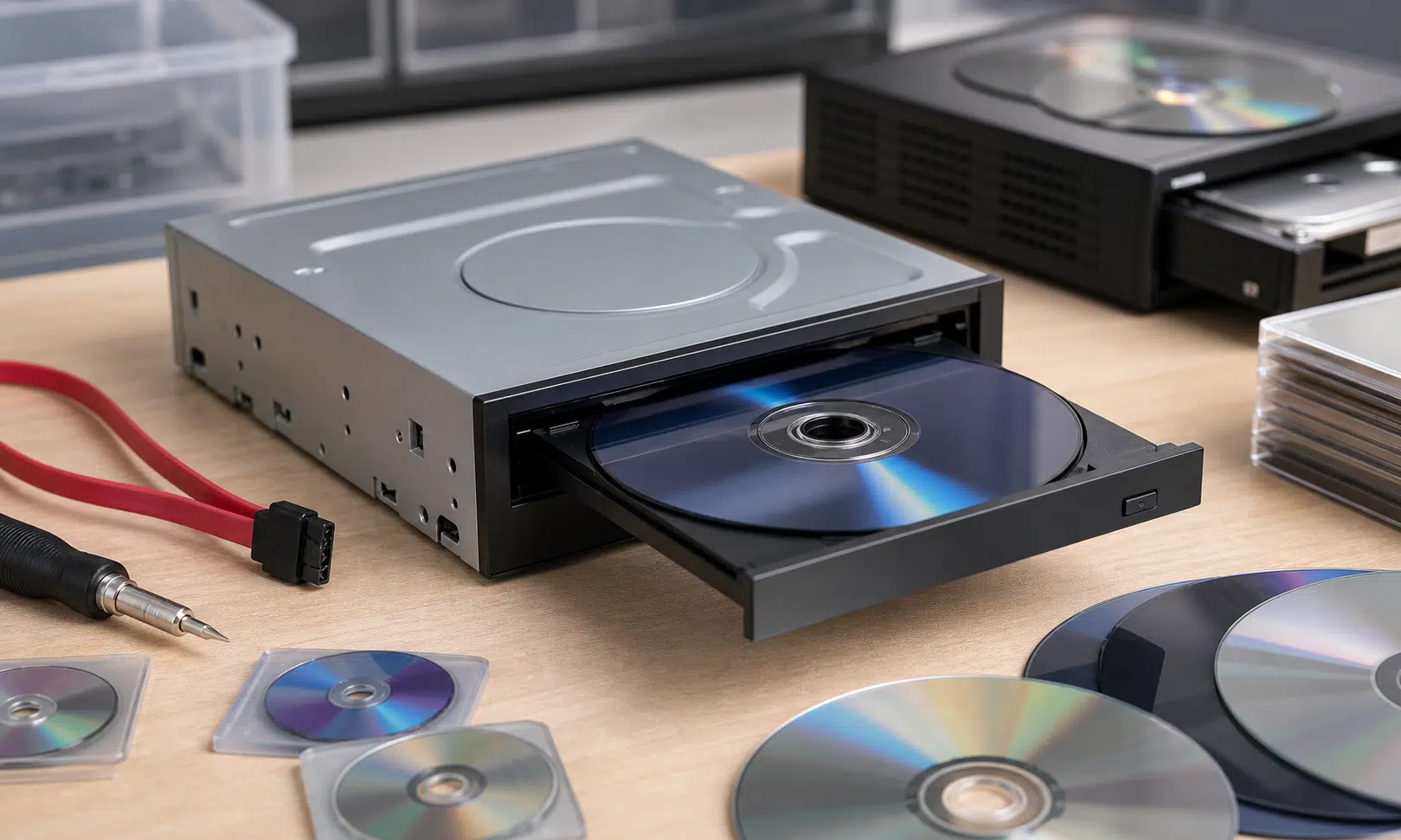

OmniDrive is one of those preservation tools that sounds simple until you look closely at the hardware list. It is a firmware modification for certain Blu-ray optical drives based on MediaTek’s MT1959 platform, mostly drives made by Hitachi-LG Data Storage or sold under related OEM labels. Once flashed, a compatible drive can read proprietary game disc formats that a normal PC drive would usually reject.
That matters if you still own physical discs for systems such as GameCube, Wii, original Xbox and Xbox 360, and want to dump your own media for preservation or emulator use instead of downloading files from elsewhere. It also matters because this is not a general-purpose miracle patch for every Blu-ray drive on a shelf. The chipset, firmware and exact model all matter.
For buyers, collectors and anyone trying to archive a personal library, OmniDrive is less a casual utility and more a targeted hardware project. It can be very useful, but only if you start with the right drive and understand where the legal and technical limits begin.
What OmniDrive Actually Does
OmniDrive modifies the firmware on supported MT1959-based optical drives so the drive can read disc formats used by several game consoles. The headline use case is dumping discs from GameCube, Wii, original Xbox and Xbox 360 through a PC Blu-ray drive rather than relying on a console-specific ripping setup.
The project is especially interesting for Nintendo disc preservation because GameCube and Wii discs have historically required particular hardware paths. A compatible flashed Blu-ray drive gives some users a cleaner PC-based route, assuming their drive is supported and properly configured.
OmniDrive can also read other optical media categories, but support does not always mean a complete, ready-to-use game backup. Some newer console formats remain encrypted, and dumping the disc is only one part of the process. PlayStation 3, PlayStation 4, PlayStation 5, Xbox Series and Wii U discs may be readable at the physical media level, but encryption and key handling make those cases more complicated. Dreamcast GD-ROM support is also limited, with only the low-density area readable.
That distinction is important. A drive being able to read sectors from a disc is not the same as giving you a legally or technically complete path to play that software. For older unencrypted or differently handled formats, OmniDrive may fit neatly into a personal backup workflow. For encrypted platforms, it should be treated as one tool in a much murkier process.
Compatible Drives Are the Real Buying Decision
The practical question is not “Should I install OmniDrive?” It is “Do I own, or can I confidently buy, a drive that OmniDrive actually supports?” The Disc Preservation Project maintains compatibility information, and that should be the first stop before spending money.
The key requirement is a MediaTek MT1959-based drive from the supported family. Model names alone can be misleading because optical drives are often rebadged, revised or sold with different firmware depending on region and production run. A listing that looks right at a glance may still arrive with hardware or firmware that does not match what the project expects.
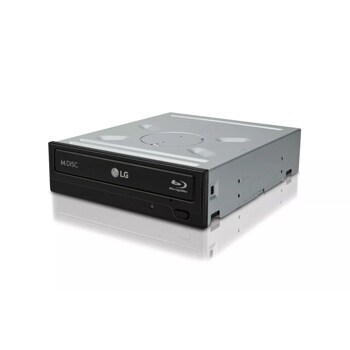
LG WH16NS40 Internal Blu-ray Drive
If you are buying a drive for OmniDrive, start by checking the exact model, service code, chipset and firmware against the current compatibility list. Internal SATA drives like the LG WH16NS40 are easier to identify and connect directly than many rebadged external models, but revision details still matter.
As an Amazon Associate I earn from qualifying purchases.
| Buyer question | Why it matters |
|---|---|
| Is the drive on the compatibility list? | OmniDrive is tied to specific MT1959-based models, not Blu-ray drives in general. |
| Is the firmware version suitable? | The same model family can have firmware differences that affect flashing or support. |
| Is it internal or external? | External enclosures and USB bridge chipsets can add compatibility problems. |
| Is the seller clearly identifying the exact model? | Generic listings and rebadged drives make verification harder. |
| Can the drive still be returned? | Used and marketplace drives carry more risk if the hardware is not as advertised. |
Some compatible models may be harder to find new because optical drives are no longer a mainstream PC part. That does not automatically mean every supported unit is rare or valuable, and pricing can move quickly depending on attention from preservation communities. Treat market claims cautiously, verify the exact model, and avoid buying solely from a headline.
Legal Backups Still Need Care
The appeal of OmniDrive is clear: if you own the disc, dumping your own copy feels very different from downloading a random file. For many preservation-minded users, that is the point. It keeps the chain of custody tied to the physical media they actually purchased.
Even so, “legal backup” is not a universal blanket statement. Laws vary by country, and anti-circumvention rules can complicate the picture when encryption is involved. In the United States, the DMCA is often the concern; in other countries, different copyright and circumvention rules may apply. This article is not legal advice, but the safe framing is simple: OmniDrive is most straightforward when used to back up discs you personally own, where local law allows, and without bypassing separate protection systems in a way that creates additional legal risk.
That is why encrypted platforms deserve a separate mental category. Reading an encrypted disc and lawfully using its contents are not the same question. If a workflow requires console keys, modified hardware, or files obtained from elsewhere, the legal and ethical analysis changes quickly.
Who OmniDrive Is For
OmniDrive is best suited to collectors, preservationists and emulator users who already understand firmware flashing and are willing to verify hardware carefully. If you have a supported drive sitting in an older PC, it may be worth investigating before replacing or discarding it. If you are buying specifically for OmniDrive, the compatibility list should guide the purchase, not the seller’s broad product description.
It is less ideal for anyone who wants a plug-and-play consumer accessory. Flashing firmware always carries some risk, and optical drive model numbers can be confusing even before USB enclosures and regional revisions enter the picture. A cheap unsupported drive is still unsupported, no matter how similar it looks to a confirmed model.
- Good fit: users with confirmed compatible MT1959 drives and personal disc collections.
- Possible fit: buyers comfortable researching exact drive revisions before purchase.
- Poor fit: users expecting any Blu-ray drive to work without firmware flashing.
- High-risk fit: users focused on encrypted modern console discs without understanding the extra legal and technical issues.

OWC Mercury Pro Optical Drive Enclosure
A 5.25-inch enclosure can make an internal SATA optical drive easier to use with a modern desktop or laptop setup. Confirm that the enclosure supports your drive size and that your OmniDrive workflow is not blocked by the USB bridge or power arrangement.
As an Amazon Associate I earn from qualifying purchases.
Verdict: Useful, Specific, and Easy to Overbuy For
OmniDrive is a meaningful development for disc preservation because it expands what certain PC Blu-ray drives can do with original game media. For GameCube, Wii, Xbox and Xbox 360 owners, it may provide a more direct way to create personal backups from discs they already own. That alone makes it worth watching.
The catch is that the drive matters as much as the software. Before buying anything, confirm the exact model, chipset and firmware path against the preservation community’s compatibility guidance. Be especially cautious with used listings, marketplace sellers and external USB drives where the enclosure can introduce another layer of uncertainty.
For the right person, OmniDrive could turn an otherwise ordinary Blu-ray drive into a serious preservation tool. For the wrong purchase, it is just an expensive optical drive that still cannot do the job you bought it for.