

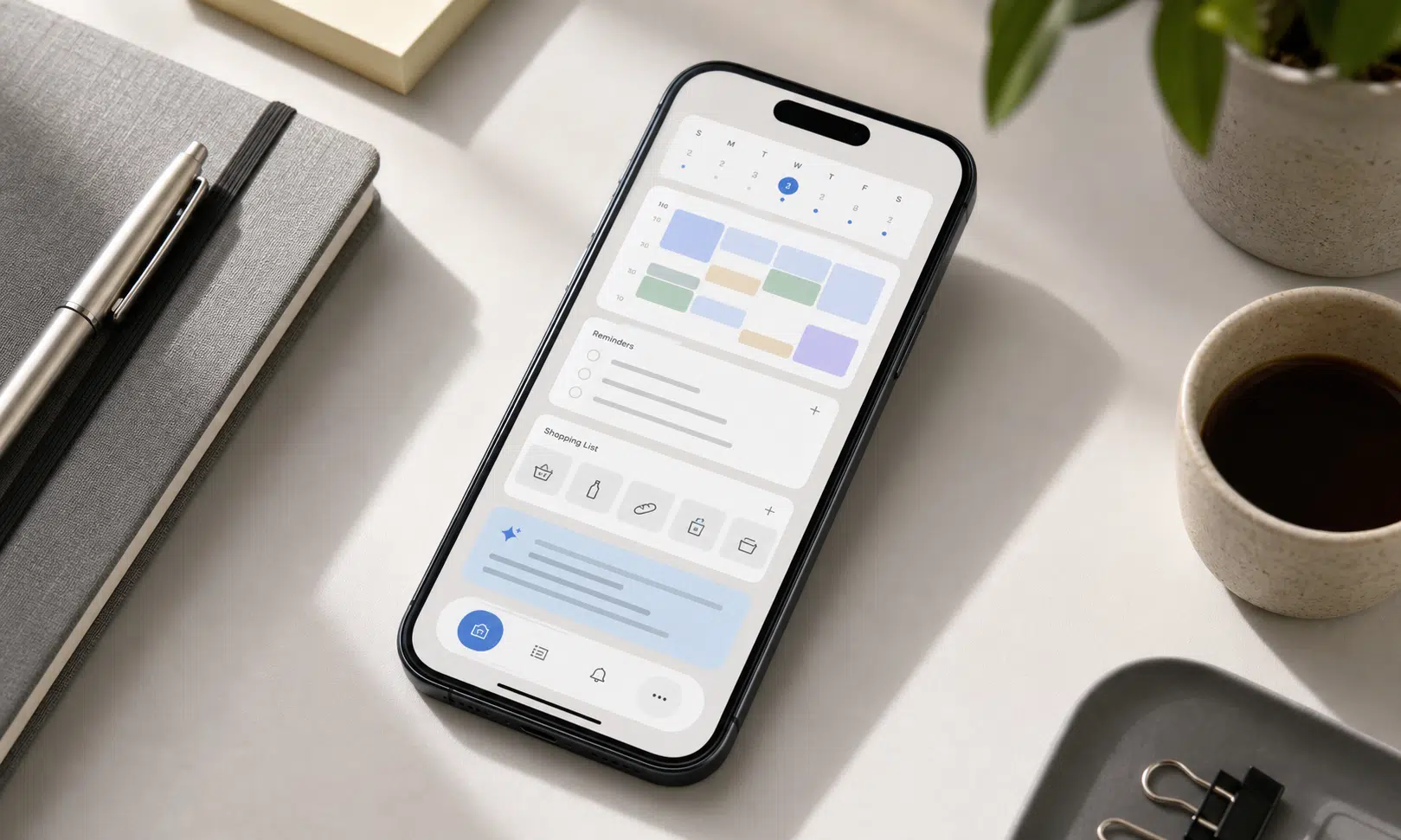

Apple’s upgraded Siri is being positioned less as a chatbot rival and more as a practical assistant for the small, repetitive jobs that make phones feel like work. Based on reported hands-on testing, the most promising part is not a flashy demo. It is the possibility that Siri can read messy real-world information, understand what needs to happen next, and help complete a task across Apple apps.
That matters because Siri’s old weakness was rarely that it could not answer a simple question. The bigger frustration was that it often fell apart when a request required context, judgment, or more than one step. If the upgraded version can reliably turn an email schedule into calendar entries, or connect a question with a reminder and a shopping list, it becomes a different kind of tool for iPhone users.
The evidence so far should still be treated carefully. The strongest claims come from early hands-on impressions, not long-term testing across millions of users, accents, accounts, app setups, and edge cases. The more useful verdict is this: Apple’s upgraded Siri appears to be moving in the right direction for practical iPhone automation, but it still needs broader real-world proof before buyers should treat it as a reason by itself to upgrade hardware or change ecosystems.
Verdict: More Practical, Not Proven Yet
For iPhone owners, the key question is not whether Siri is smarter than a standalone AI chatbot. It is whether it can reduce the manual work that builds up during a normal week: copying dates out of emails, creating reminders, checking related information, and moving between apps without making the user rebuild the whole request by hand.
Reported examples suggest the upgraded Siri may be better at exactly those tasks. One early hands-on test described Siri handling a messy soccer schedule from an email-style flyer and turning it into calendar entries. Another described a multi-step gardening request that involved diagnosing a possible problem, creating a shopping list, and setting a later reminder.
Those examples are useful because they are ordinary. They are also the kind of tasks where an assistant either saves time or wastes it. A calendar import that needs heavy correction is not much better than doing the work manually. A reminder created in the wrong context can be worse than no reminder at all.
The buyer-aware takeaway is simple: if Apple can make these workflows dependable, Siri becomes more relevant for busy households, parents, students, and professionals who already live inside Apple’s apps. If performance varies too much, it remains a promising demo rather than a dependable daily tool.
What the Reported Siri Upgrade Is Trying to Fix
The source material points to a clear shift in Siri’s role. Instead of focusing only on short voice commands, the upgraded assistant appears designed to understand more context from the user’s device and act across apps.
That distinction matters. A basic assistant can set a timer, start a call, or answer a direct factual query. A more useful phone assistant needs to understand that an email, a calendar, a reminder, and a notes-style list may all be part of the same job.
In practical terms, the reported improvements center on a few areas:
- Reading messy information from email or similar text and identifying useful dates, times, or tasks.
- Turning that information into calendar entries or reminders with less manual cleanup.
- Following multi-step requests where the answer may involve more than one app or action.
- Using personal context in a way that feels specific to the user rather than generic.
That is the lane where Apple has the clearest opportunity. The company does not need Siri to be the most expansive AI system on the market for it to matter. It needs Siri to work reliably where iPhone users already spend time.
Why Calendar Imports Are a Meaningful Test
Calendar handling sounds unglamorous, but it is a serious test for an assistant. A school flyer, team email, appointment message, or work note often contains inconsistent formatting, extra words, location details, repeated dates, and implied context. Humans understand that kind of mess quickly. Older voice assistants often did not.
If Siri can take a schedule from a cluttered message and create useful calendar entries, it shows progress in three areas at once: understanding natural language, extracting structured information, and taking action in the right app.
For buyers, this is more important than a broad claim that Siri is better at AI. It answers a practical question: will this save time on the phone I already use?
| Task type | Why it matters | What still needs proof |
|---|---|---|
| Calendar imports | Reduces manual entry from emails, flyers, and messages | Accuracy with unusual formats, changes, cancellations, and time zones |
| Shopping lists | Turns a request into a useful follow-up action | Whether Siri chooses sensible items without overreaching |
| Reminders | Connects an answer to a later action | Reliability when the request has conditions or vague timing |
| Cross-app context | Makes the assistant feel aware of the user’s actual day | How consistently it works across apps and privacy settings |
How This Compares With Other AI Assistants
The source frames Apple’s approach as more practical than theatrical. That is a fair way to understand the stakes, as long as it is not overstated. Google, Microsoft, Amazon, OpenAI, and others are all pushing AI assistants in different directions, from search and productivity to smart home control and chatbot-style reasoning.
Apple’s advantage is not necessarily raw AI capability. Its advantage is control over the iPhone experience, including core apps such as Mail, Calendar, Reminders, Messages, and Notes. If Siri can use that context cleanly, it can become useful without needing to feel like a general-purpose chatbot.
The tradeoff is that Apple’s version has to earn trust inside private workflows. A user may forgive a web chatbot for a clumsy answer. They are less likely to forgive an assistant that adds the wrong practice time to a family calendar or creates a reminder based on a misunderstood message.
Who Should Care About the Upgrade
The most interested users are not necessarily AI enthusiasts. They are people who already use Apple’s default apps and want less friction in everyday organization.
This reported version of Siri is most relevant for:
- Parents managing school, sports, appointments, and household tasks.
- Professionals who receive scheduling details through email and messages.
- Students juggling classes, deadlines, events, and reminders.
- iPhone users who prefer built-in Apple tools over third-party productivity apps.
It is less compelling, at least from the available information, for people who mainly want a research chatbot, advanced writing assistant, or open-ended AI workspace. Those use cases are better judged against dedicated AI tools, not a phone assistant whose value depends on local context and quick execution.
The Privacy Question
The source emphasizes Apple’s privacy-focused positioning, but the details matter. A more useful Siri needs access to personal context: email, calendar data, reminders, messages, and other information that can help it understand what the user is trying to do.
That creates a natural tension. The assistant is only useful if it sees enough context to help. It is only trustworthy if users understand how that context is handled and when data leaves the device, if it does. Without more verified implementation detail, it is better to describe the privacy angle as Apple’s stated strategic priority rather than a proven advantage in every Siri workflow.
For buyers, privacy should be part of the evaluation, especially if Siri begins handling more sensitive personal data. The important questions are which apps Siri can read from, what permissions users can control, and how clearly Apple explains when cloud processing is involved.
What Remains Unclear
Early hands-on impressions can show whether a product direction makes sense. They cannot show whether it will hold up under daily use.
The open questions are practical:
- Will Siri handle messy schedules consistently, or only well-structured examples?
- How often will users need to correct calendar entries, lists, and reminders?
- Will performance vary by app, account type, language, or region?
- How will Siri behave when information is incomplete or ambiguous?
- When will the upgraded experience be available broadly, and on which devices?
A firm timeline for broad availability is not established by the provided source material. That matters for anyone thinking about a purchase. A promising assistant feature is not the same as a shipping feature on every iPhone a buyer might consider.
Bottom Line for iPhone Buyers
Apple’s upgraded Siri appears to be aimed at a sensible problem: making the iPhone better at the small administrative tasks users repeat all week. If the reported calendar, list, reminder, and cross-app examples hold up in broader use, this could be one of the more meaningful Apple Intelligence features for everyday users.
The cautious view is still the right one. Do not treat early hands-on testing as proof that Siri has fully caught up with, or surpassed, competing AI assistants. Treat it as a sign that Apple may be focusing Siri on the jobs where a phone assistant can be genuinely useful.
For now, the best reason to care is not that Siri sounds more futuristic. It is that it may become less frustrating when asked to do ordinary work. That is a smaller claim, but it is also the one that matters most for real iPhone use.