

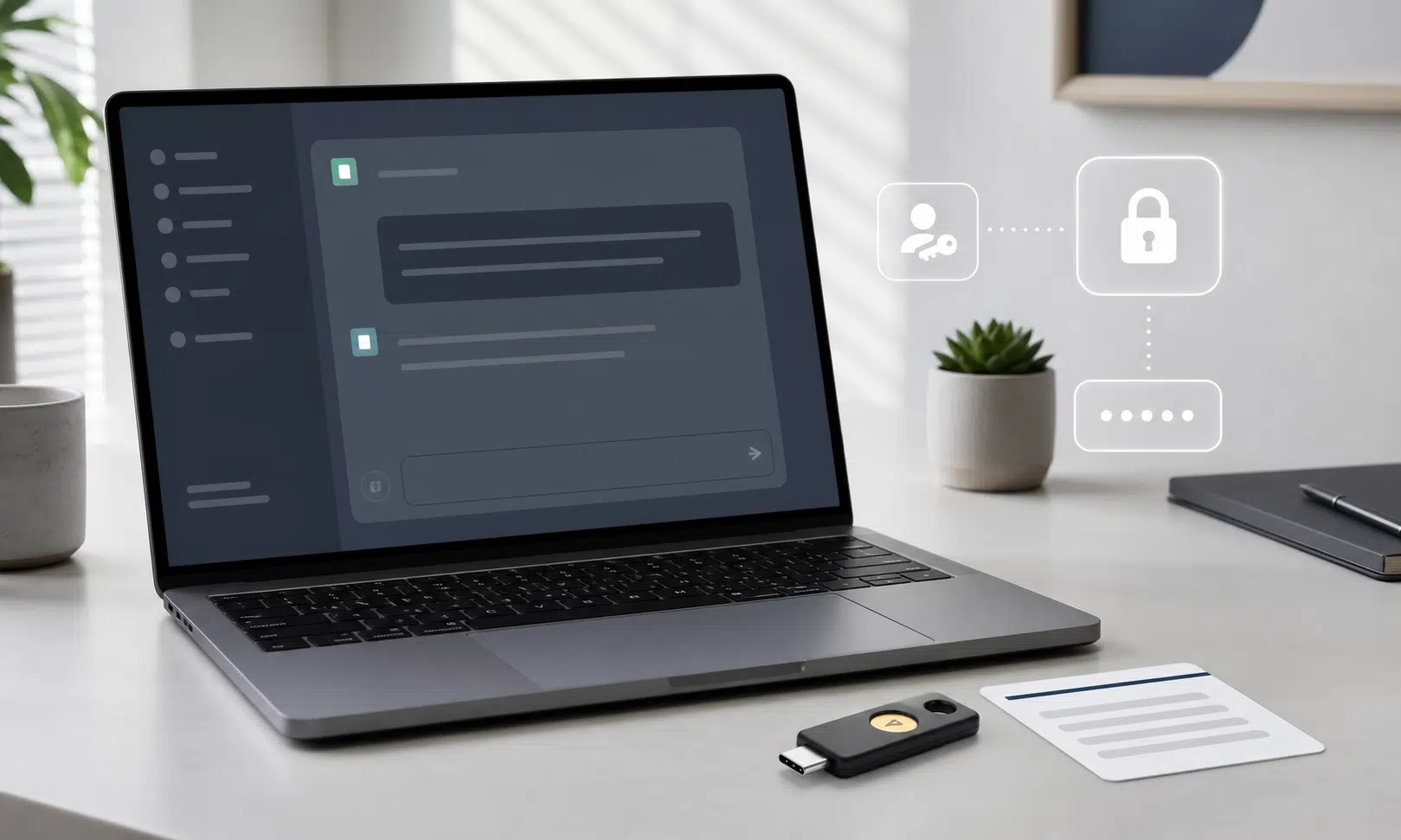

OpenAI has added a stronger security mode for ChatGPT accounts, and it is worth paying attention to if you use the chatbot for work, research, private planning, code, documents, or anything else you would not want exposed.
The feature is called Advanced Account Security. It is optional, and it is aimed at people who face a higher risk of targeted digital attacks, including journalists, elected officials, political dissidents, researchers, and security-conscious professionals. That said, it is not limited to those groups. Eligible personal ChatGPT users can turn it on if they want stricter account protection than a password and ordinary two-factor authentication provide.
The tradeoff is important: Advanced Account Security can make account takeover harder, but it also makes account recovery less forgiving. Once enrolled, your account depends on passkeys, compatible hardware security keys, and recovery keys. If you lose access to those methods, getting back in may be difficult or impossible through the usual support path.
For many users, that is exactly the point. A password can be phished. An email inbox can be compromised. A phone number can be hijacked. Advanced Account Security is designed to reduce the usefulness of those weaker recovery paths and move the account toward phishing-resistant sign-in.
What Advanced Account Security Does
Advanced Account Security bundles several account protections into one opt-in setting. Instead of asking users to adjust privacy, login, session, and recovery settings one by one, OpenAI now offers a stricter mode that changes those defaults together.
When enabled, the feature makes four major changes:
- It requires secure sign-in methods such as passkeys or compatible physical security keys.
- It disables password-based sign-in while the security mode is active.
- It removes standard email and SMS account recovery paths.
- It excludes conversations from model training while the feature remains enabled.
It also shortens active sessions, meaning you may have to sign in again more often. That can be inconvenient, especially if you move between devices all day, but it reduces the amount of time an already-authenticated session remains useful if a device or session is compromised.
OpenAI also says users can review and manage active sessions across devices. That matters because ChatGPT accounts are no longer just casual chatbot accounts for many people. They may contain uploaded files, private prompts, coding sessions, custom instructions, connected tools, project context, and conversations that reveal personal or business plans.
Who Should Consider Turning It On
Advanced Account Security is most useful for people whose ChatGPT account would create real damage if someone else got into it.
That includes obvious high-risk users, such as journalists working with sensitive sources or researchers handling confidential materials. It also includes less obvious users: founders discussing strategy, lawyers drafting summaries, employees analyzing internal documents, developers using Codex, consultants working across client accounts, and anyone who regularly pastes private material into ChatGPT.
You do not need to be famous or politically exposed for account security to matter. The question is simpler: if someone gained access to your ChatGPT history, files, or connected workflows, would that create a meaningful problem?
If the answer is yes, Advanced Account Security may be worth the extra friction.
It may be less suitable if you frequently lose devices, rely heavily on SMS or email recovery, share devices with family members, or do not have a reliable way to store recovery keys. Stronger security is only useful if you can maintain access to your own account.
The Sign-In Change: Passkeys and Security Keys
The biggest practical change is how you sign in. Advanced Account Security requires secure sign-in methods such as passkeys or FIDO-compatible hardware security keys. While the mode is enabled, password sign-in is disabled.
A passkey is a cryptographic login method stored on a device or password manager. Instead of typing a password, you authenticate with something like Face ID, Touch ID, a device PIN, or another approved device-based check. Because there is no reusable password to type into a fake login page, passkeys are generally more resistant to phishing than ordinary passwords.
A hardware security key works in a similar security category but uses a physical device. You plug it in, tap it, or use NFC depending on the key and device. Many people use security keys as a backup method because they are portable and separate from a phone or laptop.
OpenAI says users need at least two secure sign-in methods for Advanced Account Security, including one that works across devices. The setup flow should tell you whether your selected methods satisfy the requirement.
Good setup combinations may include:
- A passkey plus a compatible hardware security key.
- Two compatible passkeys, as long as at least one works across devices.
- Two compatible hardware security keys.
That second method is not just a formality. If your only passkey lives on a single laptop and that laptop is lost, broken, wiped, or stolen, you may not be able to sign in. A second method gives you a fallback that is still stronger than reverting to email or SMS.

Yubico Security Key C NFC
A USB-C NFC key is a practical choice if you use a newer laptop and also want tap-to-authenticate support on many phones. Keep a second sign-in method or backup key configured before enabling stricter recovery.
As an Amazon Associate I earn from qualifying purchases.
If you are considering a hardware key, choose one that works with the devices you actually use. USB-C may be enough for a newer laptop, but NFC can matter if you sign in from a phone. Some people prefer one everyday key and one backup key stored separately.
Account Recovery Becomes Stricter
The recovery change is the part users should take most seriously.
Advanced Account Security disables standard email and SMS recovery while it is active. That is useful because email accounts and phone numbers are common targets. If an attacker can compromise your inbox or intercept your phone number, weaker recovery systems can become a back door into more valuable accounts.
With Advanced Account Security enabled, recovery is supposed to rely on stronger methods: backup passkeys, security keys, and recovery keys. During setup, ChatGPT provides recovery keys that you need to store somewhere secure.
Do not treat those recovery keys like a disposable confirmation code. They are part of your access plan. Store them somewhere you can reach later, but not somewhere exposed to the same risks as your ChatGPT account. A password manager, encrypted storage, or a carefully managed offline copy may make sense depending on your own security habits.
The stricter recovery model creates a sharper tradeoff:
- If someone compromises your email, they should have a harder time using it to take over your ChatGPT account.
- If you lose your own passkeys, security keys, and recovery keys, support options may be limited.
That is the cost of stronger account protection. The system is designed to make recovery harder for attackers, but the same barriers can affect the legitimate account owner if they are careless with backup methods.
Sessions Are Shorter
Advanced Account Security also shortens active sign-in sessions. In plain English, you should expect to authenticate more often than before.
That can feel annoying at first. Many users are used to opening ChatGPT and staying logged in across devices for long stretches. But long-lived sessions create risk. If malware, a stolen device, or another compromise gives someone access to an existing logged-in session, the account may be exposed even if the attacker never learns the password.
Shorter sessions reduce that window. They do not solve every device security problem, but they make a stolen or hijacked session less useful over time.
For people using ChatGPT casually, the extra login prompts may feel unnecessary. For people handling sensitive work, they are easier to justify. The feature is not trying to make everyday ChatGPT use more convenient. It is trying to lower the odds that a compromised device or account session stays useful for too long.
ChatGPT Training Is Automatically Turned Off
Advanced Account Security also changes how conversations are handled for model training. While the feature is enabled, conversations from that account are not used to train OpenAI models.
That is a meaningful privacy setting for people who handle sensitive information. Many users already know they can adjust data controls manually, but Advanced Account Security makes the training exclusion automatic as part of the stronger security mode.
This does not mean you should paste anything into ChatGPT without thinking. Account security and data privacy are related, but they are not the same thing. You still need to consider workplace rules, client confidentiality, regulated data, and whether a given file or prompt belongs in an AI tool at all.
Still, automatic training exclusion reduces one important privacy concern for users who want a stricter account profile without hunting through separate settings.
How to Enable Advanced Account Security
Advanced Account Security is available through ChatGPT on the web for eligible personal accounts. If you do not see it, your account may not currently be eligible, your region or account type may not be supported yet, or your account may be tied to a workspace configuration where availability differs.
The setup process is straightforward, but you should prepare before starting. Have your second secure sign-in method ready, and decide where you will store recovery keys.
To enroll:
- Open ChatGPT on the web.
- Go to Settings.
- Select Security.
- Choose Advanced Account Security.
- Select Enroll.
- Follow the secure setup prompts.
- Add at least two secure sign-in methods, including one that works across devices.
- Save your recovery keys and confirm that you have saved them.
After setup, you should expect to be signed out of your devices and asked to sign in again with one of your approved methods.
Before you click through the setup flow, pause long enough to confirm two things: your backup sign-in method works, and your recovery keys are stored somewhere you can access if your main device is unavailable.
What Happens If You Turn It Off Later
Advanced Account Security is optional, and OpenAI says it can be disabled later. You may need to complete a secure sign-in flow before turning it off.
Disabling it restores standard sign-in and recovery settings. That means password sign-in, email and SMS sign-in codes, and email account recovery can return. Recovery keys are removed as part of disabling the feature, while passkeys and security keys may remain on the account but are no longer required for sign-in.
That flexibility is useful if you try the stricter mode and find it too disruptive. But do not enable it casually just to test it without understanding the recovery implications. The moment you enroll, the account starts depending on stronger methods.
What About ChatGPT Business and Enterprise?
Advanced Account Security is aimed at consumer ChatGPT accounts. OpenAI’s current help guidance says it is not available for ChatGPT Enterprise users, enterprise-managed accounts, or accounts associated with an enterprise-managed domain.
Availability for workspace-linked accounts can vary by configuration. If the setting appears in the Security section of ChatGPT on the web, the account can enroll. If it does not appear, the account is not currently eligible.
OpenAI has said it expects to extend this kind of stronger account protection to additional audiences, including enterprise environments. For now, businesses should not assume this exact consumer setting is available across managed company deployments.
If you use ChatGPT or Codex under a work account, check your organization’s security requirements before changing sign-in methods. Your employer may already manage authentication through single sign-on, device controls, identity policies, or enterprise security tooling.
Should You Use a Hardware Security Key?
You do not need a specific brand of hardware key to use Advanced Account Security. OpenAI says compatible FIDO security keys are supported, and passkeys can also satisfy the requirement when configured properly.
A hardware key can still be a smart addition for users who want a physical backup that is separate from a phone, laptop, or password manager. It is especially useful if you travel, use multiple machines, or want one sign-in method stored away as a recovery fallback.
When comparing keys, focus less on branding and more on compatibility:
- Does it work with your laptop ports?
- Does it support NFC if you need phone sign-in?
- Will you keep a backup key somewhere secure?
- Can you tell your daily key and backup key apart?
- Does your password manager or device ecosystem already handle passkeys well enough?

Yubico Security Key NFC
A USB-A NFC key can make sense as a backup if your main computer has traditional USB ports. It is most useful when paired with a passkey or another security key stored separately.
As an Amazon Associate I earn from qualifying purchases.
For many users, a passkey plus a hardware key will be the most practical combination. A second hardware key can make sense for people who want a fully physical backup plan, but it is not automatically necessary for everyone.
The Main Risk: Locking Yourself Out
The biggest downside of Advanced Account Security is not the extra sign-in step. It is the possibility of losing access to your own account.
That risk is not theoretical. Strong recovery systems are intentionally strict. If support could easily bypass the system, attackers would try to exploit that path. The more secure model puts more responsibility on the user to preserve recovery methods.
Before enabling the feature, make sure you can answer these questions clearly:
- What are my two secure sign-in methods?
- Can at least one of them work if my main device is gone?
- Where are my recovery keys stored?
- Can I access those recovery keys without being logged in to the device I might lose?
- Does anyone else have access to where I stored them?
If those answers are fuzzy, fix the recovery plan first. Strong account security should not depend on luck, memory, or a single device sitting on your desk.
Bottom Line
ChatGPT’s Advanced Account Security is a serious upgrade for users who want stronger protection around sensitive conversations, files, coding work, and connected workflows. It moves sign-in away from passwords, weakens the usefulness of compromised email or SMS recovery, shortens active sessions, and automatically keeps conversations out of model training while enabled.
The feature is not for everyone. It adds friction, and it makes account recovery less forgiving. But for users who treat ChatGPT as part of their professional or personal knowledge base, that friction may be worth it.
The practical advice is simple: do not turn it on until you have two secure sign-in methods and a real recovery-key storage plan. Once those are in place, Advanced Account Security is one of the strongest account-protection options currently available to eligible personal ChatGPT users.

YubiKey 5C NFC
The YubiKey 5C NFC is worth considering if you want one key for ChatGPT sign-in and other accounts that may use broader authentication standards. Confirm service compatibility before relying on it as your backup method.
As an Amazon Associate I earn from qualifying purchases.