Most mini PCs are built around compromise. You get a compact case, low power use, laptop-class hardware, and just enough ports to cover the basics. That usually includes one Ethernet port, which is fine if all you want is a wired connection to your router.
But if you are shopping for a mini PC to use as more than a basic desktop, that second Ethernet port deserves a closer look. Dual Ethernet can turn a small box into a much more flexible networking machine: a home server, a router, a network bridge, a dedicated transfer endpoint, or the start of a homelab setup.
It is not automatically worth paying extra for. Some buyers will be better served by a managed switch, a USB Ethernet adapter, or simply a single fast port. Still, if you are choosing between otherwise similar mini PCs, dual Ethernet is one of the few hardware features that can meaningfully change what the machine can do later.
What dual Ethernet actually changes
A single Ethernet port gives a mini PC one wired path into your network. That is enough for normal desktop use, streaming, downloads, cloud backups, and most home server tasks. Dual Ethernet adds a second physical network interface, and that is where the flexibility starts.
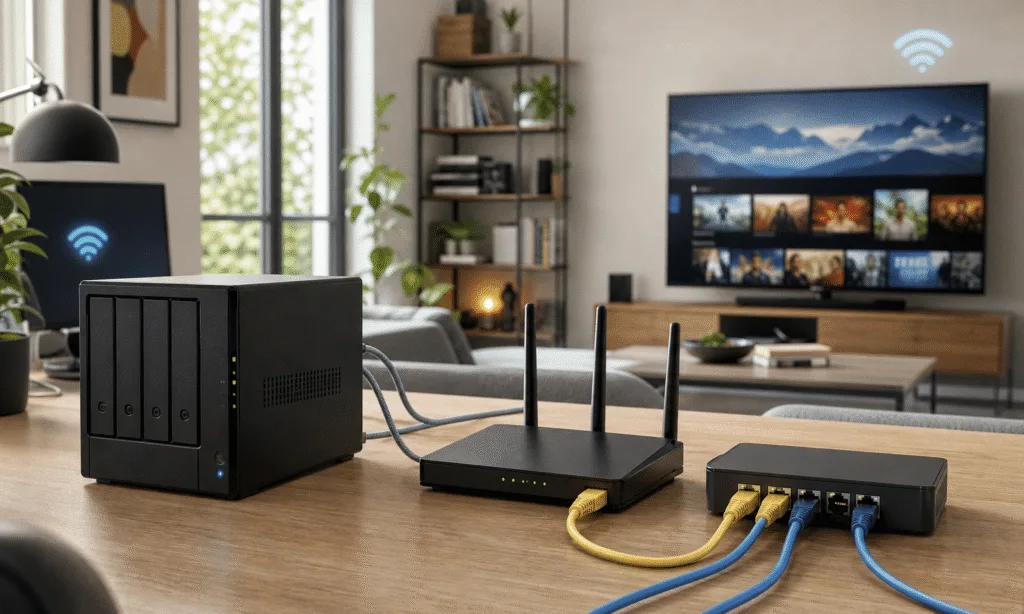
With two ports, one connection can remain attached to your main LAN while the other is used for a separate purpose. That second port can connect to another computer, a different subnet, a test network, a NAS, a router, or a device you do not want mixed into the rest of your home network.
That matters because physical separation is simple to understand and easy to troubleshoot. One cable goes to the main network. The other cable goes to the special-purpose device or network. You do not have to redesign your whole setup just to experiment.
Common uses include:
- Running the mini PC as a router or firewall appliance.
- Separating smart home, test, or lab traffic from your main devices.
- Creating a direct wired link between two computers.
- Using the mini PC as a bridge between two network segments.
- Giving server workloads a dedicated path for storage, backups, or media traffic.
That is why dual Ethernet often appears on more serious NAS boxes and networking-focused mini PCs. It is not about making ordinary web browsing faster. It is about giving the machine another role to play.
Dual Ethernet is most useful when the mini PC is not just a PC
If your mini PC will sit behind a monitor and behave like a small desktop, dual Ethernet probably is not a must-have. Wi-Fi plus one wired port is already enough for many people.
The case changes when the mini PC becomes infrastructure. A compact, low-power machine is a good fit for services that stay on all day, especially when it does not need a display attached. Once you start thinking that way, networking becomes part of the purchase decision.
A dual-Ethernet mini PC can be a practical fit for:
- A home firewall or router project.
- A lightweight server for files, media, or containers.
- A lab machine used to test network settings without disturbing the main LAN.
- A dedicated box connected to another computer for fast local file transfers.
- A small office appliance that needs to separate client, guest, or device traffic.
This is also where buyer expectations matter. A cheap used mini PC with one Ethernet port may be perfectly fine for a media server. A newer mini PC with two 2.5GbE ports may make more sense if you already own multi-gig switches, a fast NAS, or another computer that can use the extra bandwidth.
Direct PC-to-PC links can be the hidden benefit
One of the simplest dual-Ethernet setups is also one of the most useful: keep one port connected to your regular network and use the second port for a direct link to another computer.
That can be handy when two machines regularly move large files between each other. Instead of routing everything through the rest of the network, you can connect them directly with Ethernet and configure that link for the transfer workload. This can be especially appealing when the hardware supports 2.5GbE, 5GbE, or 10GbE networking, though real-world results still depend on the ports, cable, storage speed, operating system, and configuration.
For example, a mini PC used as a media box, editing scratch machine, backup target, or local project server may benefit from a dedicated wired path to the main workstation. The main network connection stays available for internet and normal LAN access, while the second connection handles the high-volume local traffic.
That setup is not necessary for everyone. If you only move small files occasionally, a normal network share, external SSD, or NAS may be simpler. But for repeated transfers between the same two systems, dual Ethernet gives you a clean option that does not depend on Wi-Fi and does not need to share the same path as every other device in the house.
There is a cheaper alternative: VLANs
Dual Ethernet is useful, but it is not the only way to separate network traffic. A single Ethernet port can handle multiple logical networks if your switch and operating system support VLAN tagging.
In that setup, the switch port is configured as a trunk, and the computer sees separate VLAN interfaces through software. The result can feel like multiple network interfaces even though there is still only one physical cable plugged into the mini PC.
That approach can be cleaner for some homes and small offices, especially if the network already uses a managed switch. It avoids extra adapters and keeps the cabling tidy. It can also be more scalable than adding physical ports to every small computer.
The tradeoff is complexity. VLANs require a switch that supports them, correct switch configuration, and operating system support on the mini PC. They are powerful, but they are not as obvious as plugging a second cable into a second port.
| Approach | Best for | Main tradeoff |
|---|---|---|
| Dual physical Ethernet ports | Simple separation, router projects, direct device links | Requires the port to be built in or added later |
| Single port with VLANs | Managed networks, cleaner cabling, multiple logical networks | Requires VLAN-capable gear and correct configuration |
| USB Ethernet adapter | Adding a port to an existing mini PC | Depends on adapter chipset, drivers, and USB reliability |
For many buyers, this is the real decision. If you want simple, visible separation, dual Ethernet is attractive. If you already understand managed switches and VLANs, a single good Ethernet port may be enough.
You can add a second Ethernet port later
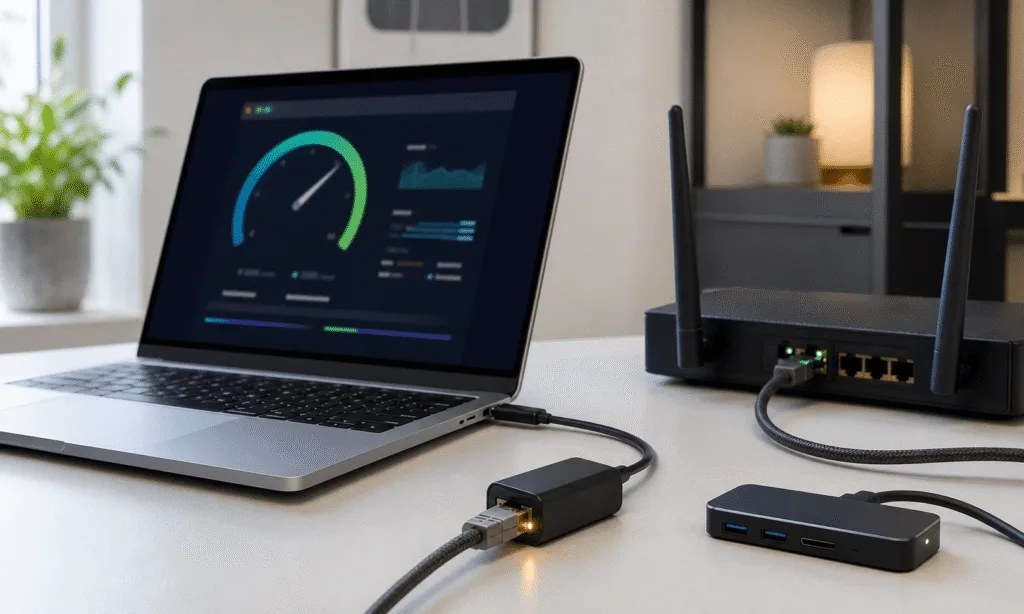
If the mini PC you already own has only one Ethernet port, you are not necessarily stuck. The easiest upgrade is a USB Ethernet adapter. A USB 3 adapter can add gigabit or multi-gig Ethernet to many systems, and USB-C, USB4, or Thunderbolt ports may give you more room for faster adapters.
This is the most convenient path, but it has caveats. Adapter quality matters. Chipset support matters. Drivers matter. Physical reliability matters too, since a small adapter hanging off the side of a mini PC is easier to bump or unplug than a built-in port.
That does not make USB Ethernet useless. It just means it is better suited to the right job. If the adapter is slower or less trusted than the built-in port, use the built-in port for the connection that matters most and the adapter for lighter-duty traffic, testing, or occasional use.
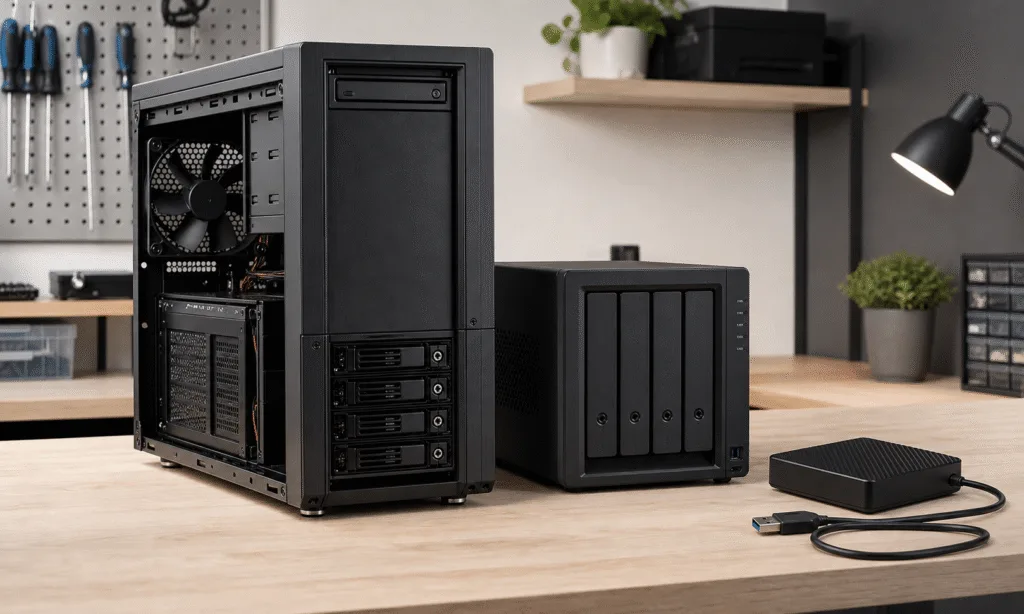
Some small-form-factor PCs offer other upgrade paths. If the machine has an open M.2 slot, a compatible expansion option may be possible. If it is larger than a typical mini PC and supports low-profile PCIe cards, adding a network card can be a stronger solution. In very compact systems, though, USB is often the realistic option.
What to check before buying a dual-Ethernet mini PC
Do not buy a dual-Ethernet mini PC just because the spec sheet looks more serious. The details still matter.
Start with the port speed. Two 1GbE ports are useful for separation and routing experiments, but they are less exciting for large file transfers if the rest of your gear is already moving toward 2.5GbE or faster. A mini PC with two 2.5GbE ports may be a better long-term fit for home servers and small homelab setups.
Then check the rest of the system. A networking-focused mini PC still needs enough CPU power, memory, storage, and cooling for the job you expect it to do. Router and firewall tasks have different needs than media serving, virtualization, or running containers.
Also consider where the mini PC will sit. If it will live in a network closet, port placement and reliable cooling matter more than looks. If it will sit on a desk, noise and front-facing convenience may matter more.
Useful buying checks include:
- Whether both Ethernet ports support the same speed.
- Whether the operating system you plan to use has good driver support.
- Whether the mini PC has enough USB, M.2, or PCIe expansion for future changes.
- Whether the cooling system is suitable for always-on use.
- Whether your switch, router, NAS, or other computers can benefit from the port speeds offered.
A dual-Ethernet mini PC is most compelling when the rest of your setup can actually use it. Otherwise, the second port may sit idle.
Who should prioritize dual Ethernet?
Dual Ethernet is worth prioritizing if you already know the mini PC will be part of your network, not just connected to it. That includes home server buyers, homelab users, firewall tinkerers, NAS-adjacent setups, and anyone who wants a dedicated wired link between two machines.
It is also a sensible future-proofing feature if the price difference is small. Mini PCs tend to get reused. A box that starts as a desktop can later become a media server, backup machine, router project, or container host. Having the second port already built in keeps more options open.
It is less important if you want a compact office PC, a streaming box, or a simple family computer. In those cases, one reliable Ethernet port is usually enough, and money may be better spent on more RAM, more storage, quieter cooling, or a better processor.
The cleanest recommendation is this: buy dual Ethernet when you have a real networking use case or when the upgrade costs little on a machine you expect to keep and repurpose. Skip it when the second port is just a spec-sheet extra.
For the right buyer, though, that second Ethernet jack is not a minor detail. It is the difference between a mini PC that merely joins your network and one that can help run it.