


Security reporting from BleepingComputer describes a malvertising campaign that uses a disarming combination: sponsored Google search results and legitimate Claude shared-chat pages. Instead of sending people to an obvious lookalike site, the reported campaign points users toward real Claude-hosted shared chats containing malicious installation instructions.
The setup appears aimed at Mac users searching for ways to install Claude or Claude Code. The shared chats present themselves as installation guides and tell the user to open Terminal and paste a command. According to the reporting, that command quietly downloads and runs malware rather than installing a legitimate tool.
That makes the campaign more difficult for ordinary users to judge. The page is hosted on a real AI platform, the search ad can display a trusted destination, and the instruction looks like the kind of command-line setup step many developer tools use. The warning sign is not necessarily the domain. It is the request to paste and run code without independently checking what it does.
How the reported campaign works
The campaign was first flagged publicly by security engineer Berk Albayrak, who described a Claude shared chat posing as an official Mac installation guide. BleepingComputer later reported finding another shared Claude chat using the same broad approach but different infrastructure.
Both examples were described as following a similar social-engineering pattern. The chat claims to help the user install Claude Code on macOS, then walks them toward Terminal. The command shown in the chat is encoded, making it harder for a non-specialist to understand what will happen before pressing Enter.
That matters because Terminal commands are not just text instructions. On macOS, they can download files, change permissions, collect system information, run scripts, and start other built-in tools. A command copied from a chat window can have the same practical effect as running a malicious installer, even if no familiar app package appears on screen.
BleepingComputer reported that the two observed chats used separate domains and payloads. The details should be treated as campaign-specific rather than universal indicators, because attacker infrastructure can change quickly. The broader lesson is more durable: a legitimate shared page can still contain dangerous instructions if an attacker created or seeded it.
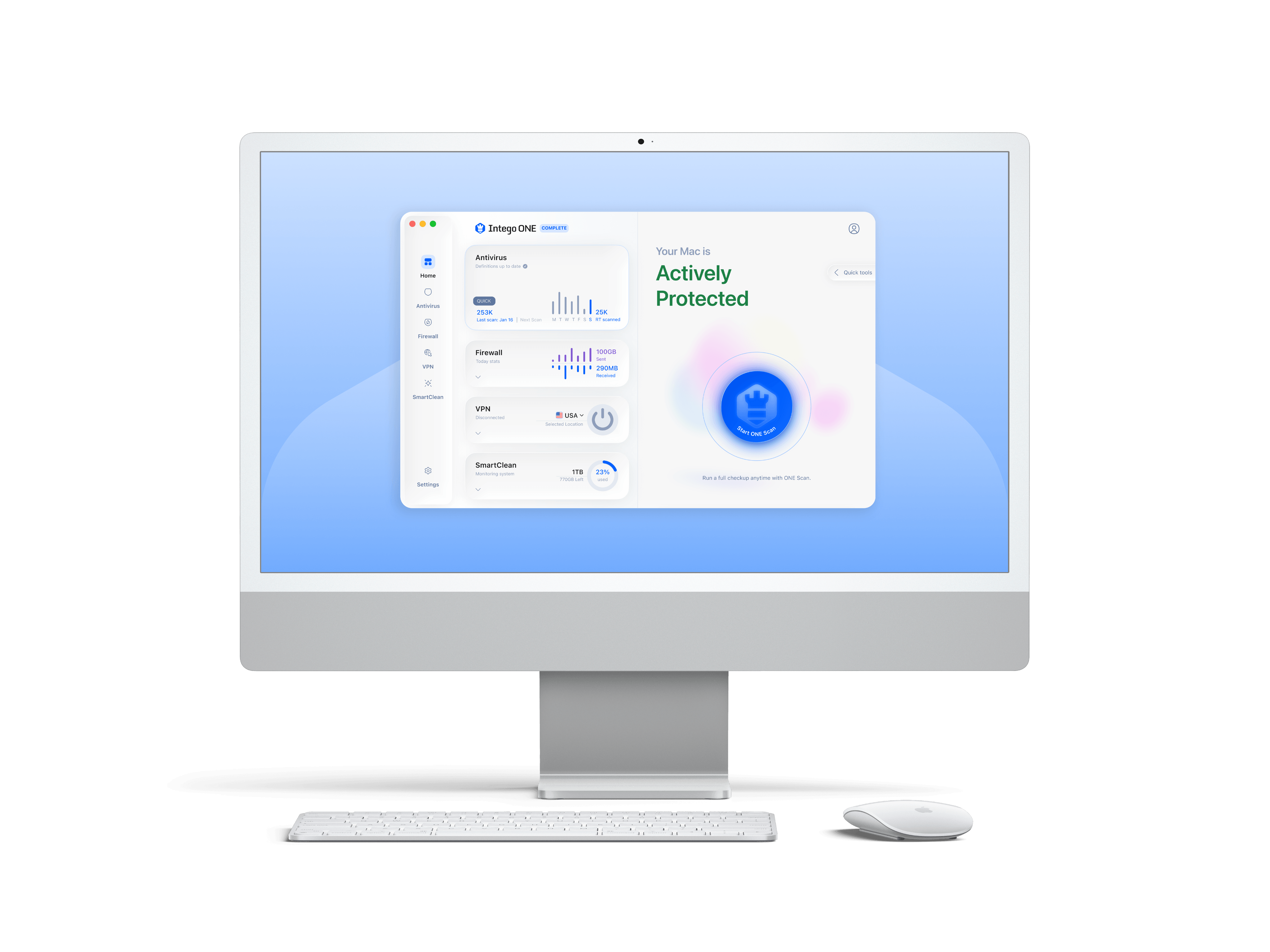
Intego ONE for Mac
A Mac security suite can add another layer of scanning and network visibility when a malicious script or download is involved. It should complement, not replace, the habit of checking installation commands against official documentation.
As an Amazon Associate I earn from qualifying purchases.
What the Mac malware reportedly does
According to the technical analysis described in the report, the malicious command retrieves an encoded shell script. One reported variant then loads additional compressed instructions and runs much of the activity in memory, leaving fewer obvious files for a user to notice.
BleepingComputer also reported that one server delivered a differently obfuscated payload on repeated requests. That kind of shifting delivery can make detection harder when security tools are looking for a known file hash or a fixed script pattern.
One observed variant reportedly checked the Mac for Russian or CIS-region keyboard input sources before continuing. If those signs were present, the script appeared to stop and send a status message back to the operator. If not, the next stage continued. This behavior was described in the source reporting and should be read as an observed trait of that sample, not as proof of who is behind the campaign.
The same reported variant collected basic victim and device details before moving further, including items such as external IP address, hostname, operating system version, and keyboard locale. That kind of profiling can help an operator decide whether a machine is worth targeting, although the full selection criteria were not established.
The script then reportedly pulled down a second-stage payload and executed it through macOS scripting tools. That approach avoids the familiar pattern of dropping a standard app or installer that a user might recognize and inspect.
Another variant described by Albayrak appeared to take a more direct path. Instead of the same profiling sequence, it reportedly moved into credential theft activity, harvesting browser credentials, cookies, and macOS Keychain data before sending the collected material to attacker-controlled infrastructure. Albayrak identified that sample as a MacSync infostealer variant.
Why the real-domain angle is important
Most people are trained to look for misspelled domains, suspicious download pages, and fake brand names. That advice still helps, but it is not enough here. In this case, the reported lure depends on a real platform feature: public shared chats.
A shared AI chat can look more trustworthy than a random website because the host is familiar. It may also feel conversational and helpful, which lowers a user’s guard. If a sponsored result leads to a real platform page, the usual “check the URL” habit may not expose the problem.
This does not mean Claude, shared chats, or AI assistants are inherently unsafe. It means shared content should be treated like any other user-generated page. A real host can still carry instructions written by someone with bad intentions.
The reported campaign also fits a wider pattern in malvertising: attackers buy or manipulate sponsored placements around software searches, then steer users toward downloads or commands that look relevant to the query. The difference here is that the suspicious content is embedded in a legitimate shared-chat environment rather than a simple fake download site.
What Mac users should do instead
Users looking for Claude software or Claude Code should avoid treating sponsored search results or shared-chat instructions as installation authority. The safer path is to navigate through the vendor’s official site and documentation directly, then compare any command against the published install instructions.
For command-line tools, slow down before running anything that includes encoded text, remote downloads, or a pipe into a shell. These patterns are common in legitimate software installation, but they are also common in malware delivery. The source matters, and so does whether the command is readable and expected.
Before pasting a command into Terminal, use a short checklist:
- Confirm the instructions come from the official product documentation, not a shared chat, forum post, ad landing page, or copied snippet.
- Read the command for remote download behavior, encoded payloads, or immediate execution through shell or scripting tools.
- Be suspicious of instructions that claim to be from unrelated authorities, such as “Apple Support,” when installing a third-party developer tool.
- Do not run commands that you do not understand on a work device or any Mac that stores passwords, browser sessions, crypto wallets, or customer data.
- If a command already ran, disconnect from the network and involve a qualified security professional or your organization’s IT team.

YubiKey 5C NFC security key
For important accounts, a hardware security key can make stolen passwords less useful to an attacker. It is most helpful when used with services that support passkeys, FIDO2, or security-key based two-factor authentication.
As an Amazon Associate I earn from qualifying purchases.
What organizations should watch for
For security teams, this kind of lure is awkward because it blends web trust, advertising trust, and AI-platform trust. Blocking only fake domains will miss some abuse cases when the malicious instruction is hosted on a real service.
Organizations should consider monitoring for suspicious shell activity spawned soon after browser visits, especially commands that download and execute scripts, invoke macOS automation tools, or reach newly registered and low-reputation domains. Endpoint controls can also help by flagging attempts to access browser credential stores or Keychain material from unexpected processes.
User education should be specific. “Do not click suspicious links” is too vague for this scenario. A better rule is: do not paste Terminal commands from ads, shared chats, social posts, or search snippets. Installation commands should come from official documentation that the user reached directly.
The practical takeaway is simple but important. A trusted domain does not make every page on that domain trustworthy, and a helpful-looking AI chat is not the same thing as verified documentation. When a page asks for Terminal access, treat that moment as a security decision, not a routine setup step.