

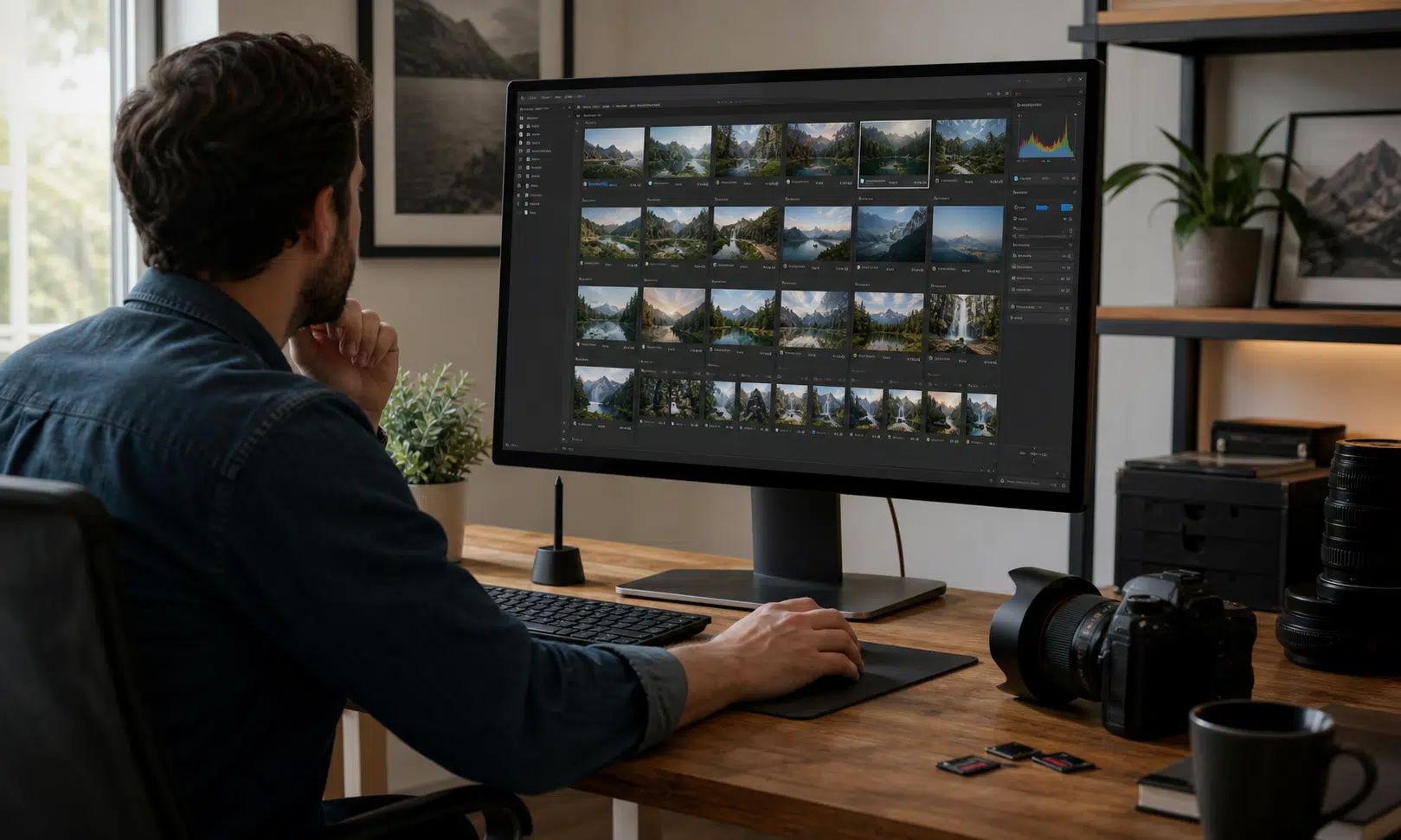

Imagen AI is aimed at photographers who want to spend less time on repetitive editing work without handing over the entire creative process. This Imagen AI review looks at the service as a practical workflow assistant: useful when speed matters, but still something buyers should judge by how well it fits their own editing style.
The core promise is straightforward. Imagen AI is designed to help with photo editing, culling, and workflow automation. For professional photographers, those are not small conveniences. They are the parts of the job that can quietly eat into evenings, delivery deadlines, and client turnaround times.
That makes the buying question less about whether AI sounds impressive and more about whether it can remove enough routine work to be worth adding to an existing process.
What Imagen AI Is Trying to Solve
Most working photographers already have an editing routine. The problem is that large galleries turn even familiar work into a time sink. Wedding, event, portrait, and commercial shoots can produce hundreds or thousands of images, and the first pass is often about consistency rather than creativity.
Imagen AI is positioned for that part of the workflow. It is not presented here as a replacement for a photographer’s eye. The more realistic role is as an assistant that can help move a gallery through editing and selection faster, leaving the photographer to review, correct, and make final decisions.
That distinction matters. Buyers should be wary of any AI tool that promises effortless perfection. The stronger case for Imagen AI is efficiency: reducing the amount of repetitive work around edits, culling, and automation.
Where It May Help Most
The source material frames Imagen AI around three practical areas: editing, culling, and workflow automation. Those are the right categories to focus on before considering a purchase.
- Editing: The main value is speed across a large set of images, especially when a photographer wants a consistent look without starting from scratch on every file.
- Culling: If the tool can help narrow a gallery more quickly, it may reduce one of the least billable parts of professional photo work.
- Workflow automation: Automation is useful only if it fits into the way a photographer already delivers work. A faster tool that creates more review problems may not save time in practice.

Elgato Stream Deck +
A programmable controller can help photographers put common editing shortcuts, rating actions, and app controls within reach during high-volume review sessions. It is most useful when the photographer already has a repeatable Lightroom or Photoshop workflow to map onto physical controls.
As an Amazon Associate I earn from qualifying purchases.
For buyers, the best test is not a demo image. It is a real job. A photographer considering Imagen AI should run it against a gallery that matches their normal workload and then judge how much manual review remains.
Buyer Considerations Before Using Imagen AI
Imagen AI makes the most sense for photographers who regularly process high-volume shoots. If someone edits only a small number of carefully selected images, the time savings may be less meaningful. If someone delivers large galleries under deadline, the value case becomes stronger.
| Decision Area | What to Check |
|---|---|
| Editing fit | Does the output match the photographer’s usual style closely enough to reduce manual corrections? |
| Culling usefulness | Does it shorten the selection process without removing images the photographer would want to keep? |
| Workflow impact | Does it make delivery faster after review, or does it create another step to manage? |
| Professional control | Can the photographer still make final creative decisions comfortably? |
The practical risk is overestimating the benefit. AI editing can sound like a complete shortcut, but photographers still need to check consistency, taste, and client expectations. A useful assistant should reduce the first-pass workload, not lower the standard of the finished gallery.

Calibrite Display Pro HL
A monitor calibrator is useful when AI-assisted edits still need a careful human review before delivery. It helps keep color decisions grounded in a consistent display setup, especially for client galleries and print-conscious work.
As an Amazon Associate I earn from qualifying purchases.
Verdict: Who Imagen AI Is For
Imagen AI is best viewed as a practical editing assistant for photographers who need more efficiency in high-volume work. The strongest source-backed use cases are editing, culling, and workflow automation, all of which matter most when turnaround time is part of the business.
It is less compelling as a vague AI upgrade for casual editing. The tool’s value depends on how much routine work it can remove while still leaving the photographer in control of the final result.
For professional photographers, the sensible approach is to judge Imagen AI against a real workflow rather than against marketing claims. If it speeds up editing and culling without forcing too many corrections, it could be a useful addition. If it does not fit the photographer’s style or review process, the efficiency promise may not translate into meaningful savings.