

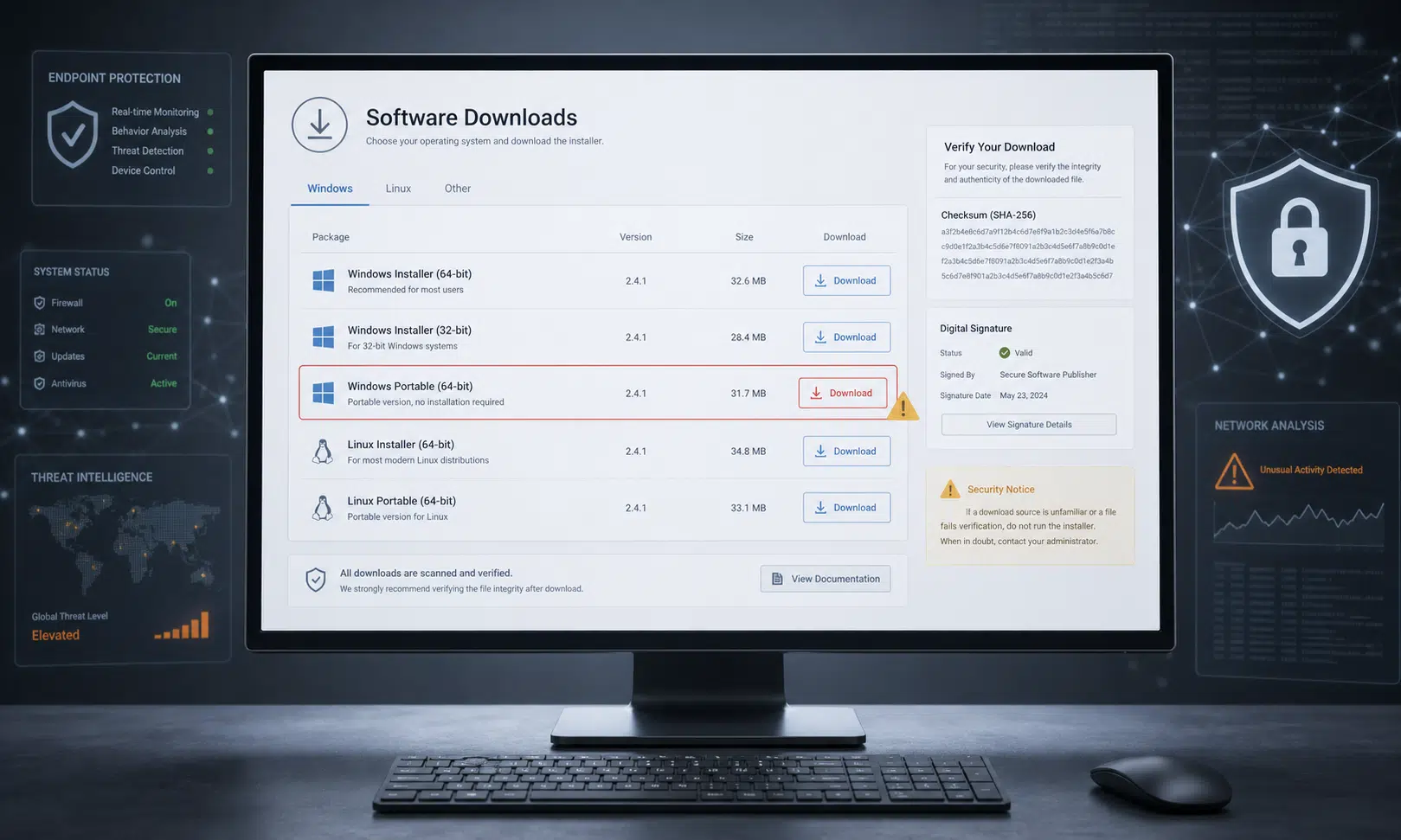

The official JDownloader website was compromised this week in a software supply chain incident that replaced some legitimate download links with malicious Windows and Linux installers.
The risk appears centered on users who downloaded and ran installers from the official site during the May 6 to May 7, 2026 period through the Windows “Download Alternative Installer” links or the Linux shell installer. That affected download window should be treated as the working investigation window rather than a guarantee that every download in that period was malicious.
JDownloader is a long-running free download manager used to automate downloads from file-hosting services, video sites, and premium link generators. It is commonly used across Windows, Linux, and macOS, although the incident details released so far point to a narrower set of affected installer paths.
For buyers, IT teams, and anyone responsible for endpoint hygiene, the important lesson is straightforward: downloading from the official vendor website was not enough protection in this case. The reported compromise changed where download links pointed, which means users could have followed normal advice and still ended up with an untrusted installer.
What Appears to Have Been Changed
According to the incident information described by the JDownloader developers, attackers modified content managed through the website and changed published download links. The developers said the attacker did not gain broader access to the underlying server stack, host filesystem, or operating-system-level infrastructure.
That distinction matters. Based on the public description, this was not presented as a full takeover of every JDownloader distribution channel. The compromise reportedly affected specific website-managed links rather than the project’s entire update system.
The developers said the affected areas were the alternative Windows installer download links and the Linux shell installer link. They said in-app updates, macOS downloads, Flatpak, Winget, Snap packages, and the main JDownloader JAR package were not modified.
Users should still verify their own exposure based on how they installed the software. A machine that received JDownloader through an in-app update is in a different risk category from a machine where a user manually downloaded an alternative installer from the website during the suspect window.

Malwarebytes Premium Security
A dedicated malware scanner can help users inspect downloaded installers and catch threats that appear before or during installation. It should supplement, not replace, checking the publisher signature and treating an executed suspicious installer as a possible compromise.
As an Amazon Associate I earn from qualifying purchases.
How Users Can Check a Windows Installer
The simplest Windows check is the digital signature. JDownloader’s legitimate Windows installer should be signed by AppWork GmbH. If the file is unsigned or signed by another publisher, it should not be trusted.
A practical verification flow looks like this:
- Right-click the installer file.
- Select Properties.
- Open the Digital Signatures tab.
- Confirm the signer is AppWork GmbH.
- If the signer is missing or unfamiliar, do not run the installer.
Users who reported the issue said Windows security tools flagged the downloaded executables and showed unfamiliar publisher names instead of AppWork. That warning should be taken seriously. For software that requires user trust at installation time, an unexpected publisher name is enough reason to stop.
For IT teams, this is also a useful policy point. Endpoint tools should not only look for known malware signatures; they should also flag unexpected signer changes for common business utilities, developer tools, remote access tools, and download managers.
What Researchers Reported About the Payloads
The Windows payload was reported to deploy a heavily obfuscated Python-based remote access trojan. Independent analysis shared by security researchers described it as a loader that eventually ran Python malware capable of receiving and executing code from command-and-control infrastructure.
Because some of those technical findings come from third-party malware analysis rather than the JDownloader team’s own scope, they should be treated as reported analysis, not as a complete vendor-confirmed description of every payload capability.
The Linux installer also drew concern. Published analysis said malicious code had been inserted into the shell installer and that it downloaded an archive disguised as another file type. The same reporting described extracted Linux binaries and persistence behavior, including files placed under privileged system paths. Those specific filesystem details have not been independently verified here, so the safer conclusion is that anyone who ran the affected Linux installer should treat the host as potentially compromised.
One reported Linux payload was described as heavily obfuscated with PyArmor, leaving its exact behavior unclear. That uncertainty should not reduce the response level. Obfuscation is common in malware precisely because it slows down analysis and makes capability assessment harder.
Who Should Treat Their System as At Risk
The highest-risk group is users who downloaded and executed one of the affected installers from the JDownloader website during the suspected May 6 to May 7 window. Downloading a file without running it is less serious, but the file should still be deleted and any security alerts reviewed.
Risk is lower for users who only updated through JDownloader’s in-app update mechanism, used macOS downloads, installed through Flatpak, Winget, or Snap, or used the main JAR package, based on the developer statements available so far.
A practical exposure review should include:
- Which operating system was used.
- Which installer path was used.
- Whether the installer was executed.
- Whether Windows showed a SmartScreen or Defender warning.
- Whether the installer had a valid AppWork GmbH signature.
- Whether the endpoint showed unusual processes, persistence entries, or outbound connections after installation.

YubiKey 5C NFC Security Key
After a potentially compromised device is cleaned or rebuilt, adding a hardware security key to critical accounts can reduce the risk from stolen passwords. Prioritize email, password-manager, financial, developer, and administrator accounts.
As an Amazon Associate I earn from qualifying purchases.
Recommended Response
Anyone who ran a suspicious installer should take the incident seriously. A remote access trojan can allow arbitrary actions on a system, and the real damage may depend on what the attacker did after execution.
For a personal device, that means disconnecting from the network, preserving any alerts or suspicious files for analysis if needed, and scanning with up-to-date security software. If the system handled sensitive accounts, financial information, business credentials, browser sessions, SSH keys, cryptocurrency wallets, or password-manager access, a clean operating system reinstall is the more conservative response.
Credential exposure is possible on a compromised device, although the exact scope depends on the payload behavior and what was present on the machine. Password resets should happen after the device is cleaned or rebuilt, not before, so new credentials are not entered into a still-compromised environment.
For organizations, the response should be more formal:
- Identify endpoints that downloaded JDownloader installers during the suspect window.
- Check file signatures and hashes where retained.
- Review EDR telemetry for unusual Python execution, new persistence mechanisms, and suspicious outbound traffic.
- Isolate any endpoint that ran an untrusted installer.
- Rotate credentials used on affected machines after remediation.
- Document whether the software entered the environment through user download, package manager, managed deployment, or in-app update.
Why This Incident Matters for Software Buyers
This incident follows a familiar pattern: attackers compromise trusted software distribution points instead of trying to convince users to visit obviously suspicious sites. Similar attacks have recently targeted the websites or distribution paths of popular utilities, including tools that technical users and administrators are likely to trust.
That changes the buying and security conversation. Organizations evaluating software should ask how vendors protect download links, update channels, signing keys, release infrastructure, and incident communications. The answer should not stop at whether the vendor has a legitimate website.
A stronger procurement checklist includes signed releases, reproducible or verifiable builds where practical, independent package-manager distribution, public checksums hosted separately from the primary site, rapid incident reporting, and clear guidance for affected customers.
For end users, the immediate advice is simpler: if a download warning appears, do not override it just because the URL looks familiar. In this case, the official site was part of the problem, and the warning signs around publisher identity were the first visible clue.