

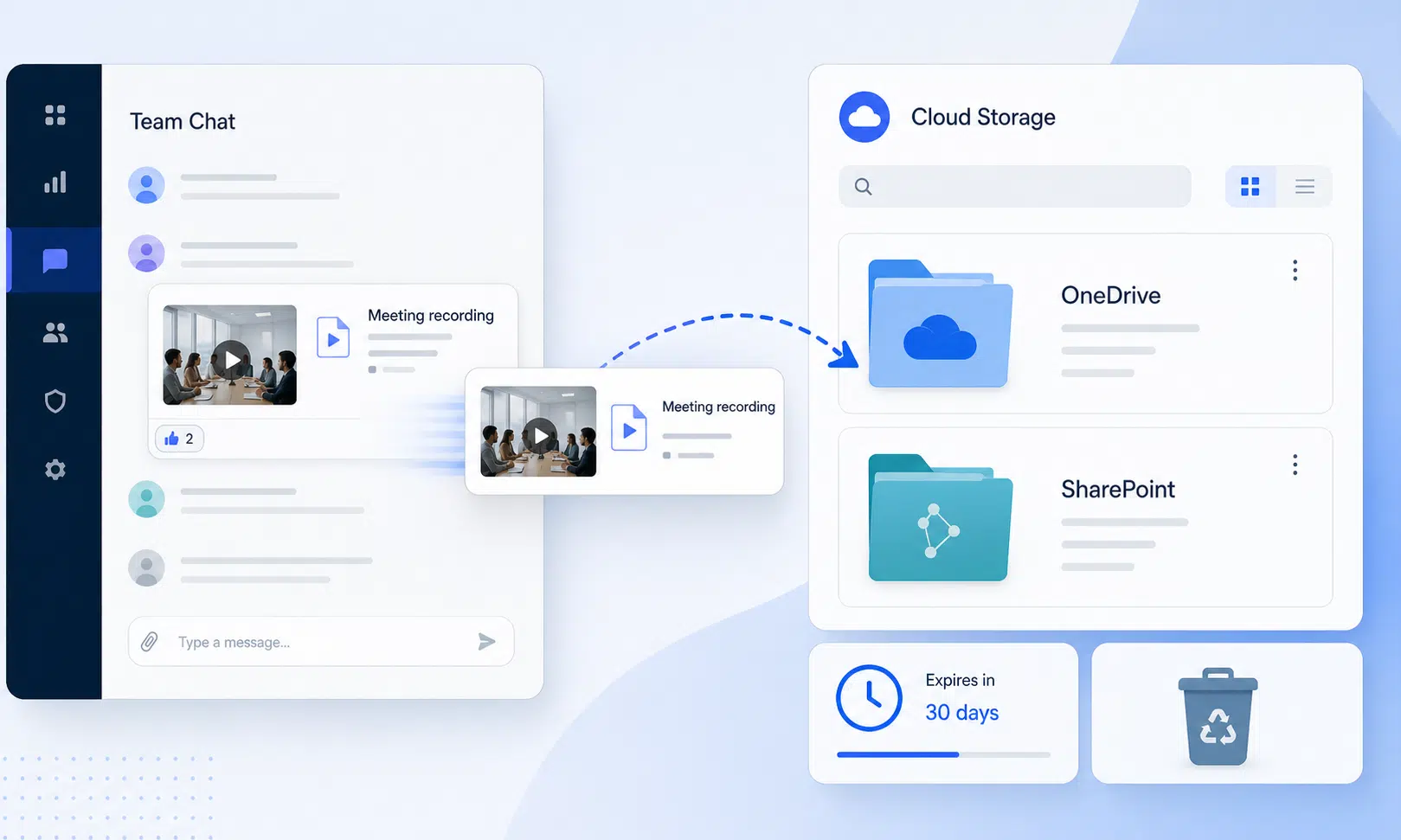

A missing Microsoft Teams recording can feel like a bigger problem than it is, especially when the meeting included a client decision, training session, interview, or compliance-sensitive discussion. The important detail for admins and business users is that the recording may not have vanished from Teams in the way it first appears.
Microsoft Teams recordings are not typically stored inside the Teams app as standalone Teams files. They are usually saved in OneDrive or SharePoint, depending on how the meeting was created and where it took place. That storage model is useful because it connects recordings to Microsoft 365 sharing, permissions, captions, transcripts, intelligent recap, and other related features, but it also means the answer may be outside the meeting chat itself.
Why Teams Recordings Can Seem To Disappear
The issue often comes down to expiration. Teams meeting recordings and related transcripts can be governed by a policy that allows them to expire automatically. When that expiration date is reached, OneDrive or SharePoint may move the file to the recycle bin instead of leaving it visible where users expect to find it.
That distinction matters. In many cases, the recording is not immediately and permanently deleted. It may still be recoverable from the recycle bin for a limited period, which gives admins or file owners a practical recovery path before the content is removed for good.
The setting to review is called “Recordings and transcripts automatically expire” in the Teams admin center. If it is enabled, recordings and transcripts can follow the configured expiration behavior. If it is disabled, organizations can avoid that automatic expiration flow, though they should still think carefully about storage, retention, privacy, and compliance requirements.
Admin Checklist: What To Review First
For businesses that rely on meeting recordings, this is less of a Teams usability issue and more of a governance issue. Before assuming a recording is lost, admins should check the storage and expiration path.
- Look in the relevant OneDrive or SharePoint location, not only in the Teams meeting chat.
- Check whether the recording or transcript has been moved to the recycle bin.
- Confirm the organization’s setting for automatic recording and transcript expiration.
- Review whether the meeting was scheduled in Teams or tied to a channel, as storage location can vary.
- Make sure users who depend on recordings know the recovery window is limited.

Synology DiskStation DS224+
For small organizations that want a local backup target, a compatible Synology NAS can run Active Backup for Microsoft 365 and keep copies of Microsoft 365 data outside the default recycle-bin and expiration flow. It still needs proper admin setup, storage planning, and periodic restore testing.
As an Amazon Associate I earn from qualifying purchases.
For buyers and IT leaders comparing Microsoft 365 management tools, the practical takeaway is simple: Teams recording recovery is only as reliable as the organization’s storage, retention, and backup process. A company that treats recordings as business records should not rely on users discovering recycle-bin behavior after something goes missing.
Verdict: A Simple Setting With Real Business Impact
The fix is straightforward once the cause is understood, but it is easy to miss because the recording appears to disappear from Teams while the actual file may be sitting in Microsoft 365 storage. Admins should review the automatic expiration policy before a high-value recording is needed, not after.
For small teams, the default behavior may be acceptable if recordings are only short-term references. For regulated teams, sales organizations, HR departments, legal teams, and training groups, this setting deserves a more deliberate policy decision.