

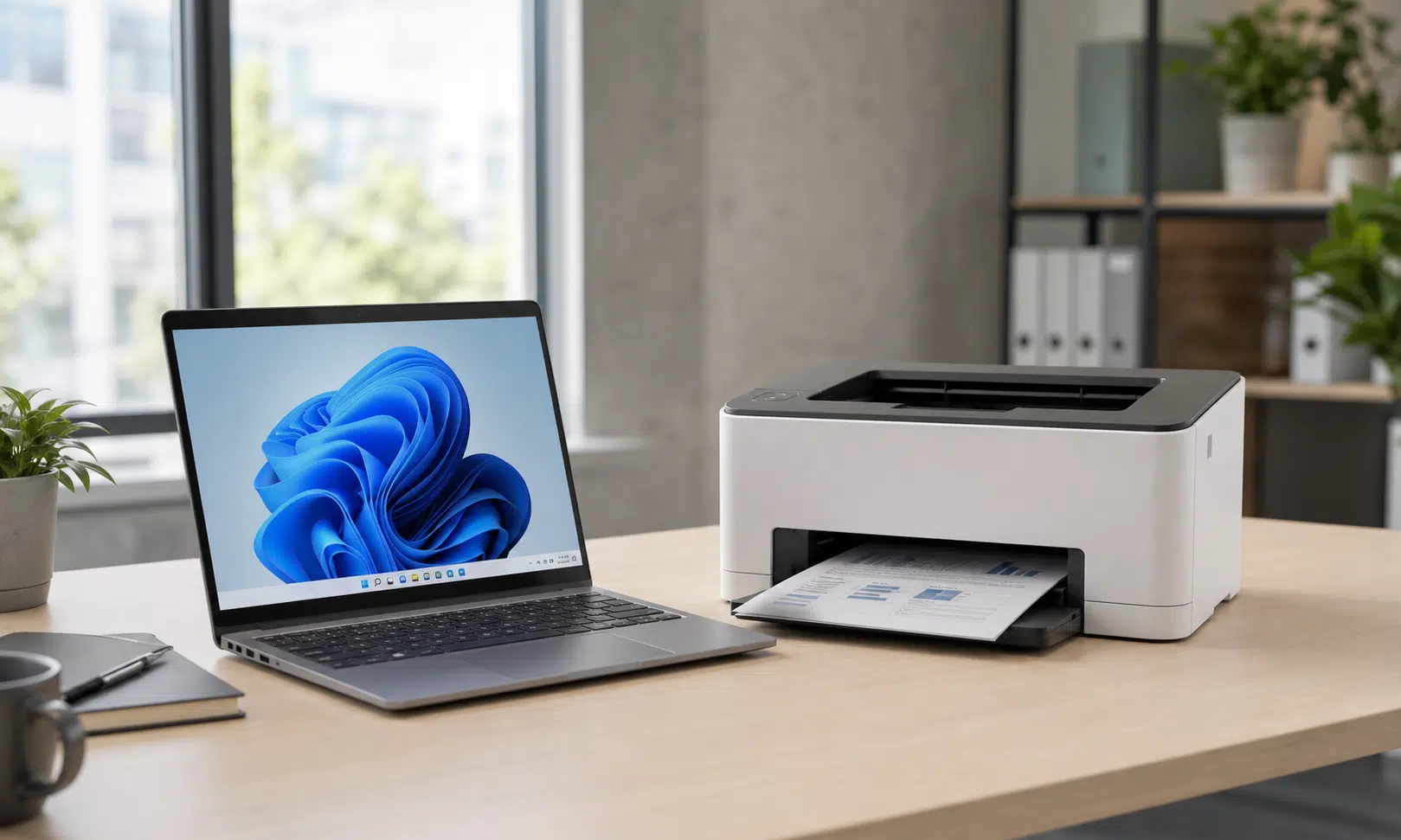

Microsoft prepares the next phase of Windows printer driver changes
Microsoft is continuing its long-running shift away from traditional third-party printer drivers in Windows, with a recent Insider build pointing to preparation work for upcoming printer driver ranking changes.
The practical detail is narrow but important: the Internet Protocol Print driver, identified as prnms012, is being prepared with new hardware IDs in advance of Microsoft’s planned change to printer driver ranking order. That change is scheduled to make Windows prefer the built-in IPP inbox class driver when it is available, rather than automatically leaning on legacy vendor-supplied printer drivers.
For most home users, this is not a reason to replace a working printer. For IT teams, managed print providers, printer vendors, and buyers choosing hardware for Windows 11 fleets, it is a sign that Microsoft’s print platform transition is moving from policy into implementation.
The larger goal is to reduce dependence on legacy v3 and v4 printer drivers distributed through Windows Update. Microsoft has been moving Windows printing toward standards-based IPP support, especially for Mopria-compliant printers, so more devices can work without a separate vendor installer or a custom driver package.
What changed in the Insider build
The relevant printer item appears in the newer Experimental channel build notes. Microsoft says the Internet Protocol Print driver has new hardware IDs in preparation for the upcoming change in printer driver ranking order.
That does not mean the ranking change has fully taken effect for every Windows 11 user. It is best read as groundwork: Microsoft is aligning the inbox IPP driver with hardware identification changes before the broader driver preference shift arrives.
The same build notes also include other Windows fixes and interface work, including changes to the touch keyboard voice typing experience and reliability improvements around Japanese IME usage in certain configurations. Those items matter for affected users, but they are separate from the printer driver transition.
Why the IPP driver matters
IPP stands for Internet Printing Protocol. In this context, Microsoft’s IPP class driver is a built-in Windows driver designed to support compatible printers without requiring a separate manufacturer-specific driver for basic printing.
That matters because printer drivers have historically been a messy part of Windows administration. Vendor packages can be large, inconsistent, difficult to maintain across fleets, and exposed to security and reliability issues when old driver models linger for years.
Microsoft’s preferred model is simpler: Windows supplies a common class driver for compatible printers, while device-specific customization moves into print support apps where needed. For buyers, the key question becomes less “Does the vendor offer a custom Windows driver?” and more “Does this printer support modern standards well enough to work cleanly with Windows’ built-in print stack?”

Brother HL-L2460DW monochrome laser printer
For a home office or small office replacing an older printer, a compact laser model with Mopria, IPP/IPPS, Ethernet, and Wi-Fi support is a practical match for Windows 11’s standards-based print direction. Confirm the exact model’s Windows support page before buying for a managed environment.
As an Amazon Associate I earn from qualifying purchases.
The printer driver timeline buyers should watch
Microsoft’s public end-of-servicing plan for legacy third-party printer drivers is staged over several years. The dates are especially relevant for organizations buying printers that are expected to stay in service well beyond one Windows feature cycle.
| Date | Planned change | Why it matters |
|---|---|---|
| September 2023 | Microsoft announced the end-of-servicing plan for legacy third-party printer drivers on Windows. | This started the formal transition away from long-term reliance on v3 and v4 driver packages. |
| January 15, 2026 | New printer drivers are no longer routinely published to Windows Update for Windows 11 and Windows Server 2025 and later. | Existing drivers can remain available, but new submissions face tighter approval. |
| July 1, 2026 | Printer driver ranking order is scheduled to prefer the Windows IPP inbox class driver. | Compatible printers should be more likely to use Microsoft’s built-in driver by default. |
| July 1, 2027 | Third-party printer driver updates through Windows Update are limited, except for security-related fixes. | Long-term support for older driver packages becomes more constrained. |
The important nuance is that this is not a sudden shutdown of existing printers. Microsoft’s plan still allows existing third-party drivers to be installed, and vendors can continue to provide installation packages outside Windows Update. The bigger change is the default path for new support and driver discovery.
What this means for home users
If your printer already works with Windows, there is no immediate reason to panic. The current direction does not mean Windows will automatically remove a working printer driver or block every older printer from functioning.
The risk is higher when setting up an older printer on a new Windows 11 PC, reinstalling Windows, replacing hardware, or relying on a driver package that is no longer easy to obtain. In those cases, Windows may increasingly favor its built-in IPP support where compatible, while older vendor packages may require a manual download from the manufacturer.
Before buying a low-cost printer or replacing a home office device, check for modern Windows 11 support, IPP or Mopria compatibility, and whether the manufacturer still maintains software for the model. A cheap printer can become expensive if it depends on aging software that is awkward to reinstall later.
What IT teams and business buyers should check
For businesses, the bigger issue is lifecycle planning. Printers often stay in service for many years, and print infrastructure touches help desks, security policy, device provisioning, and line-of-business workflows.
Before refreshing a printer fleet, IT teams should confirm whether target models work well with Windows’ built-in IPP class driver and whether advanced features still behave as expected. Duplexing, finishing options, secure release printing, tray controls, accounting codes, scan workflows, and fax functions may require more than basic print compatibility.
A careful buying checklist should include:
- Windows 11 and Windows Server 2025 support status for the exact printer model.
- IPP and Mopria compatibility, especially for network and USB deployment scenarios.
- Availability of vendor installation packages outside Windows Update.
- Support for print support apps where advanced customization is required.
- Driver behavior in managed environments, including Intune, Group Policy, print servers, and standard user permissions.
- Long-term vendor commitment for security fixes and fleet management tools.
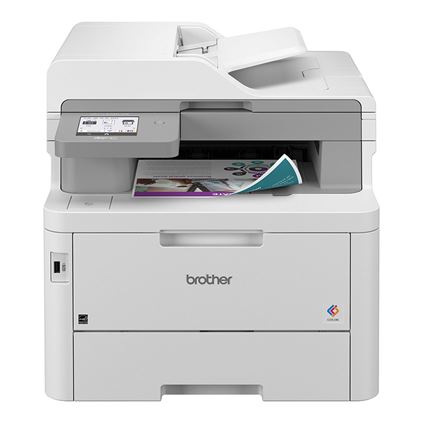
Brother MFC-L8395CDW color all-in-one printer
A business all-in-one should be checked for more than basic print support. This class of device is relevant where Windows 11 compatibility, IPP/IPPS support, Mopria, secure printing, and scan workflows all need to be validated before rollout.
As an Amazon Associate I earn from qualifying purchases.
For organizations with older specialty printers, label printers, receipt printers, or multifunction devices tied to business workflows, testing matters more than the headline. A device may print basic documents through IPP but still need vendor software for specialized settings or integrated scanning.
Why this is a vendor issue as much as a Windows issue
Printer manufacturers still have a role in the Windows print ecosystem. Microsoft’s transition does not remove the need for vendor support, especially for advanced printer functions, management tools, and devices that cannot meet modern certification or compatibility expectations.
However, the incentives are changing. Vendors that support standards-based printing cleanly will be easier for buyers to trust. Vendors that depend on old driver packages, obscure utilities, or slow software updates may face tougher questions from IT departments.
That is especially true for organizations standardizing on Windows 11, Windows Server 2025, or newer endpoint management practices. The more Windows favors its built-in IPP driver, the more printer makers need to make sure their devices behave correctly without assuming a large custom driver package will be the first option Windows selects.
The bottom line
The new hardware IDs for Microsoft’s Internet Protocol Print driver are a small technical change with a larger meaning. Windows printing is continuing its move toward built-in, standards-based driver support, and Microsoft is preparing the platform for a scheduled driver ranking shift.
For everyday users, the advice is simple: keep a copy of your printer software handy if you depend on an older model, and check Windows 11 compatibility before buying replacement hardware.
For business buyers, the standard should be higher. Treat IPP support, vendor update policy, and Windows 11 deployment behavior as purchase criteria, not afterthoughts. The printer that looks cheapest on the invoice may not be the cheapest one to support over the next several years.

Brother QL-820NWBc network label printer
Label printers are exactly the kind of specialty hardware IT teams should test before a Windows 11 refresh. Look for network connectivity, current Windows software, and predictable label-format handling before standardizing on a model.
As an Amazon Associate I earn from qualifying purchases.