

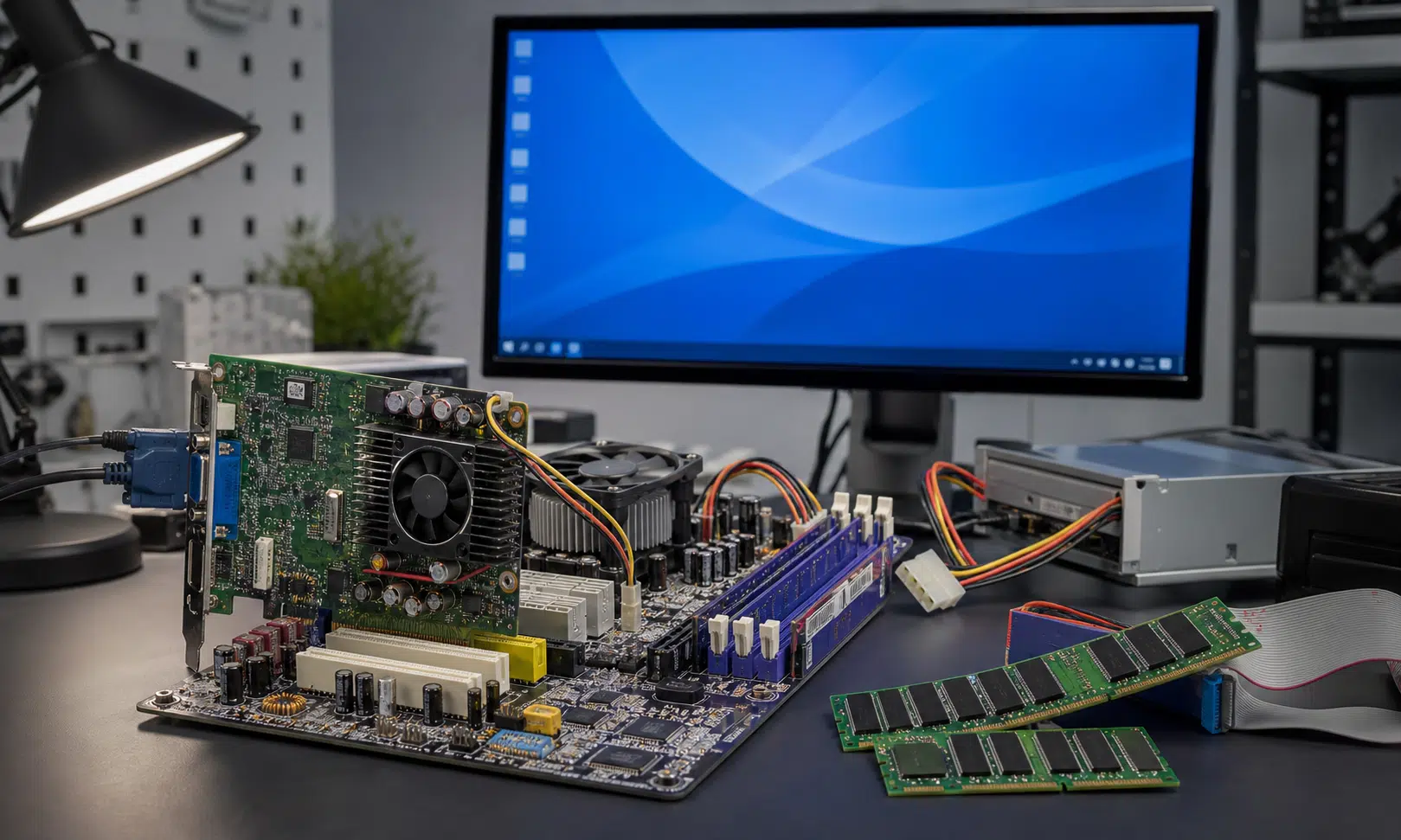

A vintage PC experiment has shown Windows 11 running on DDR1-era hardware, which is both technically impressive and a useful reminder that operating system requirements are not always the same thing as absolute hardware limits.
The build, demonstrated by tinkerer Omores, is described as using an Intel Core 2 Quad Q6600, an ASRock ConRoe 865PE motherboard, DDR1 memory, and an ATI Radeon HD 4650 AGP graphics card. That combination is far removed from the kind of PC most people associate with Windows 11, especially because it leans on older BIOS-era platform assumptions rather than the UEFI-and-TPM baseline usually discussed around Microsoft’s current desktop OS.
This is not a recommendation to revive a two-decade-old platform as a daily Windows 11 machine. It is more useful as a proof-of-concept: with the right board, a compatible CPU, enough patience, and some driver work, Windows 11 can apparently be coaxed into running on hardware that was never part of the mainstream upgrade conversation.
The Hardware Behind the Windows 11 DDR1 Build
The most interesting part of the setup is the motherboard. The ASRock ConRoe 865PE is the kind of transitional board that made sense during an awkward hardware handoff: it could pair newer Intel Core 2 chips with older DDR memory and AGP graphics cards. That made it attractive to builders who wanted more CPU performance without replacing every major component at once.
The reported core parts are:
- Intel Core 2 Quad Q6600 processor
- ASRock ConRoe 865PE motherboard
- DDR1 memory
- ATI Radeon HD 4650 AGP graphics card
- Windows 11 installed on the vintage platform
The exact DDR1 memory speed used in the build is not clearly established, so it is better not to assume the system was running the fastest possible DDR1 configuration. The broader point still stands: this is a platform from a very different PC era, being pushed into a modern Windows environment.
The AGP Graphics Card Was the Hard Part
The CPU and motherboard are only half the story. The Radeon HD 4650 AGP appears to have required the most work, because Windows 11 was never designed around AGP graphics support in the way older versions of Windows were.
Omores says the system was made to run with AGP 8X functionality and H.264 hardware decoding active. The reported method involved using older 64-bit ATI Windows 7 drivers from 2012 and getting them installed under Windows 11. That is the kind of workaround that makes this project interesting, but it also explains why it is not something most users should treat as a clean upgrade route.
For anyone attempting a similar project, the practical checklist is fairly clear:
- Use a board that can bridge newer Core 2-era CPUs with DDR1 and AGP hardware.
- Confirm the system can boot the intended Windows 11 edition on BIOS-era hardware.
- Identify a graphics card with usable legacy 64-bit drivers.
- Expect driver installation to be the main obstacle, especially for AGP support and video acceleration.
- Validate the result with hardware tools, browser tests, video playback, and basic 3D workloads.
That last step matters. A successful desktop boot is not the same as a usable system. In the demo, the machine is shown running modern browsers, embedded video playback, hardware decoding, games, and 3D benchmarks. Even Crysis makes an appearance, because no vintage PC stunt is truly complete without it.
Why This Works, and Why It Still Has Limits
One reason this kind of experiment is plausible is that Windows 11 is not as narrowly tied to modern boot firmware as its consumer-facing requirements can make it seem. Omores points to Windows 11 IoT support for BIOS systems as part of why the operating system can behave more normally on older platforms than many people would expect.
That does not erase the normal caveats. A machine like this sits well outside the support path most users should rely on. Driver availability is fragile, performance will be limited by old memory bandwidth and platform I/O, and future Windows updates could break pieces that only work because of legacy driver workarounds.
Still, the project is a useful data point for vintage hardware fans. It shows that DDR1-era components are not automatically disqualified from running a modern Windows desktop, provided the builder is willing to accept unsupported territory and do the driver work. For everyone else, it is best viewed as a clever compatibility experiment rather than a practical response to memory prices or a serious Windows 11 upgrade plan.