

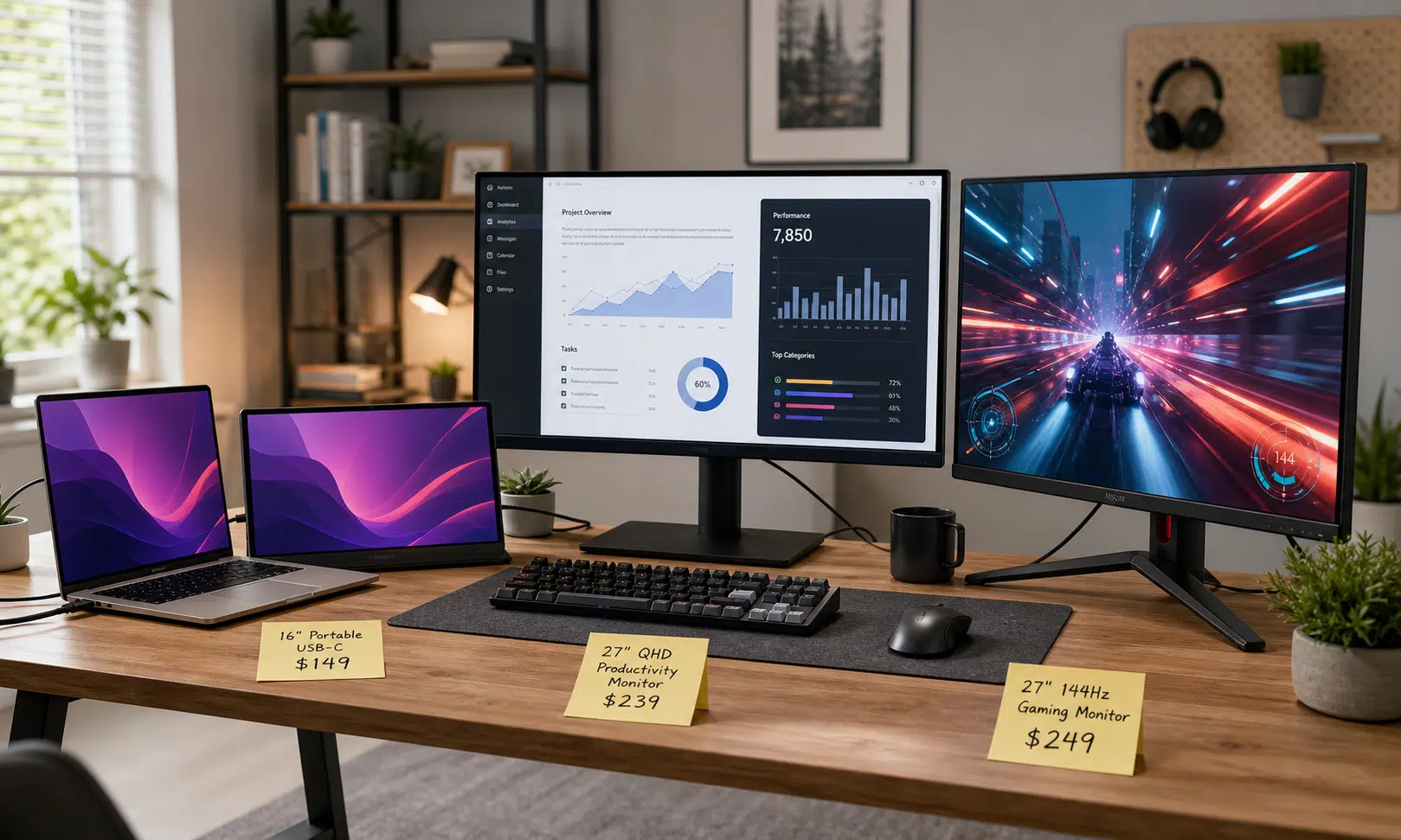

Prime Day gaming monitor deals are usually built around one promise: a better screen for less money. The useful question is not whether a discount looks large. It is whether the monitor actually fits the system, desk, and games it is meant for.
This year’s deal mix, based on the monitor listings highlighted here, spans four very different buyer needs: a compact portable screen, a cheap 27-inch 1440p display, a high-refresh QHD gaming monitor, and a 1080p esports-style panel pushing refresh rates far beyond what most casual players need.
That range matters because monitor shopping is easy to get wrong. A 380Hz display can be the right choice for competitive shooters, but it is a poor answer for someone who wants sharper text and more workspace. A cheap 1440p panel can be the smarter buy for mixed productivity and casual gaming, but it will not feel like a premium OLED. A portable monitor can be a genuinely useful second screen, but its stand and orientation can matter more than the spec sheet suggests.
The Short Version: Pick the Deal by Use Case
The strongest monitor deal is not always the most technically impressive one. It is the one that removes the biggest bottleneck in your setup.
- For travel, laptops, and desk overflow: a 16-inch portable IPS monitor is the practical pick.
- For a cheap all-purpose upgrade: a 27-inch 1440p ViewSonic display gives more resolution than 1080p without chasing premium features.
- For fast QHD gaming: the Asus TUF VG27AQM5A aims at players who want 2560×1440 resolution and a high 300Hz refresh rate.
- For esports frame rates: the Asus ROG Strix XG279CNS prioritizes 1080p speed with a listed 380Hz refresh rate.
If you are upgrading from an older 1080p office monitor, the 1440p options are likely to feel like the biggest day-to-day improvement. If you already have a sharp display and mostly play competitive shooters, the high-refresh 1080p Asus panel makes more sense. If you work from a laptop and need a second screen that can travel, the portable monitor is in its own category.
How the Highlighted Monitor Deals Compare
The products below are not interchangeable. They solve different problems, and their tradeoffs are visible right in the specs.
| Monitor | Best fit | Key specs mentioned | Main tradeoff |
|---|---|---|---|
| 16-inch Veout portable monitor | Laptop users, travel, second-screen setups | 16-inch IPS panel, 16:10 aspect ratio, built-in kickstand, metal frame, 300-candela rating listed | Portrait use may be less stable because of the kickstand orientation |
| ViewSonic VS2725-2K | Budget productivity and casual gaming | 27-inch 1440p VA panel, 100Hz variable refresh, HDMI, DisplayPort, headphone jack, 2.5W speakers | Not positioned as a full gaming monitor; speakers are likely basic |
| Asus TUF VG27AQM5A | Fast QHD gaming under a tighter budget | 27-inch 2560×1440 Fast IPS panel, 300Hz refresh rate, speakers, swivel-and-tilt stand, DisplayPort, HDMI, USB-C | Performance claims and pricing should be checked before buying |
| Asus ROG Strix XG279CNS | Competitive 1080p gaming | 27-inch Fast IPS panel, 1080p resolution, listed 380Hz refresh rate, 0.3ms gray-to-gray response time, HDMI 2.1, DisplayPort 1.4, USB-C with DP Alt Mode | Lower resolution is less appealing for productivity and visual sharpness |

Veout 16-Inch Portable Monitor
This 16-inch portable monitor fits the laptop and travel setup described in the article, with a 16:10 IPS panel and built-in stand for temporary workspaces. Check the stand angle and orientation support if you plan to use it vertically.
As an Amazon Associate I earn from qualifying purchases.
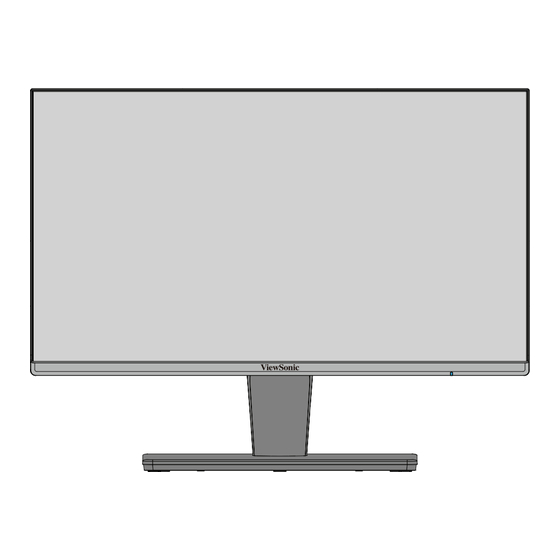
ViewSonic VS2725-2K 27-Inch QHD Monitor
The ViewSonic VS2725-2K is the practical 27-inch QHD option for sharper desktop work and casual gaming. Its 100Hz refresh rate is a useful step up from basic 60Hz screens without chasing esports specs.
As an Amazon Associate I earn from qualifying purchases.
ASUS TUF Gaming VG27AQM5A 27-Inch QHD 300Hz Monitor
The ASUS TUF VG27AQM5A fits players who want QHD sharpness with a very high refresh ceiling. It makes the most sense when your PC can push high frame rates in the games you play most.
As an Amazon Associate I earn from qualifying purchases.

ASUS ROG Strix XG279CNS 27-Inch 380Hz Gaming Monitor
The ROG Strix XG279CNS is the specialist option for competitive players who value very high refresh rates over 1440p sharpness. It is a better fit for esports-style games than for productivity-heavy setups.
As an Amazon Associate I earn from qualifying purchases.
The Portable Monitor Deal Is About Flexibility, Not Raw Speed
A 16-inch portable monitor is not the flashy gaming pick in this group, but it may be the most obviously useful for laptop owners. The highlighted Veout display is described as an IPS portable panel with a built-in kickstand, a 16:10 aspect ratio, a metal shell, and a brightness rating of 300 candelas.
The 16:10 shape is worth calling out because it gives a little more vertical room than a typical 16:9 portable display. That can make a difference for spreadsheets, browser tabs, chat windows, or keeping a reference document open beside a laptop. It is not the same as buying a full desktop monitor, but it can make a compact work setup feel less cramped.
The important caveat is the stand. A built-in kickstand is convenient in landscape mode, but the design may be less comfortable in portrait orientation. That is not a small detail if you were planning to use the screen vertically for code, documents, or chat. Portable monitors live and die by setup friction, so stability and orientation can matter as much as panel type.
This is the pick for someone who wants a second display that can move between a desk, a bag, and a temporary workspace. It is not the pick for someone trying to maximize refresh rate, HDR, or console gaming features.
The ViewSonic VS2725-2K Is the Budget 1440p Option
The ViewSonic VS2725-2K is the practical middle ground: a 27-inch, 1440p monitor with a VA panel and 100Hz variable refresh. That combination is not exotic, but it is exactly the kind of spec sheet that can make sense for people who split time between work and lighter gaming.
A 27-inch 1440p display is a meaningful upgrade over a basic 1080p screen. Text has more room to breathe, windows are easier to arrange, and games look sharper without requiring the same graphics horsepower as 4K. The 100Hz refresh rate is also a useful step above 60Hz for general smoothness and casual play.
The tradeoff is that this is not really a premium gaming monitor. The VA panel may appeal to buyers who value contrast, but it will not turn this into an OLED alternative. The built-in 2.5-watt speakers are best treated as a fallback rather than a reason to buy the display. The listed ports are more useful: two HDMI ports, DisplayPort, and a headphone jack give it enough flexibility for a desktop PC, laptop dock, or console-adjacent setup.
For buyers who mostly need a better everyday screen, the ViewSonic is the least complicated pitch here. It does not chase the highest refresh rate, but it covers the fundamentals: size, resolution, refresh, and basic connectivity.
The Asus TUF VG27AQM5A Targets High-Speed QHD Gaming
The Asus TUF VG27AQM5A sits in the more enthusiast-friendly part of the lineup. It is listed as a 27-inch QHD monitor with a 2560×1440 Fast IPS panel and a 300Hz refresh rate. That is a very different proposition from the ViewSonic: same broad screen size and resolution class, but with a much stronger focus on gaming speed.
The advertised feature set includes speakers, a swivel-and-tilt stand, DisplayPort, two HDMI ports, and USB-C. It also includes Asus gaming features such as ELMB, short for Extreme Low Motion Blur, along with support for variable refresh technologies such as AMD FreeSync Premium and Nvidia G-Sync compatibility. Those kinds of features are meant to reduce motion blur, ghosting, and tearing, though real-world results can depend on settings, frame rates, and the connected GPU.
The appeal is clear: QHD remains a strong resolution for PC gaming because it is sharper than 1080p without being as demanding as 4K, and 300Hz gives competitive players more headroom than typical 144Hz or 165Hz displays. The question is whether your PC can actually feed it. A 300Hz panel only shows its advantage when the system is producing very high frame rates in the games you play.
This is the monitor to consider if you want one screen for fast shooters and sharper single-player games. It is less compelling if you mostly play visually demanding titles at modest frame rates, because you may be paying for refresh-rate headroom you rarely use.
The Asus ROG Strix XG279CNS Is for Frame-Rate Chasers
The Asus ROG Strix XG279CNS takes a more specialized path. It is a 27-inch 1080p Fast IPS monitor with a listed 380Hz refresh rate and a 0.3ms gray-to-gray response time. The point is speed, not pixel density.
That makes it a cleaner fit for competitive players who care more about responsiveness than sharpness. A 1080p resolution is easier for a gaming PC to drive at very high frame rates, and that matters if the goal is to get close to the panel’s refresh ceiling in esports titles. The lower resolution also means it is less attractive as an all-purpose work monitor, especially at 27 inches, where text and fine UI details will not look as crisp as they do on a 1440p panel.
The listed connectivity is strong for a fast gaming display: HDMI 2.1, DisplayPort 1.4, and USB-C with DisplayPort Alt Mode. Asus also advertises ELMB Sync for reducing perceived blur and tearing, though buyers should treat that as a manufacturer feature claim and check how it behaves with their preferred refresh and adaptive-sync settings.
This is not the balanced pick. It is the specialist pick. If your games are Valorant-style shooters, Counter-Strike-style matches, or anything where high frame rates are the point, it makes sense to look at it. If you want a monitor that also feels sharp for productivity, the QHD models are easier to recommend.
What to Check Before Buying Any Prime Day Monitor Deal
Discounts can hide compromises. Before buying, check the parts of the spec sheet that affect daily use.
- Resolution and size: 27-inch 1440p is a strong general-purpose pairing. 27-inch 1080p is better suited to speed-focused gaming than sharp desktop work.
- Refresh rate: Higher is useful only if your PC can produce the frames. A 300Hz or 380Hz monitor will not magically make demanding games run that fast.
- Panel type: IPS panels usually appeal to buyers who want good viewing angles and motion handling. VA panels often emphasize contrast, though performance varies by model.
- Ports: Check whether the monitor has the right mix of HDMI, DisplayPort, and USB-C for your PC, laptop, or console.
- Stand ergonomics: Tilt, swivel, and stable orientation matter, especially on portable displays and compact desks.
- Speakers: Built-in monitor speakers are usually convenience features, not replacements for good desktop speakers or headphones.
Pricing should also be treated as fluid. Deal labels, discount percentages, and sale prices can change quickly, especially during major retail events. The safer approach is to decide which monitor class fits your setup first, then compare the live checkout price against similarly specced alternatives.
Verdict: The Best Deal Depends on the Upgrade You Actually Need
The most broadly useful pick is the budget 27-inch 1440p class, represented here by the ViewSonic VS2725-2K, because it improves both work and casual gaming without leaning on extreme specs. The Asus TUF VG27AQM5A is the more exciting gaming upgrade if you want QHD sharpness and very high refresh rates. The Asus ROG Strix XG279CNS is the niche performance play for competitive gamers who are comfortable staying at 1080p. The Veout portable monitor is a different kind of deal entirely: less about gaming performance, more about adding usable screen space wherever a laptop goes.
For most buyers, the right order of operations is simple: choose the resolution, then the refresh rate, then the ports and stand. A sale price only matters after those basics line up.