

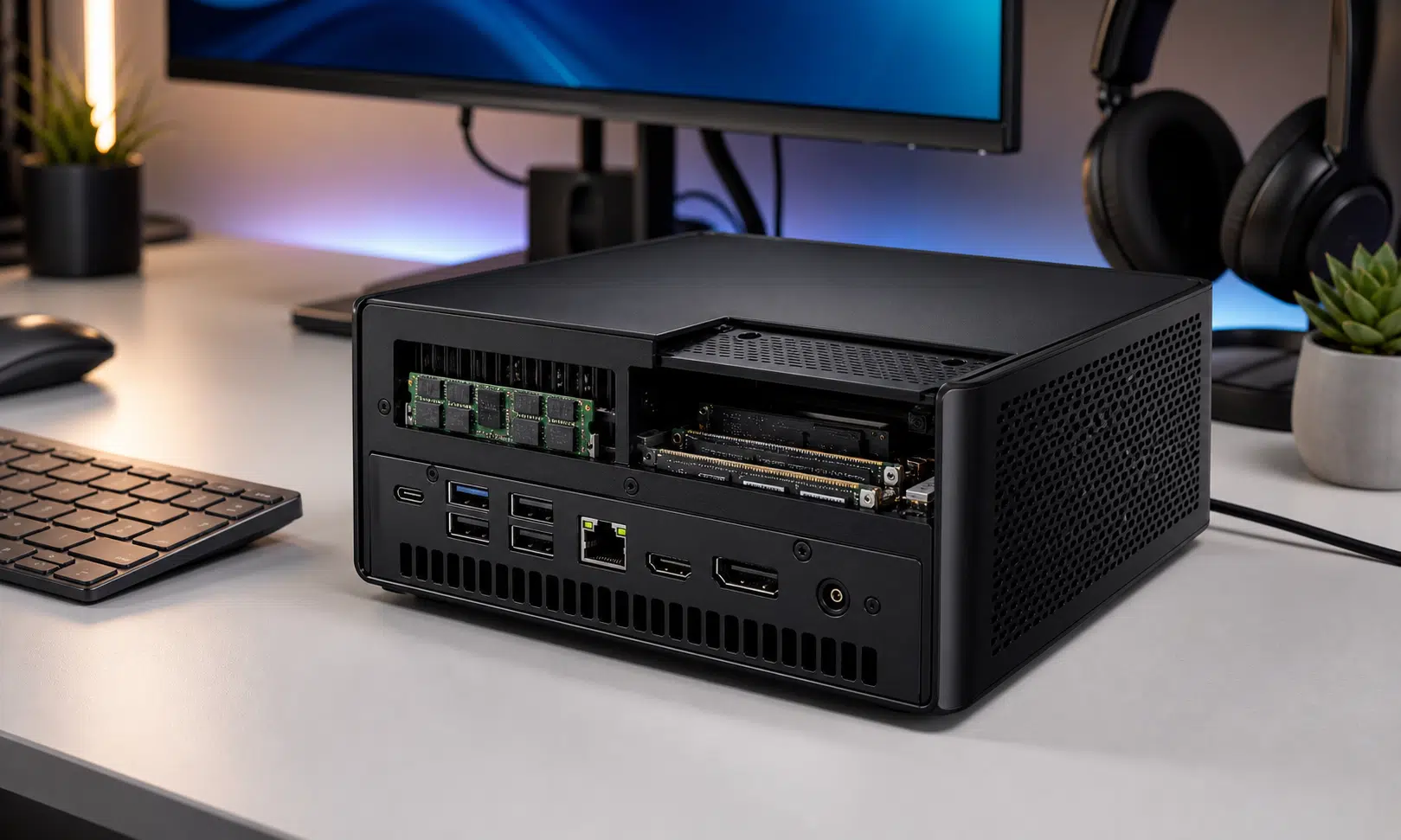

Minisforum has listed the M2, a compact mini PC built around Intel’s Core Ultra 7 356H. That puts the system in the Panther Lake, Core Ultra Series 3 family, with a mobile processor aimed at small desktops rather than tower replacements.
The headline is not just the CPU. Minisforum is positioning the M2 as a small, upgradeable AI-capable desktop with SO-DIMM memory, two NVMe slots, USB4, Wi-Fi 7 and dual 2.5GbE networking. For buyers looking at mini PCs for a desk, lab, soft-router setup or local AI experiments, the M2 is clearly meant to sit above basic office boxes.
Core Ultra 7 356H and AI Claims
The M2 is listed with Intel’s Core Ultra 7 356H, a 16-core, 16-thread mobile processor. Minisforum’s current specification page lists a 1.5GHz base frequency and up to 4.3GHz max turbo frequency, so shoppers comparing listings should pay attention to the exact regional product page they are using.
Minisforum describes the chip’s AI hardware as a combination of an NPU rated at 50 TOPS and Intel graphics rated at up to 40 TOPS, for a total marketed figure of 90 TOPS. That is a vendor-side aggregate figure rather than a single accelerator score, but it explains how the company is pitching the M2: a tiny desktop for local inference, light creation work and everyday multitasking.
The company has also shown local language-model performance figures for the system. One listing references Gemma-4-26B-A4B at 22.25 tokens per second, while the source report noted a Minisforum claim around Qwen-35B-A3B-class testing. Those figures should be treated as manufacturer-provided results unless independent testing confirms them.
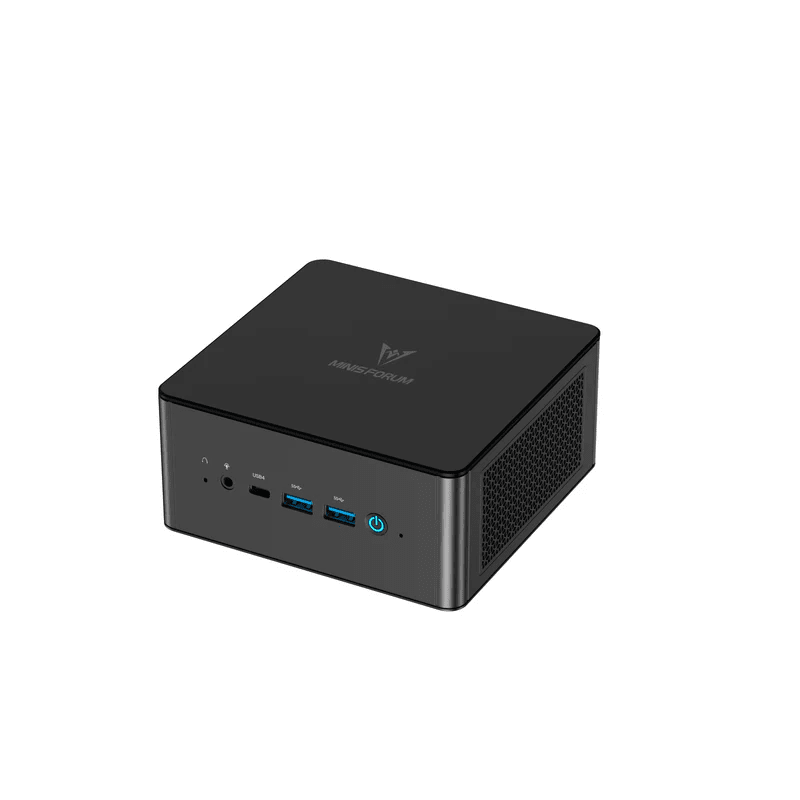
MINISFORUM UM890 Pro Mini PC
If the M2 is not available in the configuration a buyer wants, a current upgradeable mini PC such as the UM890 Pro gives readers a practical comparison point for RAM, SSD, USB4, and dual Ethernet expectations.
As an Amazon Associate I earn from qualifying purchases.
Upgradeable Memory, Dual SSDs and Networking
Unlike sealed mini PCs that ship with fixed memory, the M2 uses two DDR5 SO-DIMM slots. Minisforum lists DDR5-5600 support and up to 128GB of memory, which matters for heavier multitasking and larger local AI workloads. It also gives buyers more room to choose a barebone model and add their own RAM later.
Storage is handled by two M.2 2280 NVMe slots, both listed as PCIe 4.0 x4. Minisforum offers configurations with SSDs installed, while its product material also references up to 8TB of total storage support. As usual with mini PCs, the practical limit may depend on SSD capacity, thermals and what the regional store actually sells.
Connectivity is a strong part of the package. Minisforum lists Wi-Fi 7, Bluetooth 5.4 and dual 2.5GbE networking using Realtek RTL8125D controllers. That makes the M2 more interesting for network-heavy uses than a single-LAN office mini PC, especially for a compact NAS-adjacent machine, router project or workstation that needs wired redundancy.
| Feature | Minisforum M2 listing |
|---|---|
| Processor | Intel Core Ultra 7 356H |
| Memory | Two DDR5 SO-DIMM slots, up to 128GB listed |
| Storage | Two M.2 2280 PCIe 4.0 x4 NVMe slots |
| Wireless | Wi-Fi 7 and Bluetooth 5.4 |
| Wired networking | Dual 2.5GbE RJ45 |
| Video output | HDMI 2.1 TMDS, DisplayPort 1.4 and USB4 display support listed |
Ports and Display Support
The M2’s display and expansion setup is also geared toward a full desktop dock rather than a single-monitor kiosk. Minisforum lists HDMI 2.1 TMDS, DisplayPort 1.4 and USB4 display support. The USB4 port is described as supporting DisplayPort Alt Mode, data transfer and power features, although the exact wording varies between listing sections and should be checked before buying for a specific dock or monitor setup.
The front and rear I/O layout includes multiple USB-A ports, a 3.5mm combo audio jack, HDMI, DisplayPort, RJ45 networking and DC input. The USB4 port is one of the most useful pieces here because it can simplify a desk setup, but buyers should not assume every USB4 dock will behave identically with every display chain.
For a small system, the dual Ethernet setup may be more important than the display outputs for some buyers. Dual 2.5GbE ports give the M2 a role in homelab and networking setups where many consumer mini PCs need adapters or a higher-end workstation-style chassis.

Crucial 64GB DDR5-5600 SO-DIMM Kit
A DDR5-5600 SO-DIMM kit fits the kind of barebone mini PC build discussed here. Buyers should still confirm exact capacity and compatibility against the final Minisforum M2 listing before ordering.
As an Amazon Associate I earn from qualifying purchases.
Size, Cooling and Pricing
Minisforum lists the chassis at 130 x 127 x 50 mm and 520g, though those physical figures should be treated as listing data until hands-on reviews confirm the final retail unit. That footprint puts the M2 in the palm-sized mini PC class, small enough for a crowded desk, VESA mount or portable deployment kit.
The cooling system is described as using dual heat pipes, phase-change thermal material and a centrifugal fan. Minisforum also lists a 120W power adapter and noise information for Balanced mode, including a 42.52 dB figure measured at 50 cm. That noise claim has not been independently verified, so it is best read as a manufacturer specification rather than a review result.
The pricing story is the part buyers will want to check carefully. The source report listed a barebone price of $575 and a 32GB memory plus 1TB SSD configuration at $1,039, but pricing can vary by region, warehouse and launch promotion. The large gap between barebone and preconfigured pricing also makes the barebone version look like the more interesting option for buyers who already have RAM, storage or a preferred Windows license plan.
Where the M2 Fits
The M2 is not Minisforum’s only Panther Lake system. The company has also shown larger or more workstation-oriented Panther Lake designs, including the MS-03. The M2 appears to be the smaller desktop-footprint option, while still keeping the parts buyers usually care about in this class: replaceable memory, dual SSD storage, modern wireless and dual wired networking.
That combination makes it more compelling as a flexible small PC than as a simple office desktop. The Core Ultra 7 356H gives Minisforum a new-generation Intel platform to market, but the practical appeal is the surrounding design: two SO-DIMM slots, two NVMe slots, USB4 and dual 2.5GbE in a box that does not take over a desk.
The open question is value. At the reported barebone price, the M2 could be a strong fit for users who want to choose their own memory and storage. At the higher prebuilt price, it will need to compete against established mini PCs, compact workstations and discounted previous-generation models. Independent reviews will matter, especially for sustained performance, fan noise, USB4 behavior and real local-AI throughput.
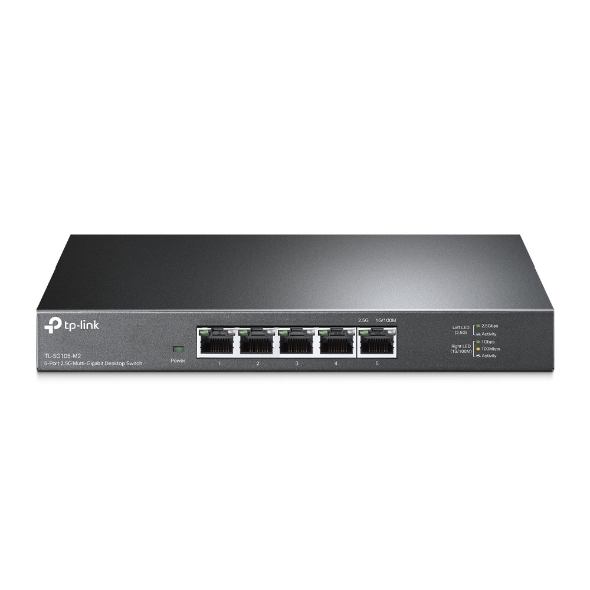
TP-Link TL-SG105-M2 2.5GbE Switch
A small 2.5GbE switch helps readers take advantage of the M2’s wired networking without moving to a larger rack-style setup. It is especially relevant for NAS, lab, and multi-device desktop networks.
As an Amazon Associate I earn from qualifying purchases.