


For anyone shopping for a Samsung Galaxy phone, longevity is not just a spec-sheet question. A phone can receive software support and still feel ready for replacement if the battery fades, the screen develops problems, or performance no longer matches what the owner expects.
That is why owner experience matters. Anecdotal reports discussed around older Galaxy models suggest some users have kept Samsung phones running for five years or more, with a few describing even longer stretches. Those accounts should not be treated as a guaranteed lifespan for every device, but they do show why Galaxy phones are often part of the broader conversation about long-lasting Android hardware.
Samsung has also put more emphasis on long-term software support for newer Galaxy devices, though software policy alone does not answer the more practical question buyers usually have: how long the phone will feel dependable in daily use.
Owner reports point to a wide lifespan range
The owner accounts cited in the source vary sharply. Some users describe older Galaxy S-series phones lasting well beyond the point when many people would normally upgrade. In those cases, the phone was not always perfect; battery capacity, aging software, and slower performance were often part of the tradeoff.
Other reports are less flattering, with owners describing hardware problems that appeared earlier than expected. That spread is important. A phone that lasts seven years for one person may be unacceptable after three years for someone else, especially if they rely on demanding apps, take a lot of photos and video, or expect all-day battery life without compromise.
A reasonable way to read these owner reports is to treat three to five years as a practical planning window rather than a promise. Some Galaxy phones may remain usable longer, particularly with careful use and a battery replacement when needed. Others may fall short because of accidental damage, display issues, charging problems, or component failure.
Software support is only part of the story
Longer update windows can make a phone easier to keep, especially for buyers who do not want to replace hardware just to stay current with security patches or Android features. But updates cannot fully offset aging parts.
Battery wear is usually the most obvious issue. A phone may still turn on, run apps, and receive updates, while no longer lasting through a normal day. Screens, charging ports, buttons, and internal components can also determine whether an older Galaxy remains practical.
The source also notes owner concerns around display defects, including colored line issues on some Galaxy models. Because those reports vary by model and circumstance, they are best understood as a reminder that no phone line is immune from hardware problems, not as proof that every Galaxy owner should expect the same issue.
Care habits can change the outcome
The useful takeaway for buyers is not that every Samsung Galaxy will reach a specific age. It is that the longest-lasting examples usually depend on a mix of decent hardware, realistic expectations, and basic care.
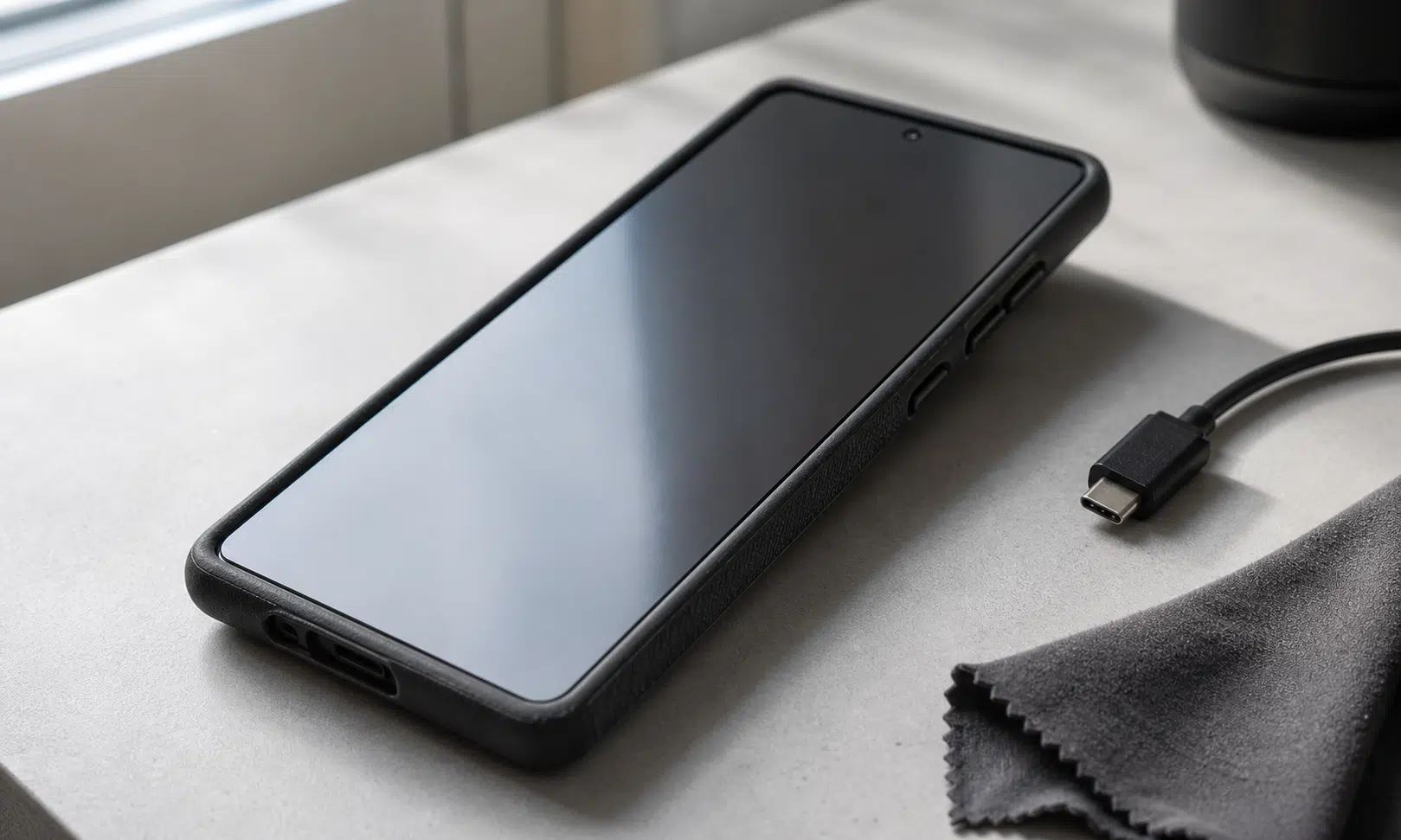
Physical protection matters. A sturdy case and screen protector can reduce the odds that one drop ends the phone’s useful life. Keeping ports clear of dust can also help avoid charging frustration as the device ages.

Spigen Tough Armor Case for Samsung Galaxy phones
A rugged Galaxy case can help absorb everyday drops and protect the edges, back, and camera area. Make sure the case is made for your exact Galaxy model before buying, since Samsung’s S, Plus, Ultra, FE, and older models use different dimensions.
As an Amazon Associate I earn from qualifying purchases.
Battery care is just as important. Avoiding constant full discharges, limiting heat exposure, and keeping the phone away from direct sun for long periods can help slow the kind of wear that makes an otherwise functional device feel old. Some owners also try to keep the battery roughly between 20% and 80% when practical, though real-world convenience will matter more than following that habit perfectly.
Software maintenance can help, too. Installing system updates, removing apps that are no longer used, and restarting the device occasionally can keep an older phone from feeling more sluggish than it needs to. Disabling power-hungry features may also stretch daily battery life, especially on a device that has already lost some capacity.
The buyer-friendly answer
If you are buying a Samsung Galaxy phone and wondering how long it will last, the most honest answer is that it depends on the model, the owner, and a bit of luck. The reports covered in the source show that some Galaxy phones can remain useful for many years, but they do not establish a guaranteed lifespan.
For planning purposes, expect several years of useful service from a well-kept Galaxy phone, with battery health likely becoming the first major pressure point. Reaching the longest end of the range is possible, but it usually means accepting some aging, taking care of the hardware, and being willing to repair or replace the battery instead of replacing the entire phone.