

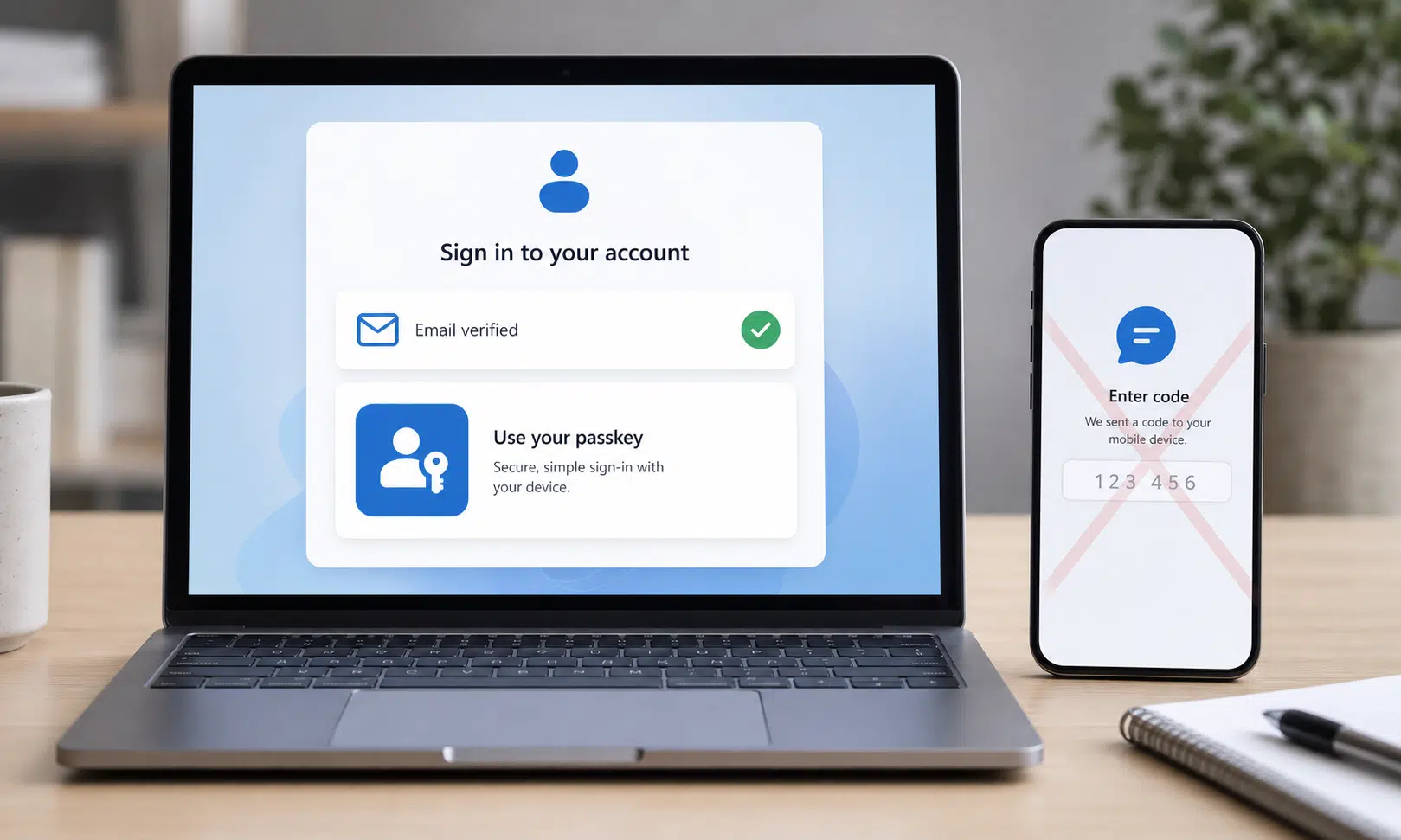

Microsoft is moving personal Microsoft accounts away from SMS codes as a sign-in and recovery method, pointing users instead toward passkeys and verified email. The company says SMS-based authentication has become a major fraud risk, especially as attackers keep improving account takeover tactics.
That does not mean Microsoft is backing away from account security. It means the familiar text-message code is being pushed out in favor of methods that are harder to intercept, phish, or abuse through phone-number attacks.
Why Microsoft is dropping SMS codes
For years, SMS codes were treated as a practical second layer of protection. They were simple, widely understood, and worked on almost any phone. But that convenience has also become the weak point.
Text-message authentication depends on a phone number, and phone numbers are not especially strong identity anchors. Attackers can target users with phishing pages, trick carriers through SIM-swap scams, or exploit weaknesses in the way recovery flows rely on SMS. Once a code is sent, it can still be copied, forwarded, or entered into a fake login page by mistake.
Microsoft now says it will phase out SMS as a method for authentication and account recovery on personal accounts. The company is steering users toward passwordless sign-in, passkeys, and verified email instead. A firm public timeline for every account has not been spelled out, so the practical experience may vary as the change rolls out.
What replaces SMS authentication
Microsoft’s preferred replacement is the passkey. A passkey lets you sign in using a trusted device and its built-in security check, such as a fingerprint, face scan, or device PIN. Because there is no one-time SMS code to type into a web page, passkeys reduce the chance that a user can be tricked into handing over a login code.
Verified email is also part of Microsoft’s replacement plan, especially for account recovery. That matters because recovery flows can become a back door into an account if they rely on a weak or compromised method.
The main alternatives Microsoft is emphasizing are:
- Passkeys for passwordless sign-in using a trusted device
- Verified email for account recovery and identity checks
- One-click sign-in options where supported through major account providers

Yubico Security Key C NFC
A hardware security key can give readers a dedicated passkey device for supported accounts instead of relying on SMS codes. Choose a connector that matches the devices you actually use, such as USB-C plus NFC for newer laptops and phones.
As an Amazon Associate I earn from qualifying purchases.
What users should do now
If you use a personal Microsoft account, the safest move is to review your sign-in methods before you are forced through a recovery flow. Add or confirm a recovery email, then set up a passkey when Microsoft offers the option during sign-in or through account security settings.
It is also worth checking whether your Microsoft account still depends heavily on a phone number. SMS may have been better than using only a password, but it is no longer the strongest option Microsoft wants users relying on.
The broader message is clear: two-factor authentication is still important, but the method matters. SMS codes helped make extra login checks mainstream. Now Microsoft is treating them as a risk to retire, not a security standard to preserve.