

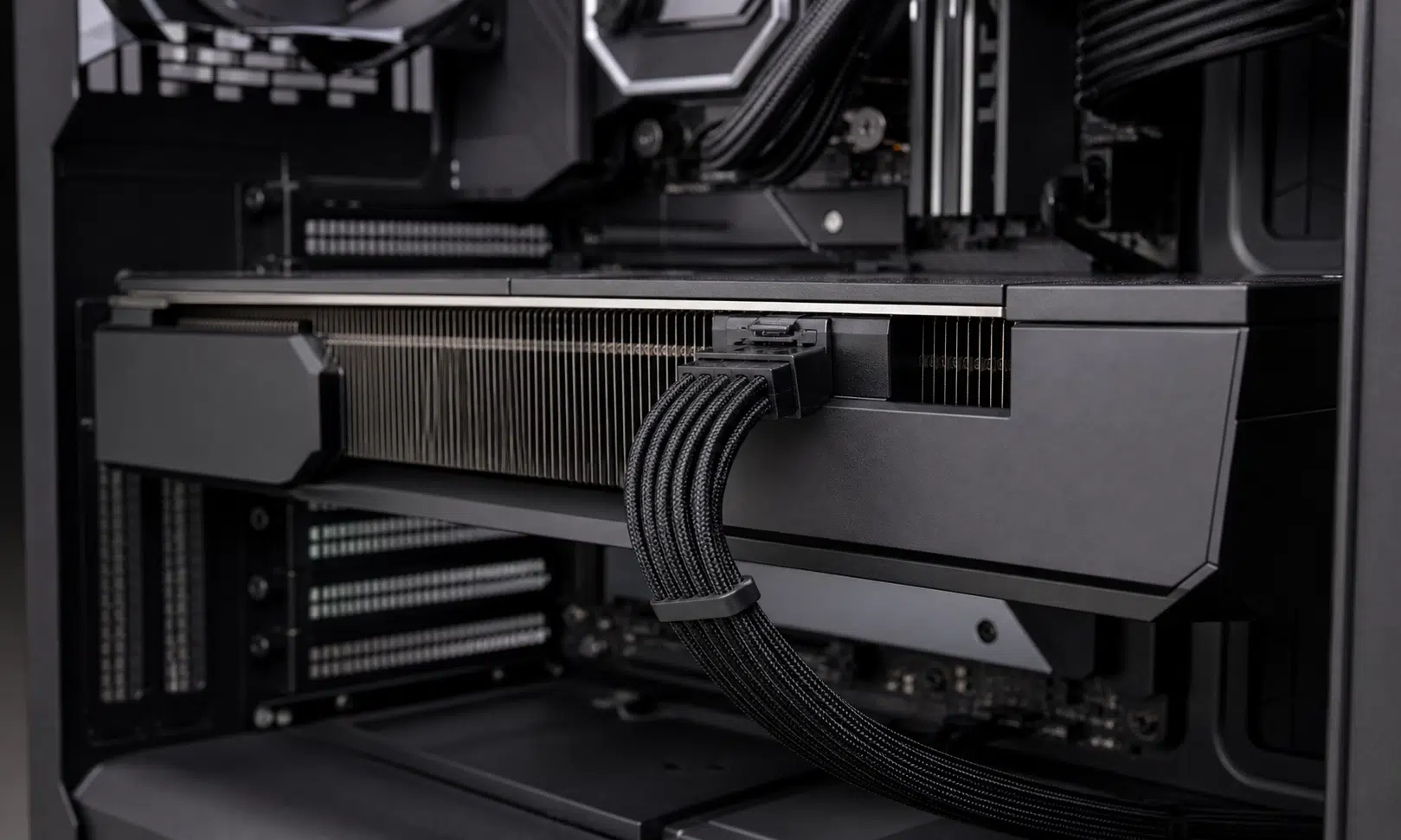

The RTX 5090 power connector is back under scrutiny after two visible PC hardware voices described damaged 16-pin connections on Nvidia’s flagship GeForce card. Club386 has characterized its incident as a serious connector failure, while YouTuber Daniel Owen has also described a melted connector involving an RTX 5090 Founders Edition setup.
The details matter because this is not just a forum complaint from an anonymous builder. These are public cases from people and outlets that regularly handle PC hardware, and they land in the exact area buyers worry about most: whether an expensive GPU can be installed cleanly without turning the power cable, card-side connector, or PSU-side connection into a risk point.
That does not mean every RTX 5090 owner should assume failure is inevitable. It does mean shoppers considering a high-end Blackwell card should pay close attention to the connector, cable path, power supply compatibility, and warranty support before spending flagship money.
What Happened With These RTX 5090 Connector Cases
Club386 has described damage involving its GeForce RTX 5090 Founders Edition and the 16-pin power connection. The publication’s account centers on a single 12V-2×6 cable running from the GPU to a 1000W be quiet! Dark Power 13 power supply. In its telling, this was not a case of using a bundled multi-connector adapter; it was a direct cable setup.
That distinction is important for buyers. The 16-pin connector conversation has often focused on adapters, sharp cable bends, and whether the plug was fully seated. A reported failure involving a single native-style cable complicates the easier explanation that adapters alone are the weak point.
Club386 has also said Nvidia provided a replacement GPU, which suggests the incident was at least handled through a support path. But a successful replacement does not erase the practical issue for owners: an RMA can solve a dead card, but it does not make a scorched connector less disruptive, especially in a work machine or a premium gaming rig.
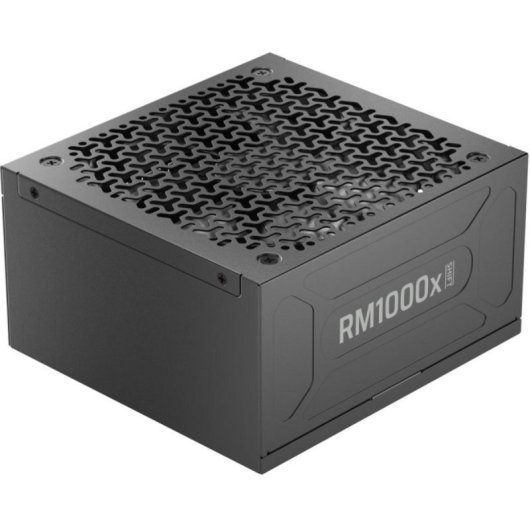
Corsair RM1000x SHIFT 1000W ATX 3.1 PSU
A modern ATX 3.1 power supply with a native 12V-2×6 GPU cable can reduce adapter clutter in an RTX 5090 build. Confirm the PSU, included cable, case clearance, and GPU requirements before installation.
As an Amazon Associate I earn from qualifying purchases.
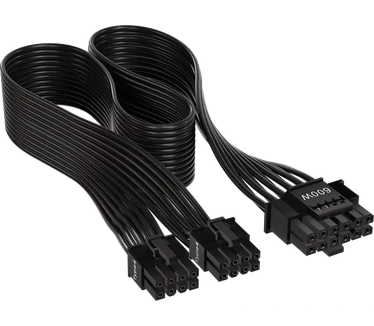
Corsair 600W PCIe 5.0 Type-4 GPU Power Cable
This Corsair cable is intended for compatible Corsair Type-4 power supplies and can replace a bulky multi-connector adapter in the right build. Do not use it with an unsupported PSU, even if the connectors appear to fit.
As an Amazon Associate I earn from qualifying purchases.
Daniel Owen’s described incident differs in one key way. His setup used a 4x 8-pin to 12V-2×6 adapter for the Founders Edition card. That makes it easier to point at the adapter path as a potential contributor, but it does not fully settle the buyer question when another reported case involved a single cable instead.
Why The 12V-2×6 Connector Remains Controversial
The appeal of a single compact connector is obvious. One cable looks cleaner than a bundle of four 8-pin PCIe plugs, and it helps modern high-power GPUs avoid the visual clutter that used to come with top-end cards. In theory, the setup is simpler.
In practice, the 12VHPWR and later 12V-2×6 era has made cable fitment feel more consequential than many builders expected. A flagship GPU can be physically huge, the side panel can sit close to the connector, and the cable may need to bend almost immediately after leaving the card. That creates exactly the kind of installation anxiety buyers do not want with a GPU that already requires a serious power supply and case clearance planning.
The reported Club386 and Daniel Owen cases do not prove a universal defect across all RTX 5090 cards. They do reinforce the perception that the connector system leaves little room for error, ambiguity, or poor fitment. For a buyer, that perception matters because the cost of a mistake is high.
Buyer Checklist Before Installing An RTX 5090
Anyone shopping for or installing an RTX 5090 should treat the power connection as part of the purchase decision, not as an afterthought. The GPU model, PSU, cable type, case width, and connector clearance all belong in the same compatibility check.
- Use the PSU manufacturer’s recommended cable for the exact power supply model whenever possible.
- Avoid forcing the cable into a tight side-panel bend immediately after the connector.
- Confirm the connector is fully seated before powering the system.
- Inspect both the GPU-side and PSU-side ends if the system shuts down, smells hot, or shows instability under load.
- Keep purchase records and warranty information available in case an RMA is needed.
This is especially relevant for compact builds and showcase cases where cable routing is part of the aesthetic. A neat build is not worth a strained power connection. If a case does not provide enough clearance for a relaxed cable path, that should count against the build plan.
Adapter Versus Single Cable: The Practical Difference
The two described cases are useful because they highlight both major setup paths buyers may encounter.
| Setup | Reported In These Cases | Buyer Concern |
|---|---|---|
| Single 12V-2×6 cable | Club386’s RTX 5090 Founders Edition setup | Raises concern that native-style cabling does not remove all risk |
| 4x 8-pin to 12V-2×6 adapter | Daniel Owen’s RTX 5090 Founders Edition setup | Keeps attention on adapter fit, seating, and cable stress |
That comparison does not make one approach automatically safe and the other automatically unsafe. A properly supported cable from a reputable PSU maker is still the cleaner route for many builds. But buyers should not treat the connector as a plug-and-forget detail simply because the power supply includes the right cable.
Verdict: A Flagship GPU With A Real Installation Caveat
The RTX 5090 remains the kind of GPU that attracts buyers chasing top-end performance, but the connector conversation adds a real caveat to that decision. If the card is going into a large case with a compatible power supply, plenty of cable clearance, and a clean direct cable path, the risk profile is easier to manage. If the build depends on a tight bend, an adapter crammed against a glass panel, or a power supply cable of uncertain compatibility, the purchase becomes harder to recommend without extra planning.
For buyers, the takeaway is simple: do not evaluate an RTX 5090 only by performance, cooler design, or price. Evaluate the whole power path. The connector, the cable, the PSU, and the case layout are now part of the product experience.
The bigger question is whether future GeForce generations should continue relying on this style of compact high-power connector for consumer graphics cards. Club386 has called the design flawed, and these incidents will only add pressure for a cleaner answer. Until then, RTX 5090 buyers should treat power delivery as a first-order buying criterion, not a footnote buried at the end of the build list.