

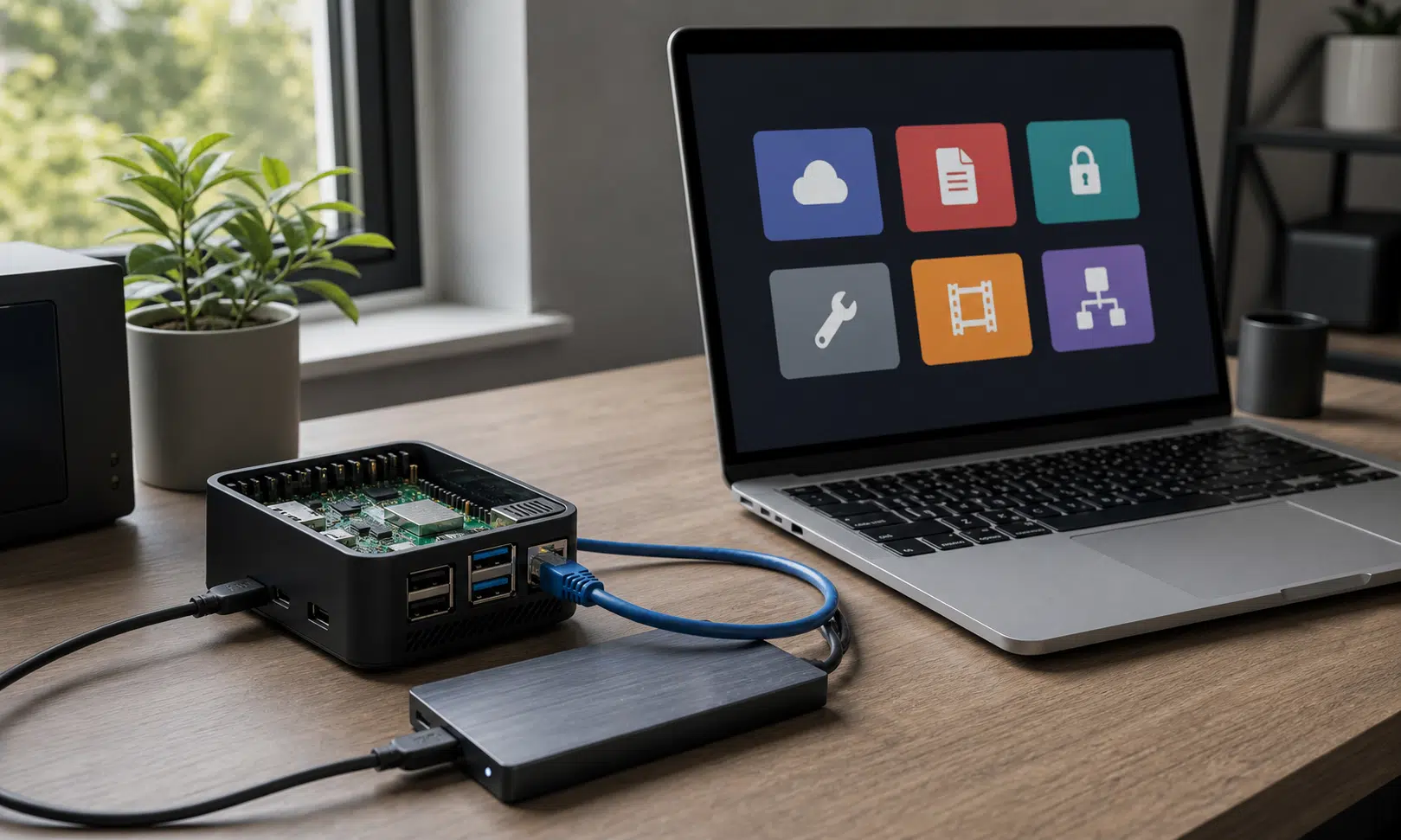

A Raspberry Pi is not a full desktop replacement, and it should not be treated like one. But as a small home server, it can be surprisingly useful for replacing a handful of paid apps and cloud services, especially when the workload is light and the setup is chosen carefully.
That last part matters. Self-hosting is not automatically cheaper for everyone. You still need hardware, storage, backups, time, and enough comfort with basic server maintenance. If the only goal is convenience, a paid cloud service may still make sense. But if you already own a Raspberry Pi or another single-board computer, using it to run a few focused services can reduce the need for recurring subscriptions while keeping more of your data under your own control.
The strongest candidates are tools that do not require heavy compute all day long: file syncing, password management, web-based utilities, PDF workflows, and personal media libraries. These are the Raspberry Pi self-hosting projects that make the most sense as practical subscription replacements.
Nextcloud for personal cloud storage
Nextcloud is the obvious place to start if you are trying to reduce dependence on Google Drive or similar cloud storage services. It gives you a private file-syncing environment that can run on hardware you control, with desktop and mobile clients for moving files between devices.
In day-to-day use, the basic idea is familiar. You upload files through a web interface, sync folders from a computer, and access documents from a phone when needed. That makes it a fairly natural replacement for a cloud storage locker, especially for documents, phone uploads, shared folders, and personal archives.
The advantage is not that Nextcloud magically removes all costs. It moves the trade-off. Instead of paying every month for storage on someone else’s servers, you provide the hardware and storage yourself. For people who already have a Raspberry Pi and an external drive available, that can be appealing. For people starting from scratch, the cost of reliable storage should be part of the decision.
A Raspberry Pi can run Nextcloud, but the hardware choice matters. A lighter board may be enough for simple syncing and occasional file access, while media previews, large documents, multiple users, and heavier app usage are better suited to more capable hardware. For storage, an external HDD or SSD is a more sensible choice than relying on a microSD card for important files.

Samsung T7 Shield 1TB Portable SSD
A portable USB-C SSD gives a Raspberry Pi home server a more practical place for synced files, app data, and local backups than a microSD card. Check compatibility with your Pi model, enclosure, power setup, and backup plan before relying on it for important data.
As an Amazon Associate I earn from qualifying purchases.
Nextcloud also becomes more useful once you look beyond plain file storage. Its app ecosystem can add calendars, contacts, office document support, external storage connections, video calls, notes, and other productivity features. That makes it less like a single-purpose file locker and more like a private cloud workspace, provided you are willing to configure it.
External storage support is especially important if your setup uses a separate drive, NAS share, or other storage location. Without a sensible storage plan, a self-hosted cloud becomes more of an experiment than a service you can depend on.
The caution is backup. A local Nextcloud server is still local hardware. If a drive fails, the house loses power, or the device is stolen, the privacy advantage will not help recover missing files. Anyone moving important documents to Nextcloud should plan for backups, including an off-site copy for anything that would be painful to lose.
BentoPDF for browser-based PDF work
PDF work is one of those areas where paid software can feel unavoidable. Basic annotations and signatures are easy enough to find, but editing, converting, combining, splitting, compressing, comparing, encrypting, and batch-processing PDFs often pushes users toward subscription tools.
BentoPDF is a self-hosted option that can run as a Docker container and provide many common PDF utilities through a browser. For a Raspberry Pi setup, the important detail is how the workload is handled. Because the tool is designed around client-side processing, many operations lean on the computer running the browser rather than turning the Pi into a heavy PDF processing machine.
That makes it a better fit for small-server hardware than tools that expect the server itself to do all the work. It also means the experience will depend partly on the device you are using in the browser. A modern laptop or desktop will naturally feel better for larger jobs than an underpowered client.
BentoPDF is not a guaranteed replacement for every feature in a commercial PDF editor. If your workflow depends on advanced prepress tools, complex OCR, legal redaction workflows, or deep Acrobat-specific features, you should test carefully before switching. But for everyday PDF handling, it can cover a useful range of tasks without another monthly bill.
Common uses include:
- Combining or splitting PDF files
- Converting files between PDF and other document formats
- Compressing PDFs before sharing or uploading
- Creating or modifying PDF forms
- Encrypting files that should not be left open
- Comparing documents when checking revisions
The best case for BentoPDF is occasional but important work. You may not need it every day, but when a PDF needs to be changed, compressed, converted, or protected, having the tool available on your own network can save the usual scramble through trial-limited web apps.
Vaultwarden for password management
A password manager is one of the more sensitive services to self-host, so it deserves a careful framing. Vaultwarden is a lightweight, self-hosted server compatible with Bitwarden clients, and it is popular among people who want the Bitwarden-style experience without running the official server stack.
For a Raspberry Pi, the appeal is clear: the service is small, the interface is familiar, and browser extensions can handle the parts most people actually use every day, including saving logins, autofilling credentials, generating strong passwords, and locking the vault when it is idle.
The privacy argument is also straightforward. If Vaultwarden is kept on your own network and accessed through a private networking tool such as Tailscale, you do not need to expose the service directly to the public internet. That reduces one major source of risk, although it does not remove the need for updates, backups, strong admin credentials, and a recovery plan.
Vaultwarden can be a good fit on modest Raspberry Pi hardware because password management is not usually a heavy workload. Even so, the stakes are higher than with a media server or PDF utility. A broken setup can lock you out of important accounts, and a careless setup can put sensitive data at risk.
Before moving fully to a self-hosted password manager, it is worth checking a few basics:
- Backups are encrypted, tested, and stored somewhere other than the Pi.
- Two-factor authentication is enabled where appropriate.
- Admin access is protected with a strong password.
- The service is updated regularly.
- Remote access does not require opening unnecessary router ports.
This is not the project to treat casually. But for users who already understand the maintenance burden, Vaultwarden can replace a paid password manager while keeping the core experience familiar through standard browser and mobile clients.
OmniTools for small file and media utilities
Not every subscription problem comes from a major app. Sometimes it is the scattered collection of small tools: image converters, video compressors, audio extractors, document converters, QR utilities, and other one-off web apps that work until they ask for payment, add limits, or make you upload files you would rather keep local.
OmniTools addresses that problem by putting a large set of browser-based utilities behind a single web interface. The source material describes it as having more than 50 utilities, covering tasks such as converting documents, changing image formats, extracting audio from video, compressing media, and batch-processing files.
As with BentoPDF, the browser-based approach matters for Raspberry Pi hosting. If the tool runs much of the work on the client side, the Pi mainly serves the interface instead of doing every conversion itself. That can make the setup feel much more reasonable on low-power hardware.
This category is less about replacing one famous paid service and more about reducing dependence on random web tools. If you regularly need to turn a PNG into a JPEG, compress a video before sending it, convert a document to PDF, or run a quick batch operation, a self-hosted utility dashboard can be more convenient than searching for a new tool every time.
There is also a privacy angle. Files handled locally or in-browser do not need to be handed to an unknown upload site just to complete a basic conversion. That will not matter for every file, but it matters for invoices, client documents, work files, and personal media.
OmniTools is best treated as a convenience layer. It will not replace specialized professional software, and it should not be judged that way. Its strength is having many small tools available from one place, ready when a simple conversion or compression job comes up.
Jellyfin for a personal media server
Jellyfin is the strongest choice on this list for anyone who wants to host a personal media library without paying for premium media-server features. It can organize movies, shows, music, and other local media, then stream them to compatible devices around the house or, with the right network setup, outside it.
The obvious comparison is Plex. Plex remains popular and polished, but some users prefer Jellyfin because it is open-source and does not put core personal media features behind a paid tier. For people who mainly want to stream their own library, that distinction matters.
Jellyfin is also a good reminder that Raspberry Pi projects need realistic expectations. Direct-playing media that is already in a compatible format is much easier on the hardware than transcoding video on the fly. If your files, client devices, and network are aligned, a Pi can be useful as a lightweight media server. If you expect heavy transcoding, multiple simultaneous users, or large 4K files, you may need stronger hardware.
A careful Jellyfin setup starts with the media itself. File naming, folder structure, metadata matching, storage speed, and network quality all affect the experience. The software can make a local library feel like a proper streaming service, but it cannot compensate for every hardware or file-format limitation.
For many home users, the appeal is simple: a personal library stays personal. You are not browsing through a commercial streaming interface, you are not paying for a lifetime pass to access features you consider basic, and you are not mixing your own media with promotional content. You point the server at your files, let it organize the library, and stream from your own collection.
Where self-hosting actually saves money
The subscription savings are real only when the setup matches the workload. A Raspberry Pi that you already own, paired with storage you already have, changes the math. Buying multiple boards, new drives, cases, power supplies, and backup hardware just to avoid a small monthly plan may take a long time to pay off.
The more practical way to look at these projects is by role:
| Project | Paid-service role it can reduce | Best fit |
|---|---|---|
| Nextcloud | Cloud storage and basic productivity tools | Files, syncing, sharing, calendars, and private cloud workflows |
| BentoPDF | PDF editor and conversion tools | Occasional PDF editing, conversion, compression, and document handling |
| Vaultwarden | Password manager subscription | Users comfortable maintaining a sensitive self-hosted service |
| OmniTools | Small paid web utilities | Quick file, image, media, and document conversions |
| Jellyfin | Premium media-server features | Personal media libraries, especially when files can direct-play |
The other benefit is control. With these tools, you decide where the data lives, how it is exposed, and what services can access it. That is valuable, but it comes with responsibility. You become the person in charge of updates, storage health, backups, remote access, and recovery.
That is why private networking tools such as Tailscale are a better fit for many home setups than opening ports on a router. They can make remote access easier without placing every service directly on the public internet. Even then, remote access should be configured deliberately, not treated as an afterthought.
The trade-offs are worth taking seriously
Self-hosting is often presented as a clean escape from subscriptions, but the reality is more nuanced. You can save money, but you also take on maintenance. You can improve privacy, but you also become responsible for security. You can keep data at home, but that creates a new need for backups and physical protection.
That does not make the approach a bad idea. It just means the right projects are the ones that match your tolerance for upkeep. Jellyfin and OmniTools are relatively forgiving. BentoPDF is useful when needed and does not have to become mission-critical. Nextcloud is more central because it touches files and syncing. Vaultwarden requires the most care because it handles passwords.
For a Raspberry Pi that would otherwise sit unused, these projects are a practical way to turn small hardware into something valuable. The best results come from starting with one service, getting storage and backups right, and adding more only after the first one is stable.
Used that way, a Raspberry Pi can replace several paid tools without pretending to be a full cloud platform. It is a small server for specific jobs, and that is exactly why it works.