

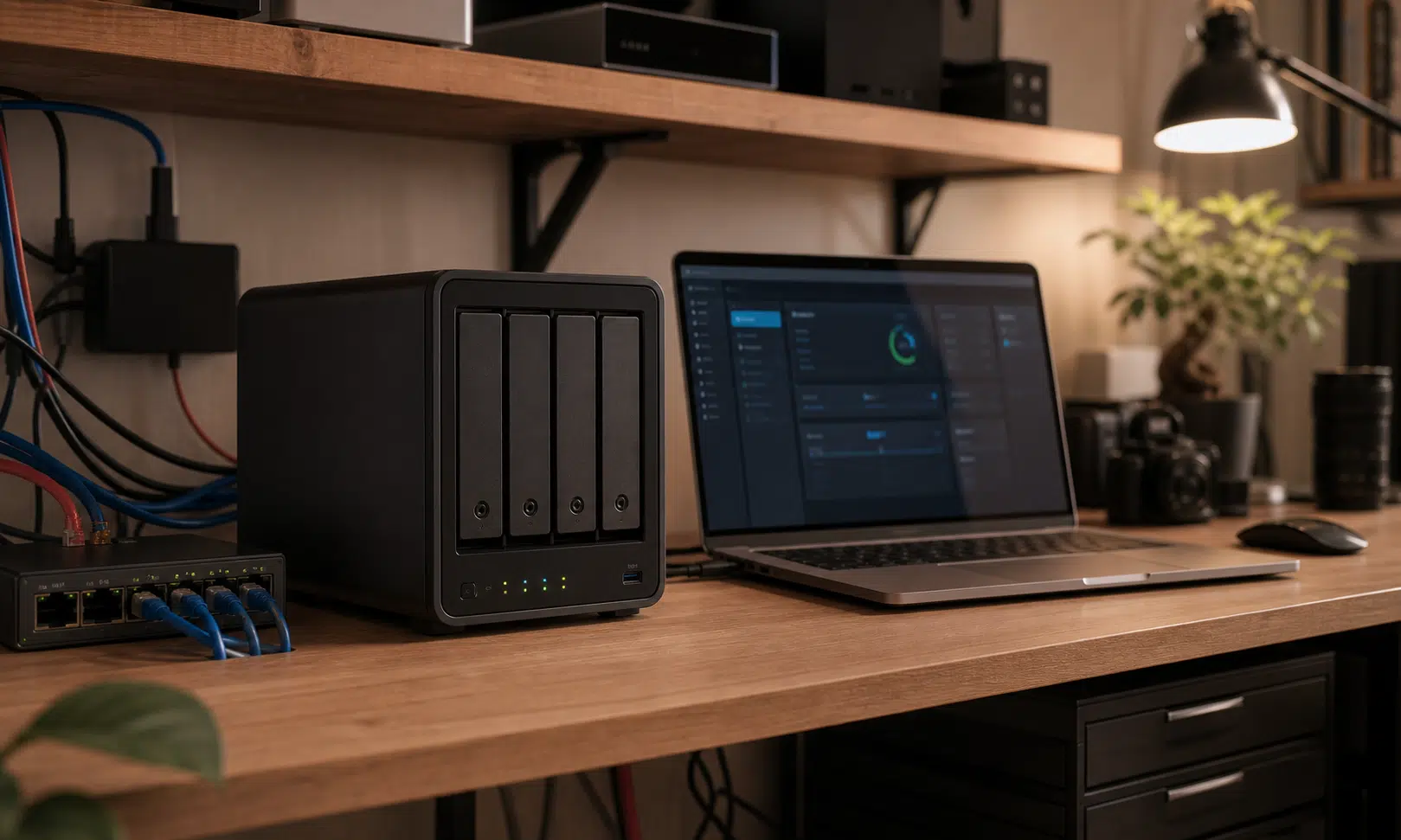

I bought the UGREEN DXP4800 Pro NAS with a fairly modest job in mind. It was supposed to be a better storage box: a cleaner place for drives, backups, media, and shared files than the mix of small computers and improvised storage that had built up around my home lab.
That was the sensible expectation. A NAS should make storage less annoying. It should sit on the network, hold data reliably, and stay out of the way. What surprised me was how quickly the DXP4800 Pro started to feel like more than the place where files ended up.
The change was gradual. Jellyfin moved over first because the media library already lived there. Then a few small infrastructure services followed because keeping them scattered across separate machines started to feel less useful. Before long, the NAS was not just a destination for data. In my setup, it had become one of the machines I depended on most.
That does not mean every home lab should be collapsed into a NAS. It also does not mean the DXP4800 Pro should replace every mini PC, Raspberry Pi, or VM host someone owns. The more useful lesson is narrower: a capable NAS can take over steady, boring services if you choose those workloads carefully.

UGREEN NASync DXP4800 Pro 4-Bay NAS
The UGREEN NASync DXP4800 Pro is the most natural fit if you want the same kind of storage-first NAS that can also host steady services like Jellyfin, DNS tools, and light VMs. Plan drive capacity, backups, and service placement before treating it as an always-on hub.
As an Amazon Associate I earn from qualifying purchases.
The NAS became useful when storage stopped being separate
For years, I treated storage as the final step in the chain. Other machines did the work, and the NAS held the results. That made sense when the storage box was mostly a passive device. But once the NAS has enough performance headroom to run services directly, that separation starts to look less obvious.
Jellyfin was the first workload that made me question the old setup. My media files were already on the NAS, so keeping the media server somewhere else meant one device was constantly reaching across the network to read from another. It worked, but it added more moving parts than the job really needed: network shares, permissions, paths, and another machine that had to stay healthy.
Moving Jellyfin onto the DXP4800 Pro made the setup feel simpler in my own home lab, though that is an experience-based judgment rather than a universal rule. The media server and the media library now lived in the same place, so there was less to mentally trace when something needed attention.
That is the point where the NAS stopped feeling like the end of the workflow. It became the place where some workflows could start and run. For a media library, that difference matters. A server that is close to the files it serves is easier to reason about, especially when the alternative is a small chain of devices that all need to cooperate.
Jellyfin made the move feel obvious
Jellyfin is not a heavy workload for every system, but it can become demanding depending on how it is used. Transcoding needs, concurrent users, codec support, network speed, and library size all matter. A NAS is not automatically the right media server just because it stores the media.
In my case, the DXP4800 Pro made sense because the media workload was predictable. I was not trying to turn the NAS into a public streaming service or push it into constant heavy transcoding. I wanted a cleaner local media setup where the server and files were not split across different boxes.
That is an important distinction for buyers. The NAS is appealing here because it can reduce friction, not because it magically removes the normal media-server questions. Before moving Jellyfin or Plex onto a NAS, it is still worth asking:
- Will most playback be direct play, or will the server need to transcode often?
- How many users or devices will stream at the same time?
- Is the media library mostly local, remote, or shared across several machines?
- Will the NAS also be handling backups, containers, VMs, or other background tasks?
For a straightforward home setup, keeping the media server close to the media library can make daily use feel cleaner. For heavier use, the better answer may still be a dedicated server with the NAS acting as storage. The DXP4800 Pro gives you room to choose, but it does not make planning irrelevant.
Small infrastructure services fit the NAS surprisingly well
The bigger shift came from the less glamorous parts of the home lab. These are the services that do not feel exciting when they work, but become painfully noticeable when they stop working.
Pi-hole is a good example. It is important enough to touch daily browsing, but light enough that dedicating a whole physical machine to it can feel wasteful. In my setup, Pi-hole runs in a small VM in Proxmox, paired with Unbound DNS. That combination is not flashy, but it is the kind of background service that benefits from a stable home.
The DXP4800 Pro had enough headroom for that role in my setup. Instead of treating DNS as something that needed its own little box, I could keep it near the rest of the core home infrastructure. That made the NAS feel more central, though not in the sense that every service suddenly belonged there.
Remote access followed the same pattern. A RustDesk relay server is not something I spend time admiring, but it matters when I need remote access to behave consistently. Hosting it on the NAS gave it a stable place to live without turning another small computer into a permanent responsibility.
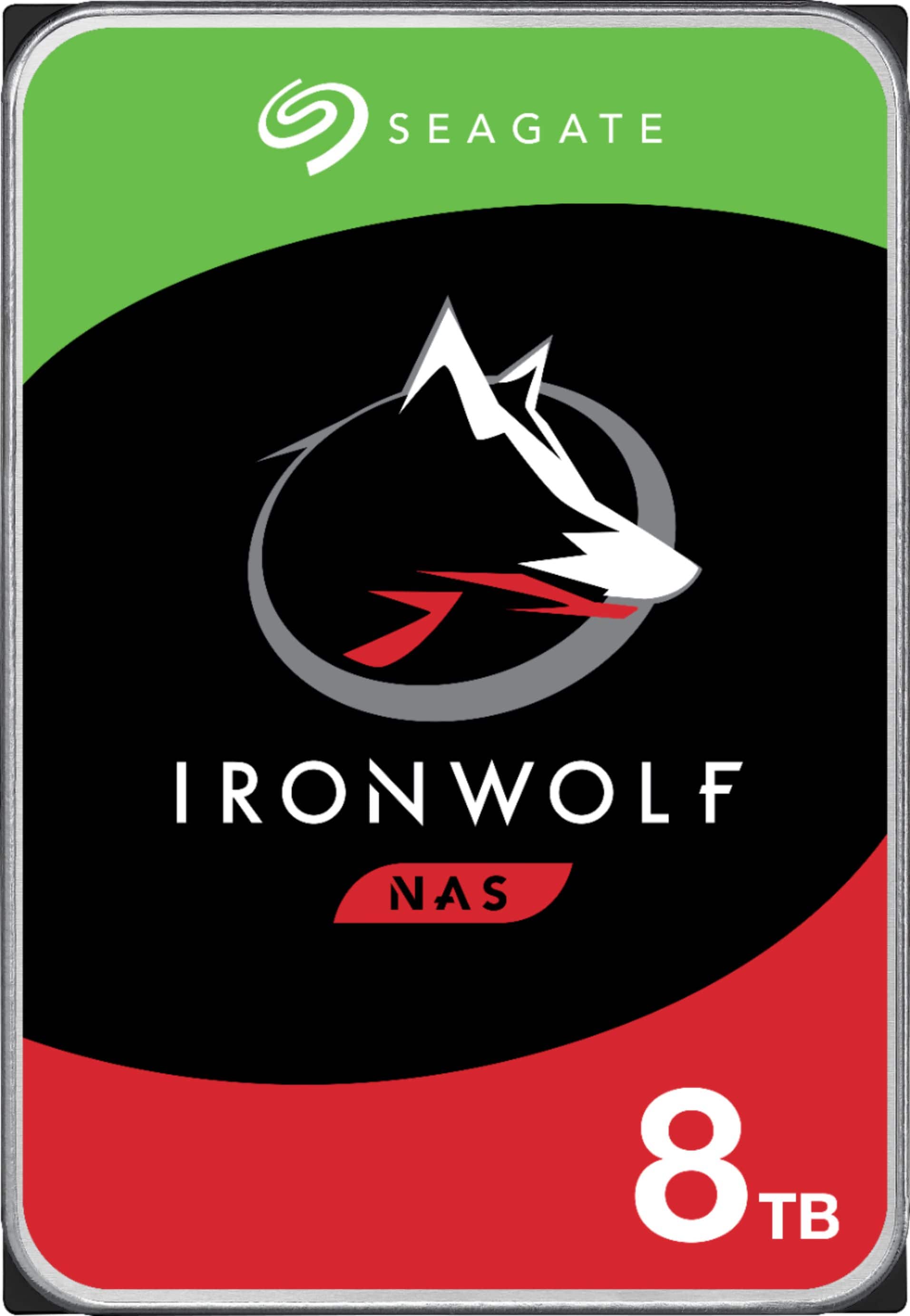
Seagate IronWolf 8TB NAS Hard Drive
A NAS enclosure still needs drives built for always-on storage. Seagate IronWolf drives are a practical match for a home NAS handling media, shared files, and backup targets, especially when you want drives intended for multi-bay systems.
As an Amazon Associate I earn from qualifying purchases.
The appeal is not raw power. It is fewer boxes doing scattered, low-intensity jobs. A capable NAS can become a practical home for services that are always expected to be available but rarely need much direct attention.
What belongs on the NAS, and what does not
The DXP4800 Pro is most convincing when it handles services that are stable, predictable, and closely connected to storage or local network availability. It is less convincing as a catch-all box for every experiment.
| Workload type | Why it can make sense | What to watch |
|---|---|---|
| Media server | The files already live on the NAS, so the service can sit close to the library. | Transcoding needs and multiple simultaneous streams can change the hardware requirements. |
| DNS and ad blocking | Services like Pi-hole and Unbound are usually light but important. | If DNS lives only on the NAS, a NAS outage can affect browsing across the network. |
| Remote access relay | A relay service benefits from a stable, always-on machine. | Remote access should not depend on a fragile or frequently changed configuration. |
| Experimental apps | The NAS may be able to run them, especially in containers or VMs. | Frequent tinkering increases the chance of breaking something more important. |
| Critical storage and backups | This is the NAS role most people bought it for in the first place. | Extra services should not compromise the storage layer or backup routine. |
That table is the real buying guide here. The DXP4800 Pro is not interesting because it can technically run more software. Many devices can. It is interesting because the right software can make the NAS feel like a cleaner center of gravity for the home lab.
The best candidates are boring services. Jellyfin, Pi-hole, Unbound, and a RustDesk relay server made sense for me because they were steady and practical. They were not fragile test environments. They were not the kind of projects I constantly rebuild. They were services that benefited from being close to storage, close to the network, or available most of the time.
The risk is turning a good NAS into a junk drawer
There is a downside to consolidation, and it is worth taking seriously before moving too much onto one box. The more services the NAS runs, the more important the NAS becomes. If it has a problem, the issue may no longer be limited to file access. It could affect media streaming, DNS, remote access, and whatever else was moved onto it.
That is not a reason to keep a NAS locked into storage-only duty. It is a reason to be deliberate. A messy home lab spread across several devices can be annoying, but separation has value. If one mini PC or Raspberry Pi has trouble, the impact is often narrower than it would be if every supporting service lived on the same NAS.
The same applies to updates and configuration mistakes. A bad change on a small test machine is irritating. A bad change on the box that stores your files, runs your media server, handles DNS, and supports remote access is a different kind of problem.
That is why I would avoid treating the DXP4800 Pro as a dumping ground for every container that looks interesting. A capable NAS can hide bad organization for a while because it has enough resources to keep going. That does not make the setup healthy. It just makes the mess less obvious until something breaks.
The trick is choosing boring services deliberately
The right workloads make consolidation feel controlled. That is the practical middle ground between using the NAS only as storage and turning it into the machine that every problem has to pass through.
For my setup, the useful pattern has been simple: move services that are stable, low-drama, and naturally tied to storage or network availability. Leave experimental projects somewhere else. That way, the NAS handles steady work while the rest of the home lab remains available for testing, breaking, rebuilding, and learning.
This approach also makes the rest of the hardware more useful. A mini PC does not have to stay powered on forever just to host one small background service. A Raspberry Pi can go back to being a project machine instead of another permanent dependency. The NAS takes over the quiet jobs, and the rest of the lab becomes more flexible.
That is a better use of consolidation than chasing the fewest possible devices. The goal is not to prove that one NAS can do everything. The goal is to reduce unnecessary sprawl without creating a single fragile point for every part of the network.
Who the UGREEN DXP4800 Pro makes sense for
The DXP4800 Pro is easiest to recommend to buyers who already know they want more than basic network storage. If all you need is a place for backups and shared files, a simpler NAS may be enough. The extra appeal here comes from using the NAS as a small service host without giving up its storage-first role.
It makes the most sense if you want a NAS that can support a more organized home lab, especially if your current setup depends on several small machines running light services. It is also a good fit if your media library already lives on the NAS and you want to simplify the path between storage and playback.
It is less compelling if you expect the NAS to replace every server you own. Heavy experimentation, fragile development environments, and workloads you frequently break on purpose are better kept away from the box that holds your important data. A NAS can be part of a home lab, but it should not become the place where every unstable idea lands.

Synology DiskStation DS923+ 4-Bay NAS
The Synology DiskStation DS923+ is worth comparing if your priority is a mature NAS software ecosystem for storage, backup, and private cloud workflows. It is a stronger software-first alternative, though media transcoding and virtualization needs should be checked carefully.
As an Amazon Associate I earn from qualifying purchases.
The buyer decision comes down to discipline. If you can keep the DXP4800 Pro focused on steady services, it can reduce the number of small systems you need to maintain. If you are likely to keep adding containers just because the hardware can handle them, the same flexibility can work against you.
Verdict: a strong NAS for careful consolidation
The UGREEN DXP4800 Pro did not become important in my setup because of one dramatic workload. It became useful because several small decisions added up. Jellyfin made more sense near the media library. Pi-hole and Unbound did not need dedicated physical hardware. A RustDesk relay server benefited from a stable home.
None of those moves proves that every home lab should be rebuilt around a NAS. They do show why a modern, capable NAS can be more than a storage target when the workload is chosen carefully.
The DXP4800 Pro is at its best when it handles the quiet services that already support the rest of the home lab. It should not replace every server, and it should not become a junk drawer for experiments. But for storage-adjacent media, light infrastructure, and stable background services, it can make a scattered setup feel much easier to live with.