


Bambu Lab is facing renewed scrutiny from open-source advocates after the Software Freedom Conservancy said the company’s slicer software raises AGPLv3 compliance concerns. The dispute moved into the spotlight after independent developer Paweł Jarczak released an OrcaSlicer fork intended to restore cloud-printing behavior without relying on Bambu Connect, then received pressure from Bambu Lab to take the project down.
For buyers, this is not only a licensing story. It is a reminder that modern consumer 3D printers are increasingly tied to cloud services, proprietary plugins, account systems, and software update policies. A fast, polished printer can still become a harder recommendation if the surrounding software stack limits how owners print, repair, inspect, or keep using the machine over time.
What the dispute is about
Bambu Studio is Bambu Lab’s slicer software. It is based on open-source slicer work that traces back through PrusaSlicer and Slic3r, with AGPLv3 licensing central to the disagreement. The Software Freedom Conservancy argues that Bambu Lab cannot place additional restrictions around software components that are required for the AGPL-covered program to function as distributed.
Bambu Lab, meanwhile, has framed the issue differently. The company has said the contested fork raised security and cloud-service concerns, including claims around authorization controls and the way the software presented itself when communicating with Bambu services. Those claims should be read as Bambu Lab’s position rather than as independently settled facts.
The specific point drawing the most attention is the role of Bambu’s networking component. SFC’s view is that if a component is necessary for Bambu Studio to work in practice, it may fall within the license obligations attached to the larger AGPL-licensed program. Bambu Lab has treated that networking layer as proprietary, which is where the legal and practical conflict sharpens.
Why buyers should care
A slicer is not a minor accessory. It controls how a model is prepared, how print settings are translated, and in many setups how jobs are sent to the printer. If a printer’s best features depend on one vendor-controlled software path, buyers are taking on more platform risk than they would with a printer that works cleanly with multiple slicers and local workflows.
That does not automatically make Bambu printers a bad buy. The company’s machines are popular because they are fast, approachable, and often easier to get running than many hobbyist alternatives. But the dispute does change the questions a careful buyer should ask before choosing one.
3D Printers to Compare by Software Control and Convenience
| Image | Product | Best fit | Link |
|---|---|---|---|
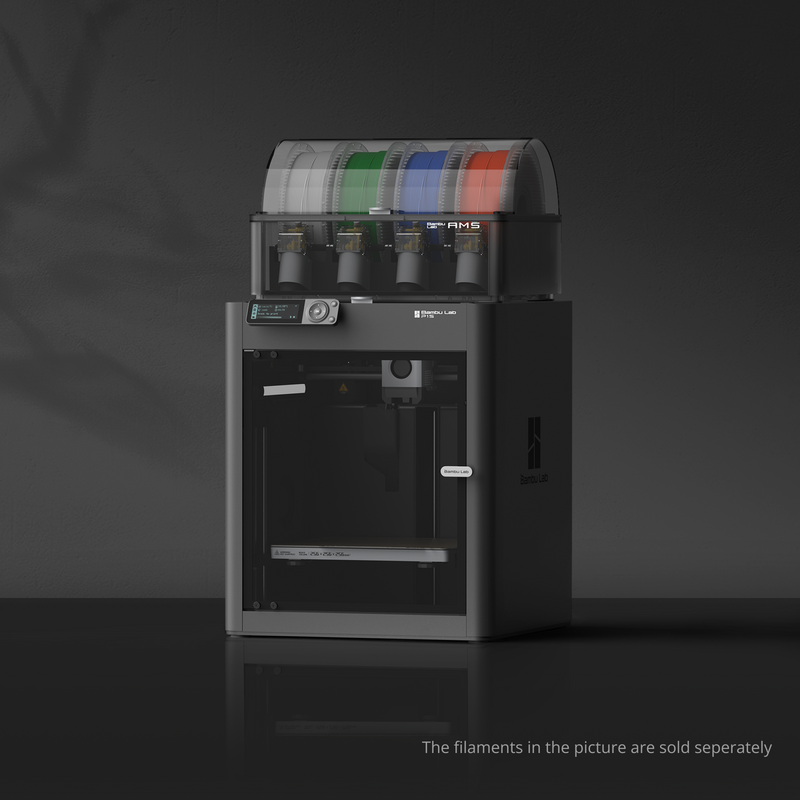 |
Bambu Lab P1S Combo | The P1S Combo is the most natural Bambu pick for buyers who want an enclosed, appliance-like printer with AMS multi-color support. Check current LAN, cloud, and slicer behavior before relying on a specific workflow. | Check Price on Amazon |
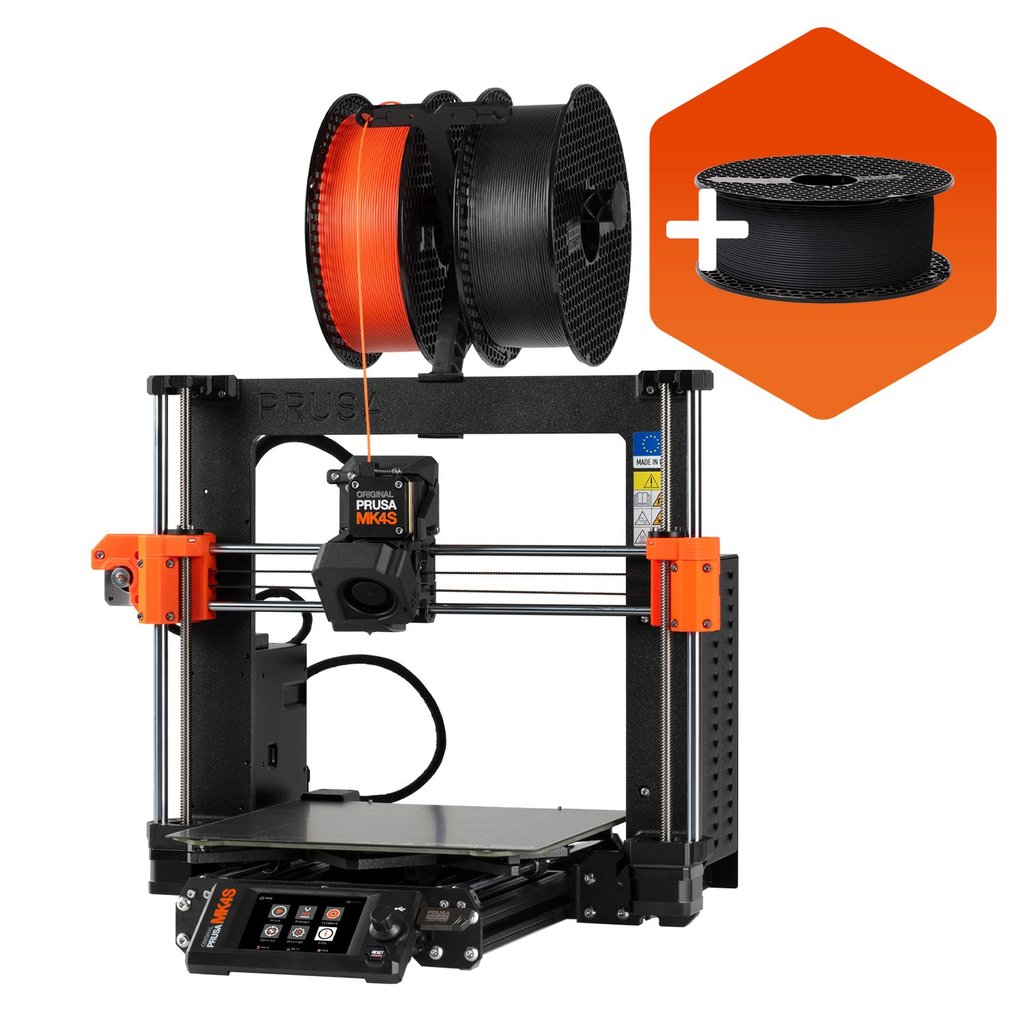 |
Original Prusa MK4S | The MK4S is a sensible comparison point for buyers who want mature slicer support, local operation, and a repair-friendly design. It is less enclosed by default, so material plans matter. | Check Price on Amazon |
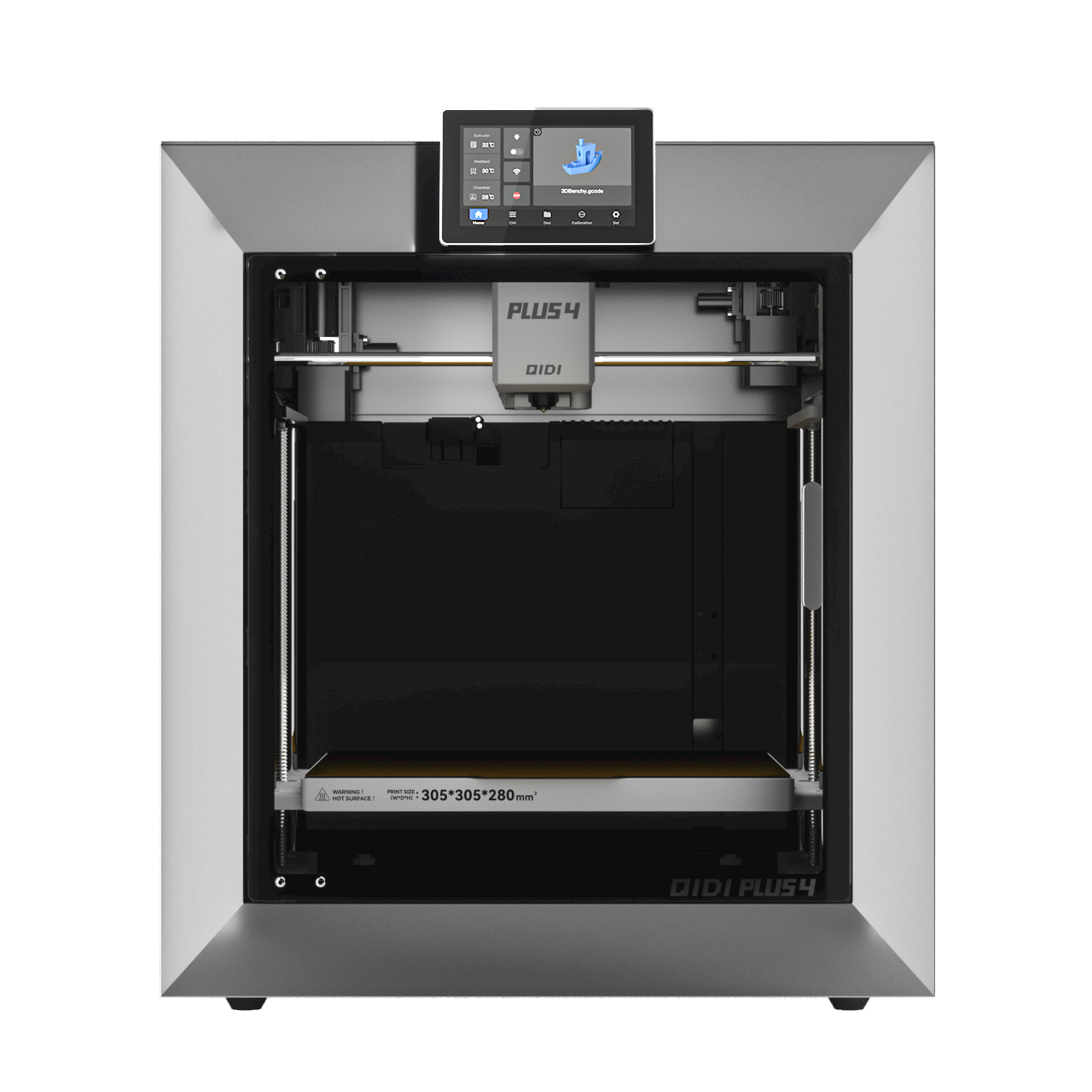 |
QIDI Plus4 | The Plus4 is worth comparing if you want an enclosed CoreXY-style printer while paying attention to LAN-only control and third-party slicer support. Confirm current firmware and slicer compatibility before buying. | Check Price on Amazon |
 |
Creality K1C | The K1C gives buyers another enclosed FDM option to compare against Bambu’s ecosystem. Look closely at local printing, Creality Print, OrcaSlicer profiles, and update behavior before choosing it for a controlled workflow. | Check Price on Amazon |
As an Amazon Associate I earn from qualifying purchases.
| Buyer question | Why it matters | What to check before buying |
|---|---|---|
| Do I need cloud printing? | Cloud features can be convenient, but they add dependence on vendor services. | Look for local printing options, LAN mode behavior, and slicer compatibility. |
| Can I use third-party slicers? | Slicer choice affects workflow, repairability, and long-term flexibility. | Check current OrcaSlicer, PrusaSlicer, and Bambu Studio support for the model you want. |
| How much do I value openness? | Open software and auditable components matter more for advanced users, farms, and security-sensitive setups. | Review whether essential features require proprietary services or closed components. |
| Will updates change my workflow? | Firmware and app updates can alter access methods or disable unofficial paths. | Read recent user reports before updating or buying into a closed workflow. |
The practical tradeoff
Bambu Lab’s appeal is straightforward: strong hardware, mature automation, and a polished user experience. For first-time buyers, schools, small businesses, and print farms that value speed and reliability, that still carries real weight.
The risk is that convenience may come with tighter vendor control. If your workflow depends on cloud access, proprietary networking, or a specific official app, then a policy change can affect your day-to-day printing even if the hardware itself remains capable. That is the core buyer concern here.
For users who mostly want a printer that works with minimal setup, the dispute may be background noise unless it leads to feature changes. For users who care about local control, software freedom, security review, or long-term serviceability, it should be part of the purchase decision.
Who should still consider Bambu Lab
Bambu Lab can still make sense for buyers who prioritize print speed, enclosure options, multi-color workflows, and a smoother out-of-box experience over maximum software independence. If you are buying for a classroom, office, or production corner where downtime matters more than tinkering, the company’s ecosystem may still be attractive.
It is also fair to separate the legal dispute from product performance. License compliance concerns do not automatically mean a printer prints poorly. The better question is whether the software model matches how you expect to own the machine.
Who should pause before buying
Buyers who strongly prefer open-source tooling, offline workflows, and inspectable software should slow down. The same goes for anyone who plans to run printers for years and wants confidence that third-party tools will remain viable.
You should also be cautious if your purchasing decision depends on a specific unofficial workaround. The current dispute shows how quickly those paths can become contested. A feature that works today through a fork or community patch may not be a stable basis for a business or school purchase.
Bottom line
The Bambu Lab dispute is still partly a legal and licensing argument, but the buyer takeaway is simpler: do not judge a 3D printer only by speed, price, and print quality. Judge the software control model too.
If you want the most polished appliance-like 3D printing experience, Bambu Lab remains hard to ignore. If you want long-term independence, broad slicer freedom, and fewer cloud-service dependencies, compare alternatives carefully before committing. The best printer is not just the one that prints well on day one; it is the one whose software terms still fit your workflow after the next update.